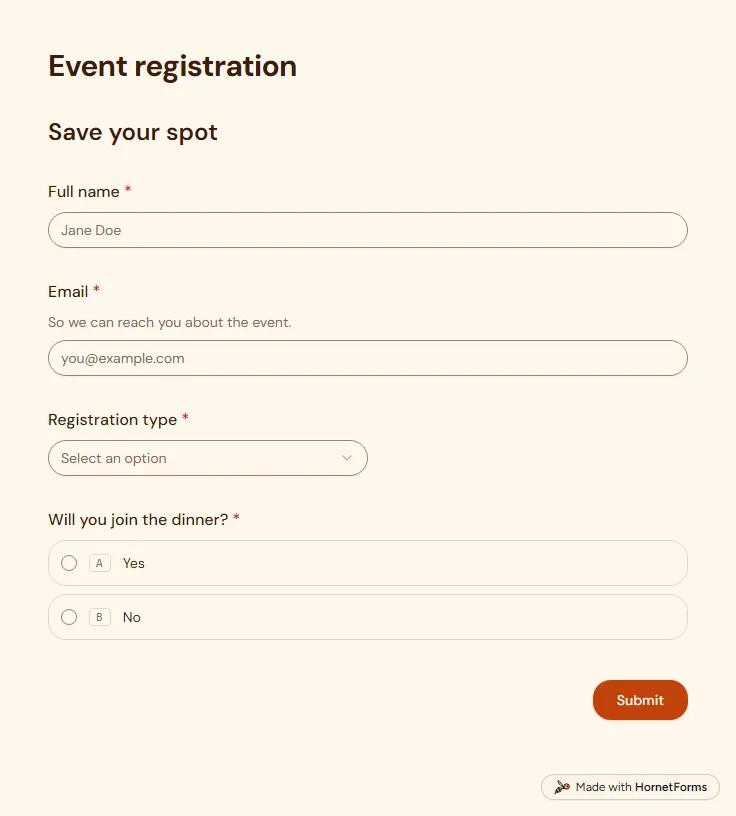
Event registration form template (free)
A free event registration form that collects names, emails, ticket type and dinner choices, with dietary needs asked only when they apply.
5 questions on one page
Launch week: 50% off Pro and Business with code LAUNCH50, while spots last. See pricing
A clipboard on the welcome table collects a dozen names, and half of them are hard to read. A volunteer sign up form gets the same details from everyone, typed, in one list. This one is short on purpose. Page one asks for a name, email and phone, then whether the person is 18 or older. Anyone who answers No sees two more questions, a parent or guardian's name and phone, and both become required. Page two asks when they are free (weekday mornings, weekday evenings or weekends), how often they can help, from a one-off event to every week, and which areas interest them. Two open boxes cover relevant experience and anything that would make volunteering easier. Sign up for free, open the template in your workspace and rename the areas to match your own jobs.
Free plan, free forever. Sign up and the template opens in your workspace.
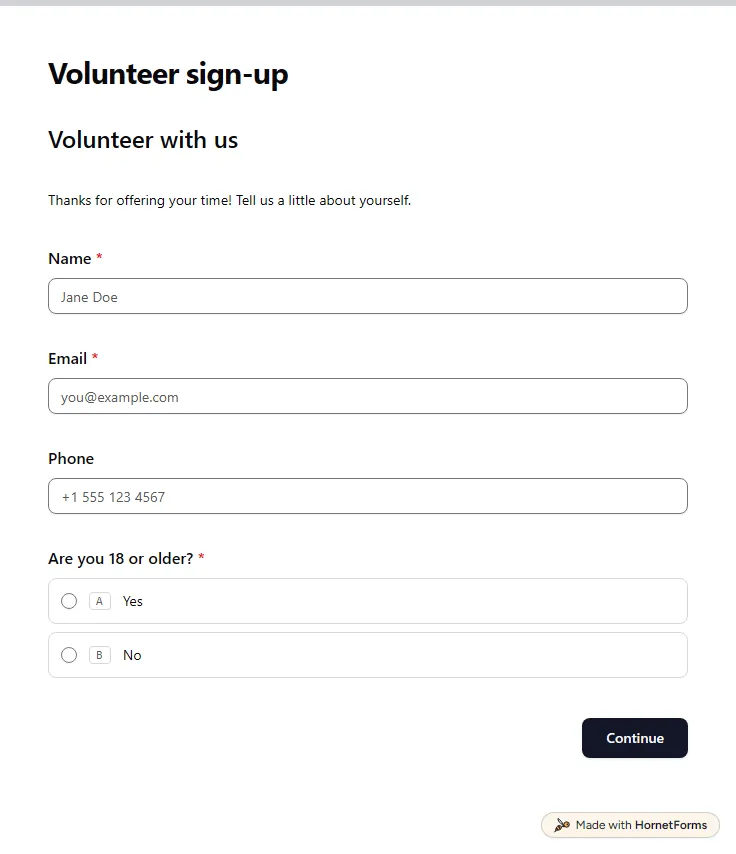
11 questions on 2 pages. Every question, in order:
Why we ask: So a coordinator can reach you, and a parent or guardian for younger volunteers.
| No. | Question | Answer type | Required? |
|---|---|---|---|
| 1 | NameShort answer, Required | Short answer | Required |
| 2 | EmailEmail, Required | Required | |
| 3 | PhonePhone number, Optional | Phone number | Optional |
| 4 | Are you 18 or older?Multiple choice, RequiredChoices: Yes, No | Multiple choice | Required |
| 5 | Parent or guardian's nameShort answer, Optional | Short answer | Optional |
| 6 | Parent or guardian's phonePhone number, Optional | Phone number | Optional |
Why we ask: So we can match you to tasks and times that suit you.
| No. | Question | Answer type | Required? |
|---|---|---|---|
| 7 | When are you available?Checkboxes, RequiredSelect all that apply.Choices: Weekday mornings, Weekday evenings, Weekends | Checkboxes | Required |
| 8 | How often can you help?Multiple choice, OptionalChoices: A one-off event, A few times a year, About once a month, Every week | Multiple choice | Optional |
| 9 | Areas of interestCheckboxes, OptionalChoices: Event setup, Hospitality & greeting, Fundraising, Social media | Checkboxes | Optional |
| 10 | Relevant experienceLong answer, Optional | Long answer | Optional |
| 11 | Anything that would make volunteering easier for you?Long answer, Optional | Long answer | Optional |
Thank you for volunteering!
A coordinator will be in touch soon.
The same questions, ready to print or edit.
Every response lands in your HornetForms inbox. From there, send it wherever your team already works.
Yes. You can use it on every plan, including the Free plan, and every plan includes unlimited responses. Volunteers fill it in on a phone or a computer without creating an account.
This one has 11 questions over two pages. The first page covers name, email, phone and age, with guardian details for under-18s. The second covers availability, how often they can help, areas of interest, experience and anything that would make volunteering easier.
Yes. Anyone with the link can answer without signing up or signing in. Post the link in a newsletter or a group chat, add it to your website, or print the QR code for a poster at your next event.
Yes. Connect Google Sheets on any plan and each new sign-up becomes a row with the person's availability and chosen areas. You can also download every response as a CSV file whenever you like.
Ask where people already are: at the end of an event, in your newsletter, on a flyer by the door. Then keep the form short. This one has 11 questions, and the QR code lets someone sign up on the spot, before they walk away.
A free event registration form that collects names, emails, ticket type and dinner choices, with dietary needs asked only when they apply.
5 questions on one page
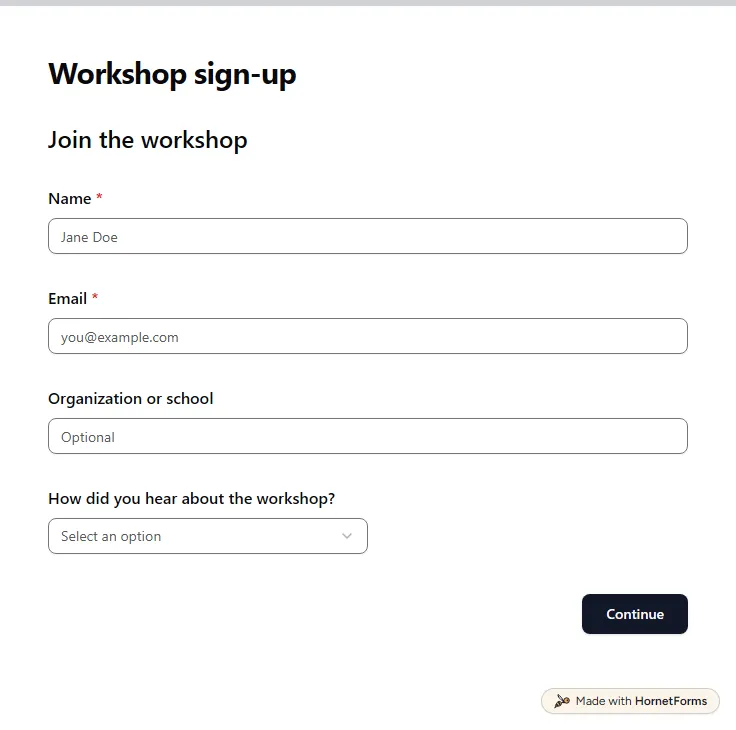
A free workshop registration form: contact details, a session date, experience level, equipment and access needs, plus a late-arrival question.
11 questions on 2 pages
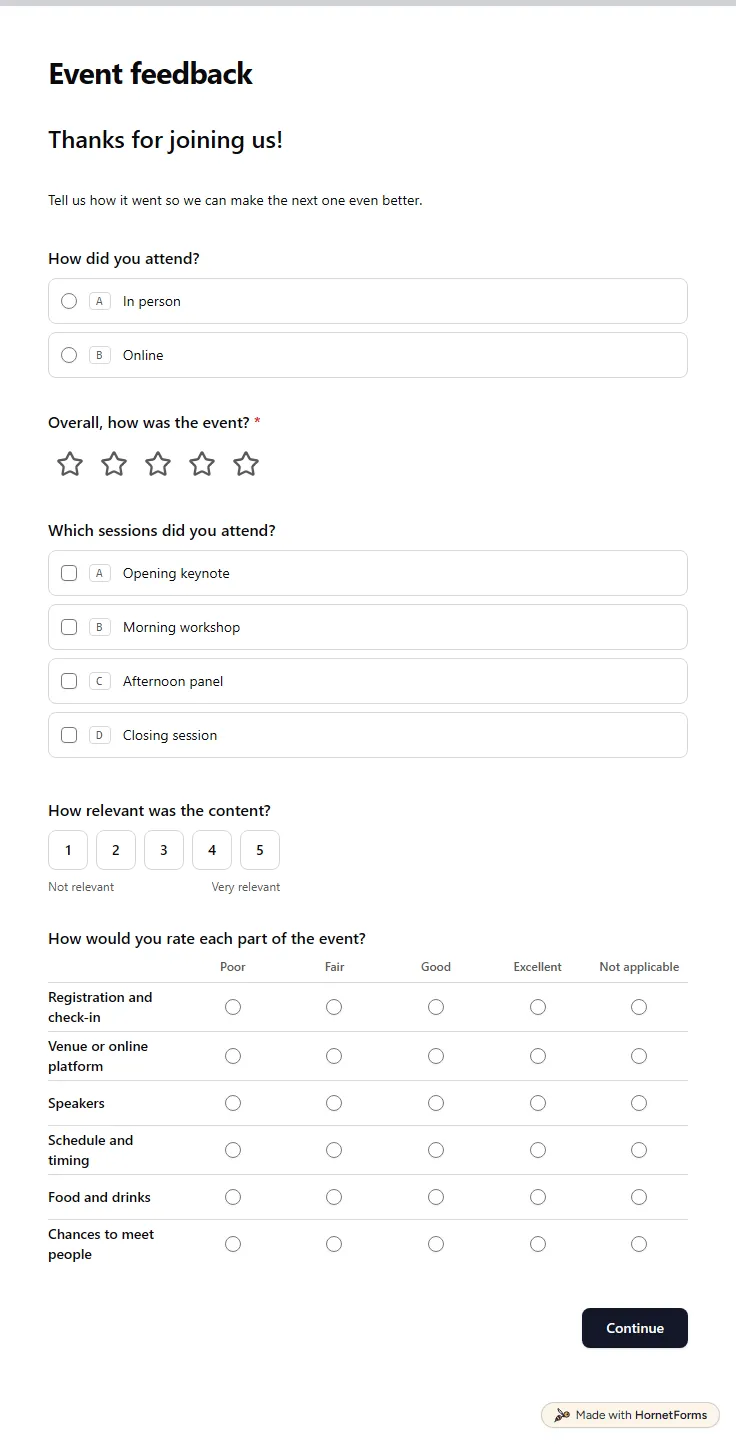
A free event feedback form template: an overall rating, session picks, a six-part rating grid, a recommend score and what to change next time.
12 questions on 2 pages
What to ask on a volunteer application form, how to handle under-18s and references, and a free template, printable PDF and shift roster you can copy.
A free interest form template for clubs, volunteers, classes and events, with a printable form for sign-up tables and a tracker for follow-ups.
A free volunteer hours log template for Excel and Google Sheets, a short form volunteers fill in from a QR code, and a printable sign-in sheet.
50 volunteer survey questions for recruitment, after-shift feedback and exit surveys, with church examples, a free question bank and a CSV that builds the form.
Sign up for free, pick a template and change anything you like: questions, logic and design. The Free plan stays free forever, with unlimited responses.