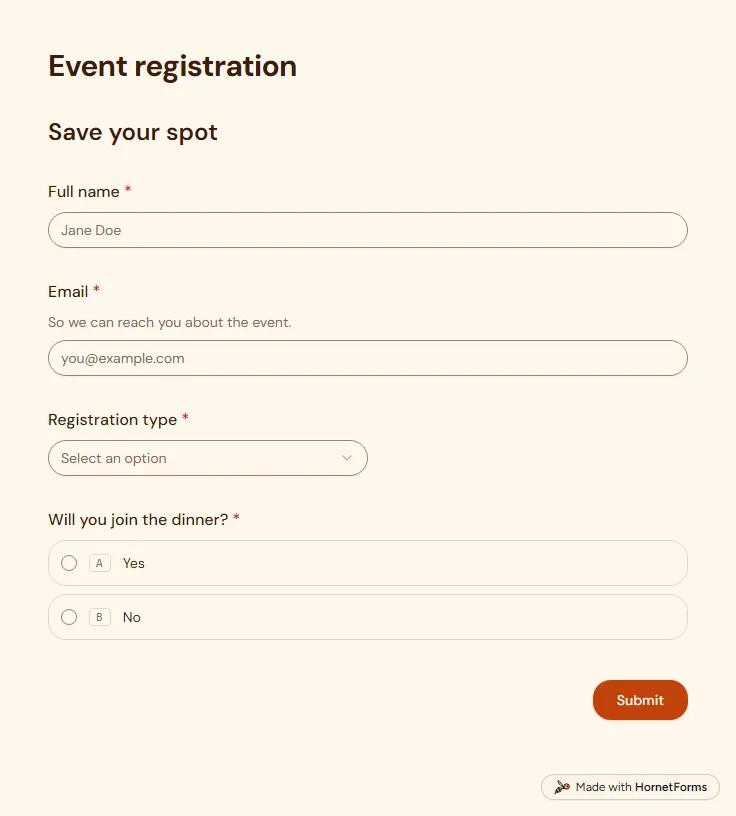
Event registration form template (free)
A free event registration form that collects names, emails, ticket type and dinner choices, with dietary needs asked only when they apply.
5 questions on one page
Launch week: 50% off Pro and Business with code LAUNCH50, while spots last. See pricing
Running a workshop means planning for the people in the room: how many chairs, how much material, and whether to start with the basics. This workshop registration form asks what you need to know before the day. Page one takes a name, an email, an organization or school, and how people heard about you. Page two asks them to pick one of three sessions from a dropdown, then whether they can stay for the whole thing. Anyone who needs to arrive late or leave early gets a follow-up asking when. It also asks their experience level, whether they will bring their own equipment, what they hope to learn and any accessibility or dietary needs. The thank-you screen tells people you will email the details before their session, so plan to send them. Sign up for free, rename the sessions and share the link.
Free plan, free forever. Sign up and the template opens in your workspace.
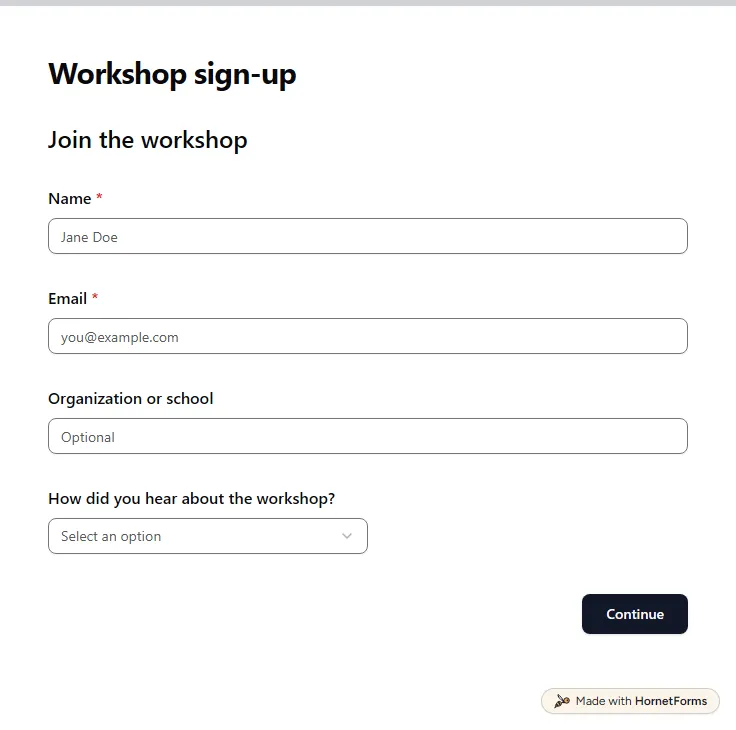
11 questions on 2 pages. Every question, in order:
Why we ask: So we can send you the details and reminders.
| No. | Question | Answer type | Required? |
|---|---|---|---|
| 1 | NameShort answer, Required | Short answer | Required |
| 2 | EmailEmail, Required | Required | |
| 3 | Organization or schoolShort answer, Optional | Short answer | Optional |
| 4 | How did you hear about the workshop?Dropdown, OptionalChoices: Email or newsletter, Social media, A friend or colleague, Our website, A poster or flyer, Other | Dropdown | Optional |
Why we ask: So we pitch the content at the right level and have what everyone needs ready.
| No. | Question | Answer type | Required? |
|---|---|---|---|
| 5 | Preferred dateDropdown, RequiredChoices: Session A: Monday morning, Session B: Wednesday afternoon, Session C: Saturday morning | Dropdown | Required |
| 6 | Can you stay for the whole session?Multiple choice, OptionalChoices: Yes, I'll need to arrive late or leave early | Multiple choice | Optional |
| 7 | When will you arrive or leave?Short answer, Optional | Short answer | Optional |
| 8 | Experience levelMultiple choice, RequiredChoices: Beginner, Intermediate, Advanced | Multiple choice | Required |
| 9 | Will you bring your own equipment?Multiple choice, OptionalChoices: Yes, No, I'll need to borrow some, Not sure what I need | Multiple choice | Optional |
| 10 | What do you hope to learn?Long answer, Optional | Long answer | Optional |
| 11 | Accessibility or dietary needsLong answer, Optional | Long answer | Optional |
You're signed up!
We'll email you the details before your session.
The same questions, ready to print or edit.
Every response lands in your HornetForms inbox. From there, send it wherever your team already works.
Yes. This page has a printable PDF in US Letter and A4, plus a Word file you can edit. Keep a few paper copies at the door for walk-ins who would rather not use their phone.
Yes. Change the title and the session names, then drop the equipment question if people only need to sit and listen. The experience level and access needs questions still help you plan a seminar.
This sample has 11 questions on two pages: name, email, organization, how they heard about you, preferred session, whether they can stay the whole time, when they will arrive or leave, experience level, equipment, learning goals and accessibility or dietary needs.
This is a HornetForms template rather than a Google Form, and it can still fill a Google Sheet. The Google Sheets connection works on every plan and adds a row for each person who registers, so a co-host can see the list as it grows. CSV export is free on every plan as well.
It does. For staff training, rename "Organization or school" to team or department, and remove the "How did you hear about the workshop?" question, since everyone heard about it from you.
A free event registration form that collects names, emails, ticket type and dinner choices, with dietary needs asked only when they apply.
5 questions on one page
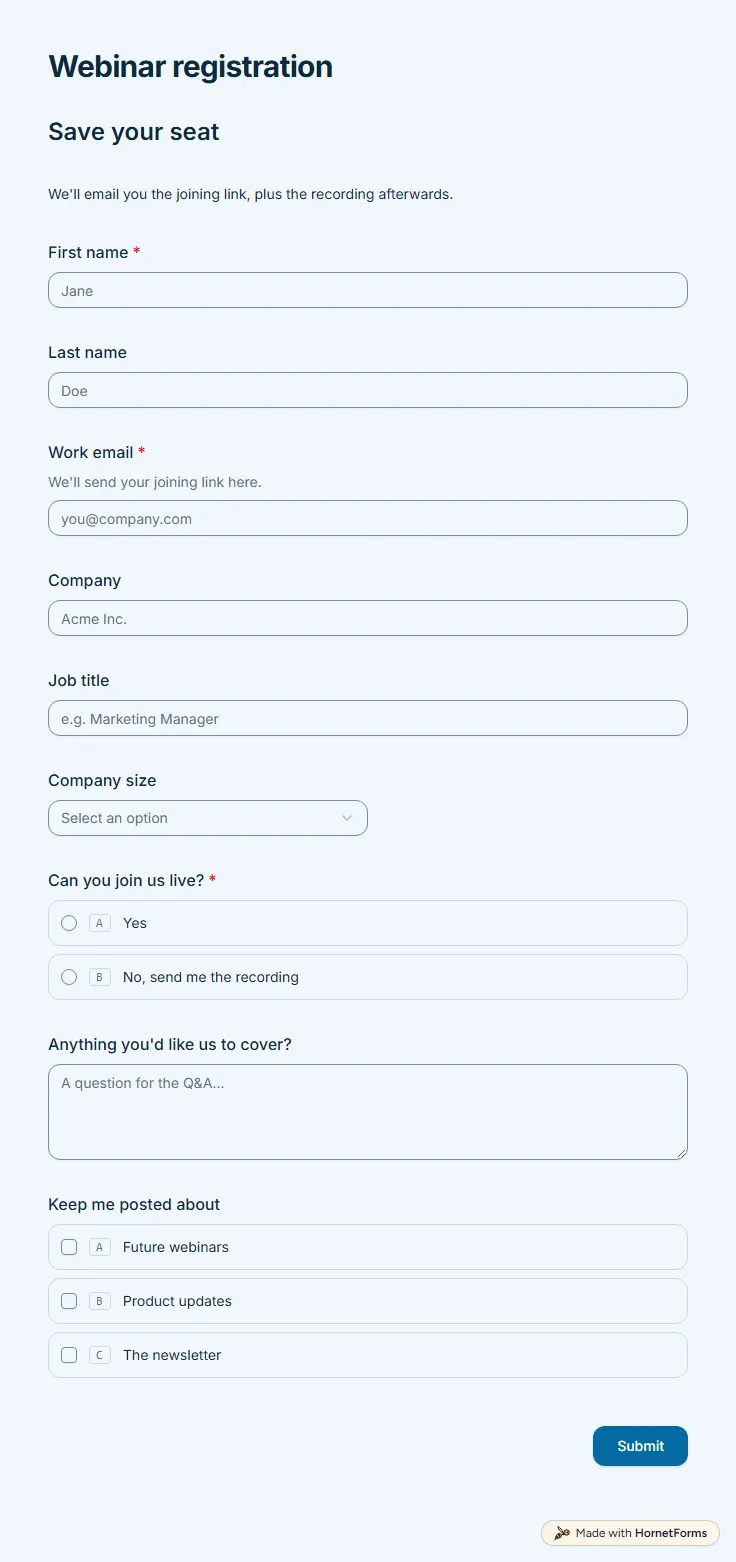
A free webinar registration form with nine questions: contact details, company size, a live or recording choice and topics people want covered.
9 questions on one page
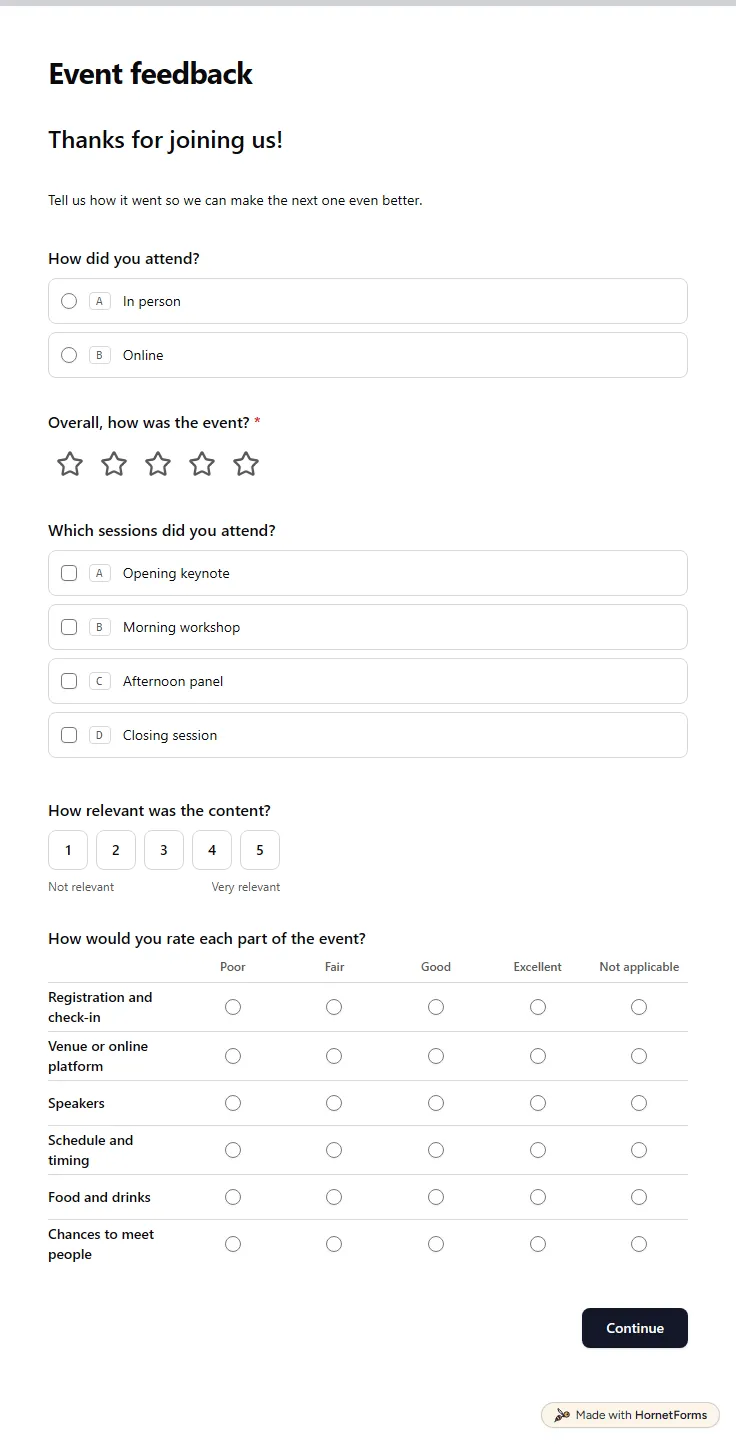
A free event feedback form template: an overall rating, session picks, a six-part rating grid, a recommend score and what to change next time.
12 questions on 2 pages
Take registrations and the fee in one form: what to ask, how to stop at capacity, one sign-up per email, and a free template plus a registration tracker.
A yoga class registration form that takes payment, closes when the class is full and sends everyone else to a waitlist. Free templates and a printable.
A free interest form template for clubs, volunteers, classes and events, with a printable form for sign-up tables and a tracker for follow-ups.
Sign up for free, pick a template and change anything you like: questions, logic and design. The Free plan stays free forever, with unlimited responses.