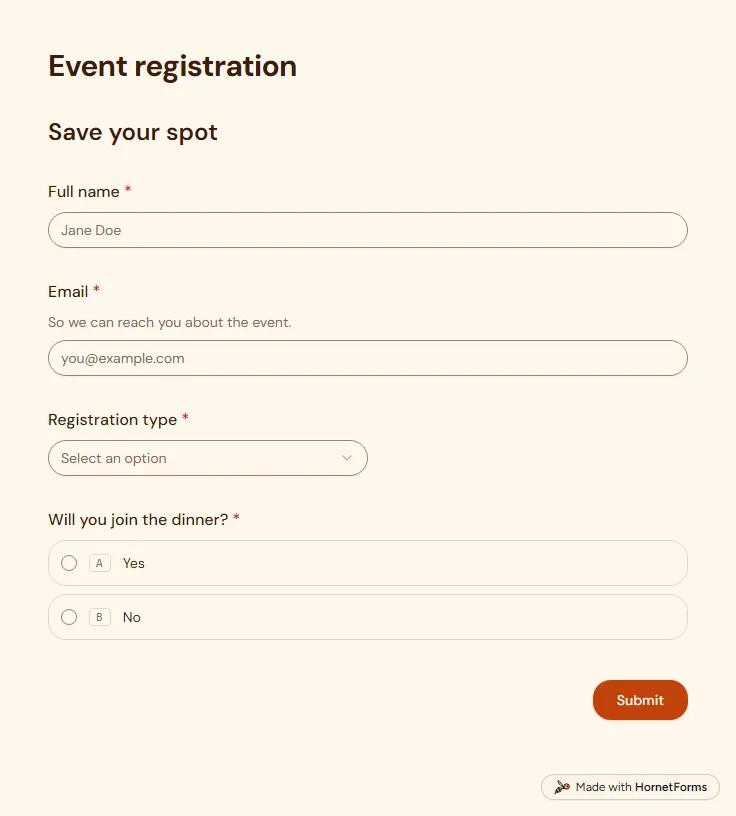
Event registration form template (free)
A free event registration form that collects names, emails, ticket type and dinner choices, with dietary needs asked only when they apply.
5 questions on one page
Launch week: 50% off Pro and Business with code LAUNCH50, while spots last. See pricing
A webinar registration form should take under a minute, or people close the tab and forget the date. This one fits on a single page called Save your seat, with nine questions. It asks for first and last name, work email, company, job title and company size. Then one question splits the room: can you join us live? Anyone who picks "No, send me the recording" sees a short note saying the recording will arrive by email within 24 hours. Everyone can suggest a topic to cover and tick what they want to hear about later: future webinars, product updates or the newsletter. The thank-you screen tells people to check their inbox for the joining link, so the confirmation email is part of the job. Sign up for free, copy the template and write that email before you share the form.
Free plan, free forever. Sign up and the template opens in your workspace.
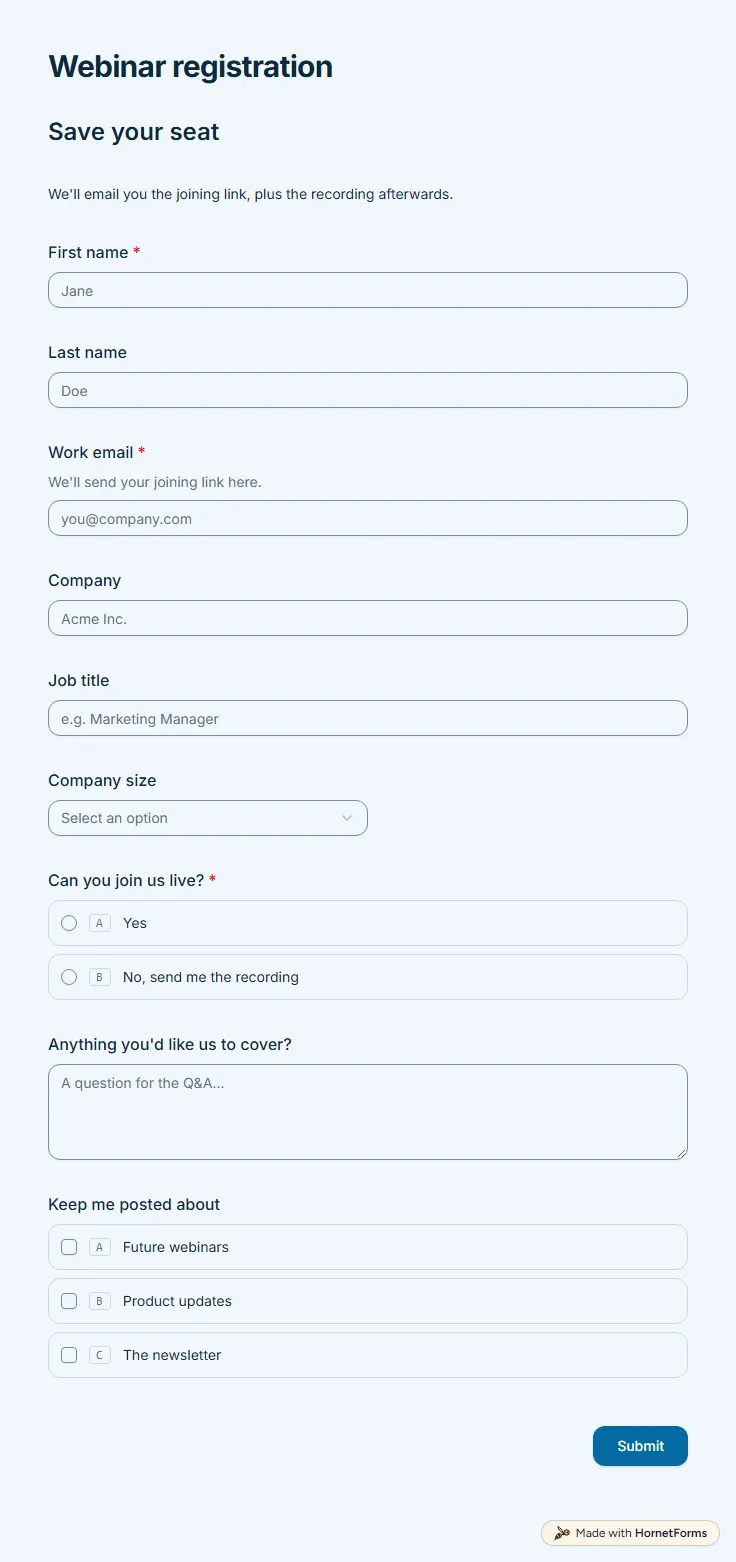
9 questions on one page. Every question, in order:
| No. | Question | Answer type | Required? |
|---|---|---|---|
| 1 | First nameShort answer, Required | Short answer | Required |
| 2 | Last nameShort answer, Optional | Short answer | Optional |
| 3 | Work emailEmail, RequiredWe'll send your joining link here. | Required | |
| 4 | CompanyShort answer, Optional | Short answer | Optional |
| 5 | Job titleShort answer, Optional | Short answer | Optional |
| 6 | Company sizeDropdown, OptionalChoices: Just me, 2-10, 11-50, 51-200, 201+ | Dropdown | Optional |
| 7 | Can you join us live?Multiple choice, RequiredChoices: Yes, No, send me the recording | Multiple choice | Required |
| 8 | Anything you'd like us to cover?Long answer, Optional | Long answer | Optional |
| 9 | Keep me posted aboutCheckboxes, OptionalChoices: Future webinars, Product updates, The newsletter | Checkboxes | Optional |
You're registered!
Check your inbox for the joining link. See you there.
The same questions, ready to print or edit.
Every response lands in your HornetForms inbox. From there, send it wherever your team already works.
Keep it short: a name, an email for the joining details, and whether they will attend live or want the recording. This template adds company, job title and company size for context, an open question for topics, and opt-in boxes for future updates. Cut any field you will not use.
Yes. Google Forms offers Short answer, Paragraph, Multiple choice, Checkboxes and Dropdown questions (Google Docs Editors Help, "Choose a type of question for your form", checked 28 October 2026), which cover all nine. Use a Short answer for the work email and copy the labels and options from this page. If you copy the template into HornetForms instead, the recording note already runs on logic, and you write your own confirmation email with the join link.
Yes. Press "Preview it live" on this page and fill it in as a guest would. Pick "No, send me the recording" to see the note appear. There is also a printable PDF in US Letter and A4 and an editable Word file.
Yes. Embed it inline under your webinar description, or as a popup or slider on a busy page. With the embed script, the form also picks up the utm parameters from your landing page address, so each sign-up keeps its source.
A free event registration form that collects names, emails, ticket type and dinner choices, with dietary needs asked only when they apply.
5 questions on one page
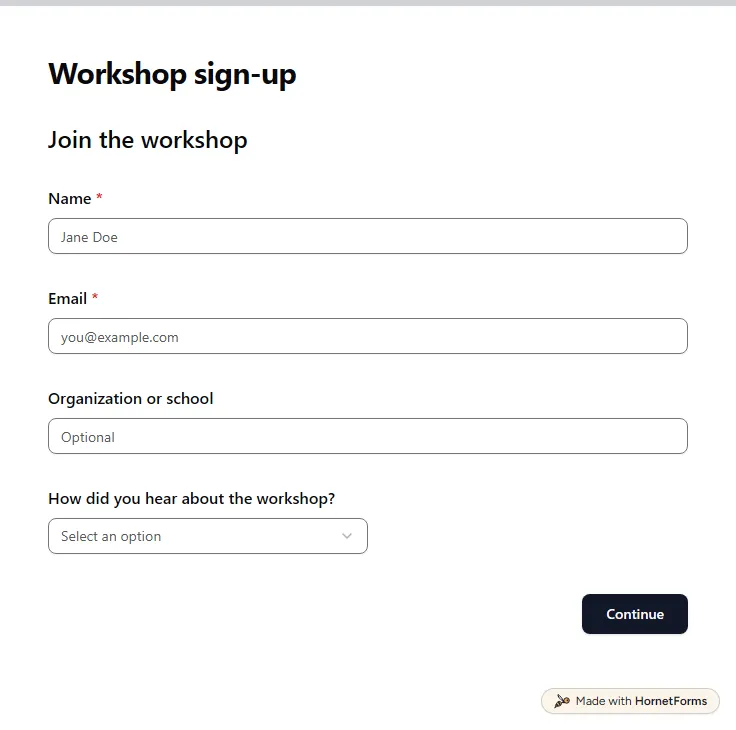
A free workshop registration form: contact details, a session date, experience level, equipment and access needs, plus a late-arrival question.
11 questions on 2 pages
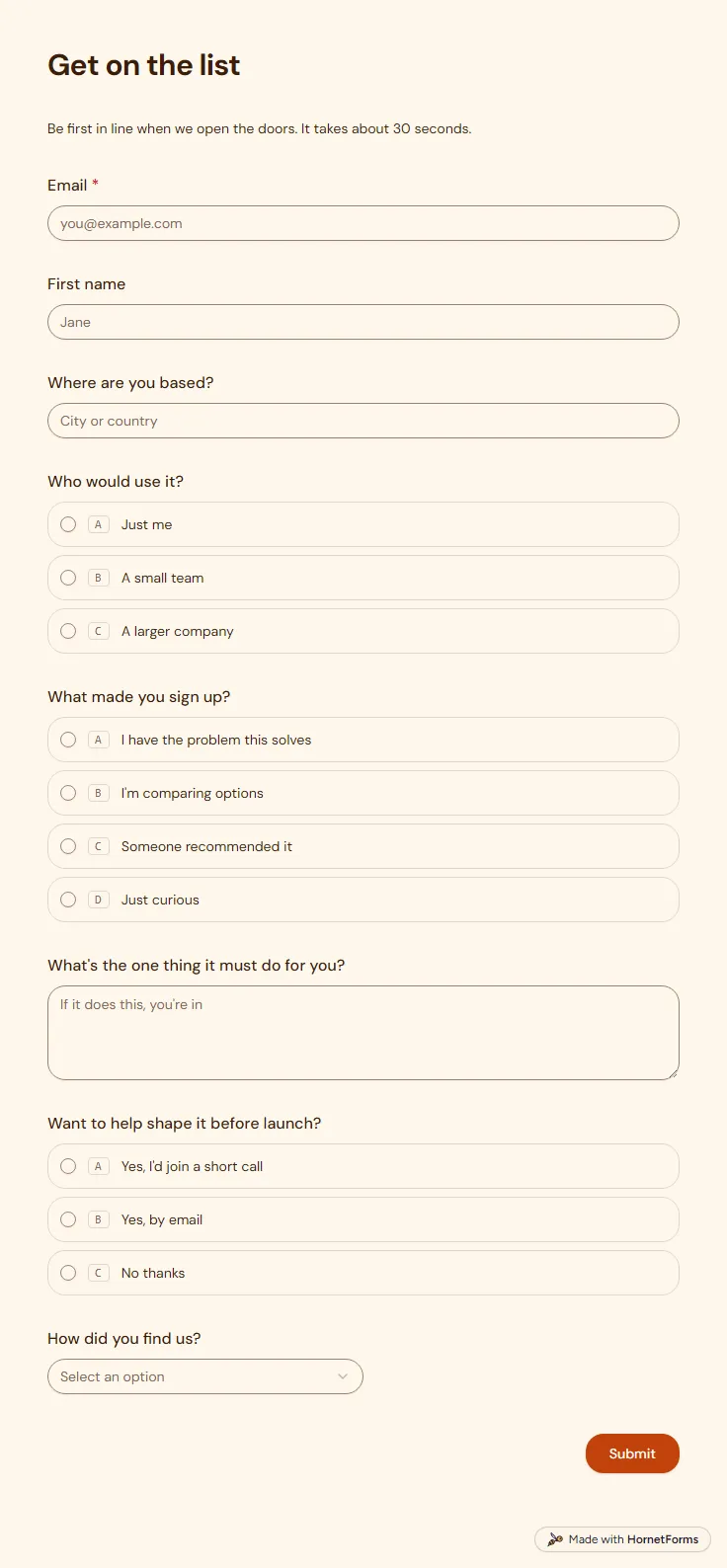
A free waitlist form that records which link sent each sign-up and asks what people need, so your list is useful on launch day.
8 questions on one page
Capture UTM parameters in a form with hidden fields, keep them in embeds, and see which campaign brought each lead. Free template and UTM sheet.
The post-event survey questions worth asking, how to follow up on low and high scores, when to send it so people answer, and a free template you can copy.
Sign up for free, pick a template and change anything you like: questions, logic and design. The Free plan stays free forever, with unlimited responses.