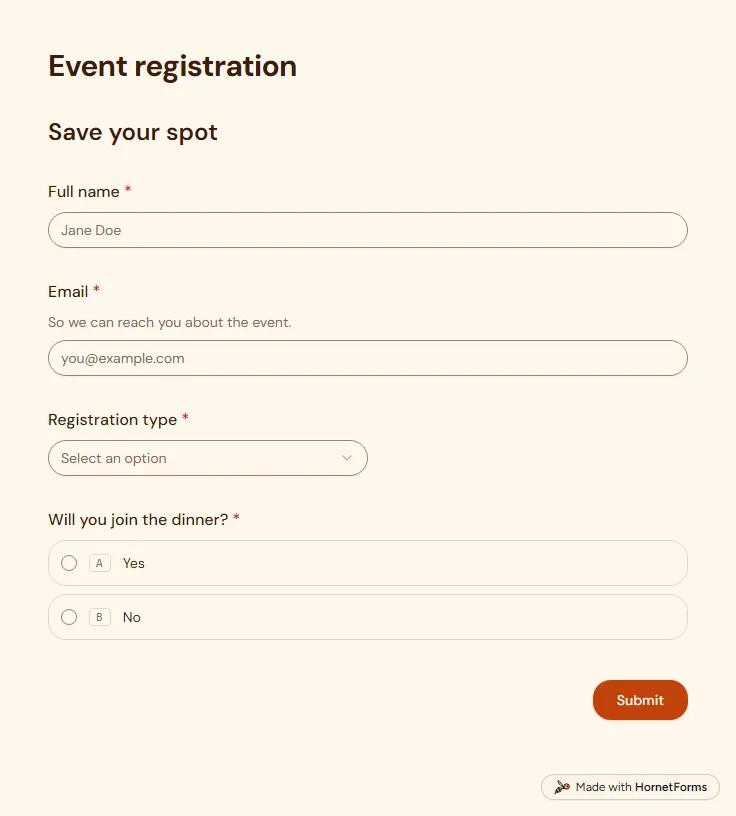
Event registration form template (free)
A free event registration form that collects names, emails, ticket type and dinner choices, with dietary needs asked only when they apply.
5 questions on one page
Launch week: 50% off Pro and Business with code LAUNCH50, while spots last. See pricing
A waitlist is only worth having if you know who is on it. This waitlist form template asks for an email address, then a few light questions: a first name, where they live, who would use your product, why they signed up and the one thing it must do. Two hidden fields, source and ref, record which post, newsletter or friend sent each person, and the form asks "How did you find us?" only when the link carried no source. The thank-you screen repeats their email back and invites them to share the link. Sign up for free, open the template and rename it for your launch.
Free plan, free forever. Sign up and the template opens in your workspace.
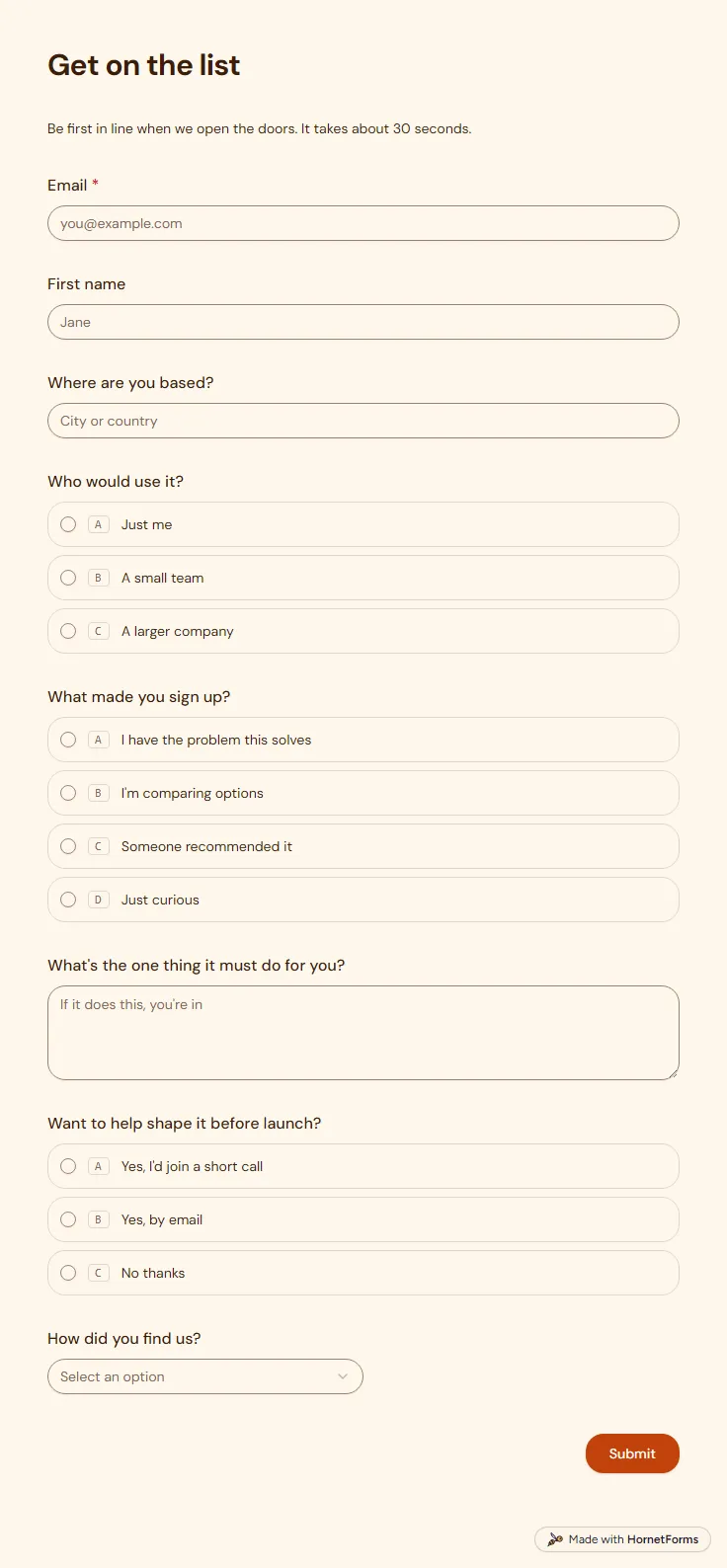
8 questions on one page. Every question, in order:
Why we ask: So we know who's waiting, what they need and which links bring people in.
| No. | Question | Answer type | Required? |
|---|---|---|---|
| 1 | EmailEmail, Required | Required | |
| 2 | First nameShort answer, Optional | Short answer | Optional |
| 3 | Where are you based?Short answer, Optional | Short answer | Optional |
| 4 | Who would use it?Multiple choice, OptionalChoices: Just me, A small team, A larger company | Multiple choice | Optional |
| 5 | What made you sign up?Multiple choice, OptionalChoices: I have the problem this solves, I'm comparing options, Someone recommended it, Just curious | Multiple choice | Optional |
| 6 | What's the one thing it must do for you?Long answer, Optional | Long answer | Optional |
| 7 | Want to help shape it before launch?Multiple choice, OptionalChoices: Yes, I'd join a short call, Yes, by email, No thanks | Multiple choice | Optional |
| 8 | How did you find us?Dropdown, OptionalChoices: Search, Social media, A friend, A newsletter or podcast, Somewhere else | Dropdown | Optional |
You're in line
We'll write to [Email] when we open the doors. Know someone who'd like it too? Send them the link.
Hidden fields it reads from the link: source, ref
Every response lands in your HornetForms inbox. From there, send it wherever your team already works.
Only when the link had no source value. If you shared a tracked link, the form already knows the answer and skips the question, so the sign-up stays short. A plain link shows a dropdown with five choices.
Yes. The message says you will write to that address when you open the doors, and it fills in the email the person typed. It also asks them to send the link to a friend who would like it too.
Eight at most, on a single page, and only the email is required. People who want a quick sign-up can enter an address and press submit, while the others fill in as much as they like.
A free event registration form that collects names, emails, ticket type and dinner choices, with dietary needs asked only when they apply.
5 questions on one page
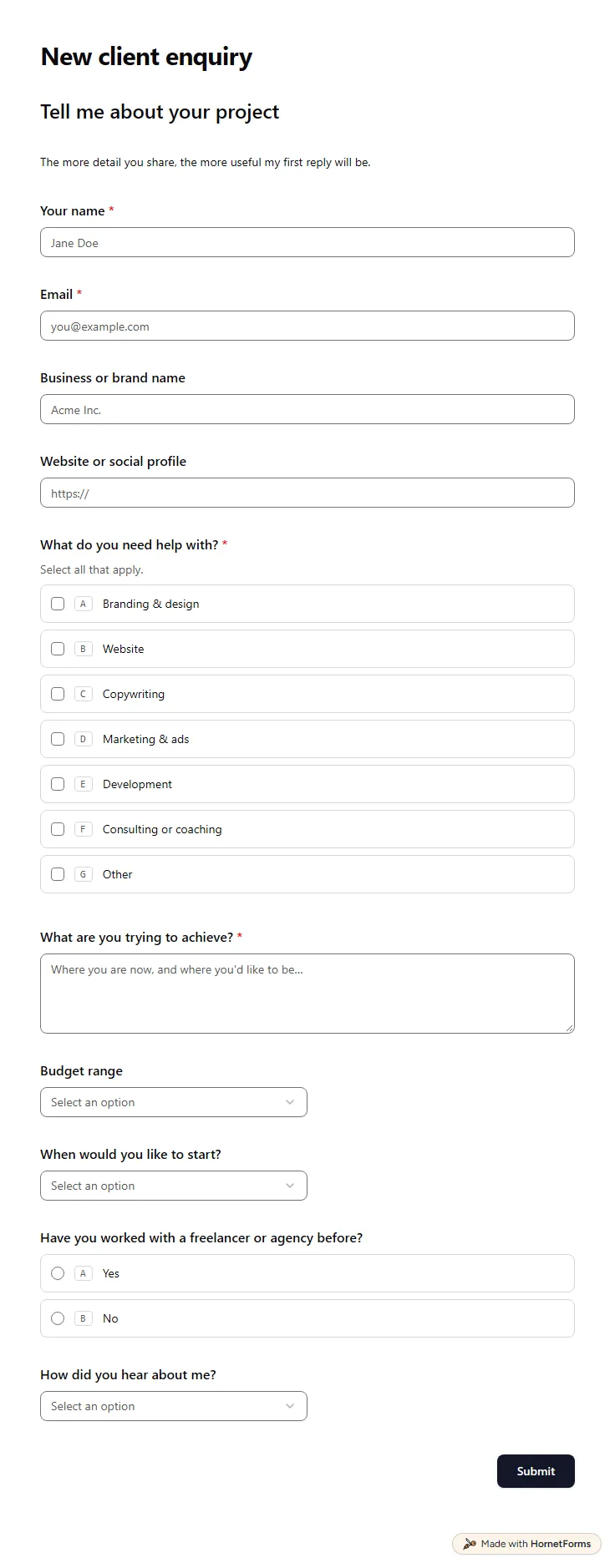
A free client intake form for freelancers and agencies. Ask about scope, budget, timeline and past experience before the first call.
11 questions on one page
A free waitlist form template for your launch: one sign-up per email, the post that sent each person, and a cap on your first cohort.
Sign up for free, pick a template and change anything you like: questions, logic and design. The Free plan stays free forever, with unlimited responses.