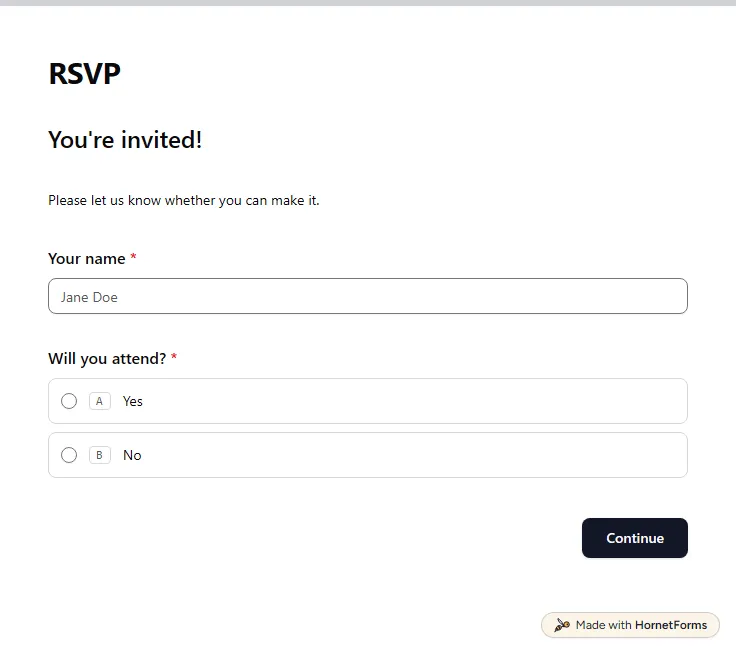
RSVP form template (free)
A free RSVP form for parties, dinners and meetings. Guests say yes or no, add their plus ones, and you see every reply in one list.
4 questions on 2 pages
Launch week: 50% off Pro and Business with code LAUNCH50, while spots last. See pricing
Registration should take a guest one minute, and it should give you everything you need to plan. This event registration form template asks for a full name and an email address, then lets people pick a registration type: General, VIP or Student. It also asks whether they will join the dinner. Only guests who say yes see the dietary requirements question, so everyone else gets a shorter form. Everything fits on one page, which keeps drop-off low on a phone. Every sign-up arrives by email and lands in one list that you can filter and export. Sign up for free, open the template in your workspace and rename the types to match your event.
Free plan, free forever. Sign up and the template opens in your workspace.
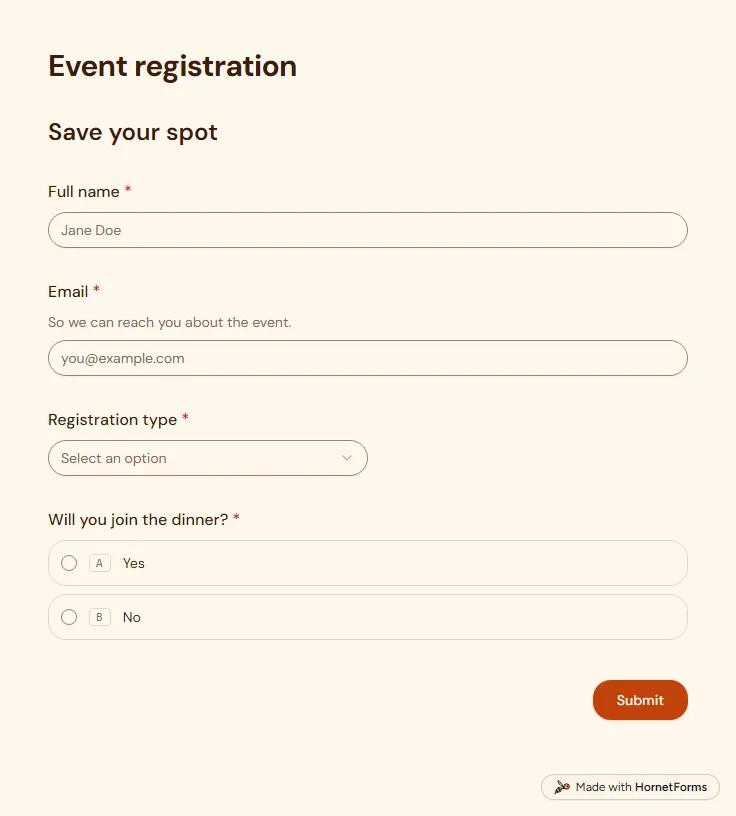
5 questions on one page. Every question, in order:
| No. | Question | Answer type | Required? |
|---|---|---|---|
| 1 | Full nameShort answer, Required | Short answer | Required |
| 2 | EmailEmail, RequiredSo we can reach you about the event. | Required | |
| 3 | Registration typeDropdown, RequiredChoices: General, VIP, Student | Dropdown | Required |
| 4 | Will you join the dinner?Multiple choice, RequiredChoices: Yes, No | Multiple choice | Required |
| 5 | Dietary requirementsCheckboxes, OptionalSelect all that apply.Choices: Vegetarian, Vegan, Gluten-free, Halal, Kosher | Checkboxes | Optional |
You're registered!
Your place is saved. See you there.
Every response lands in your HornetForms inbox. From there, send it wherever your team already works.
Only guests who answer Yes to the dinner question. People who say No go straight on without seeing it. The choices cover vegetarian, vegan, gluten-free, halal and kosher, and guests can tick more than one.
This template is for free registration. If your event has a ticket price, start from the paid event registration template in the gallery. It adds a payment step, and you connect your own Stripe account. Stripe's fees apply.
They can. The form asks for an email address, and HornetForms can send a confirmation to that address after each sign-up. You choose the email question in the notification settings and write the message yourself. You can also turn on an email to yourself for each new registration.
Every registration lands in the responses table, where you can search and filter by registration type or dinner choice. Export the list as a CSV file, or connect Google Sheets for a live list that updates as people sign up.
A free RSVP form for parties, dinners and meetings. Guests say yes or no, add their plus ones, and you see every reply in one list.
4 questions on 2 pages
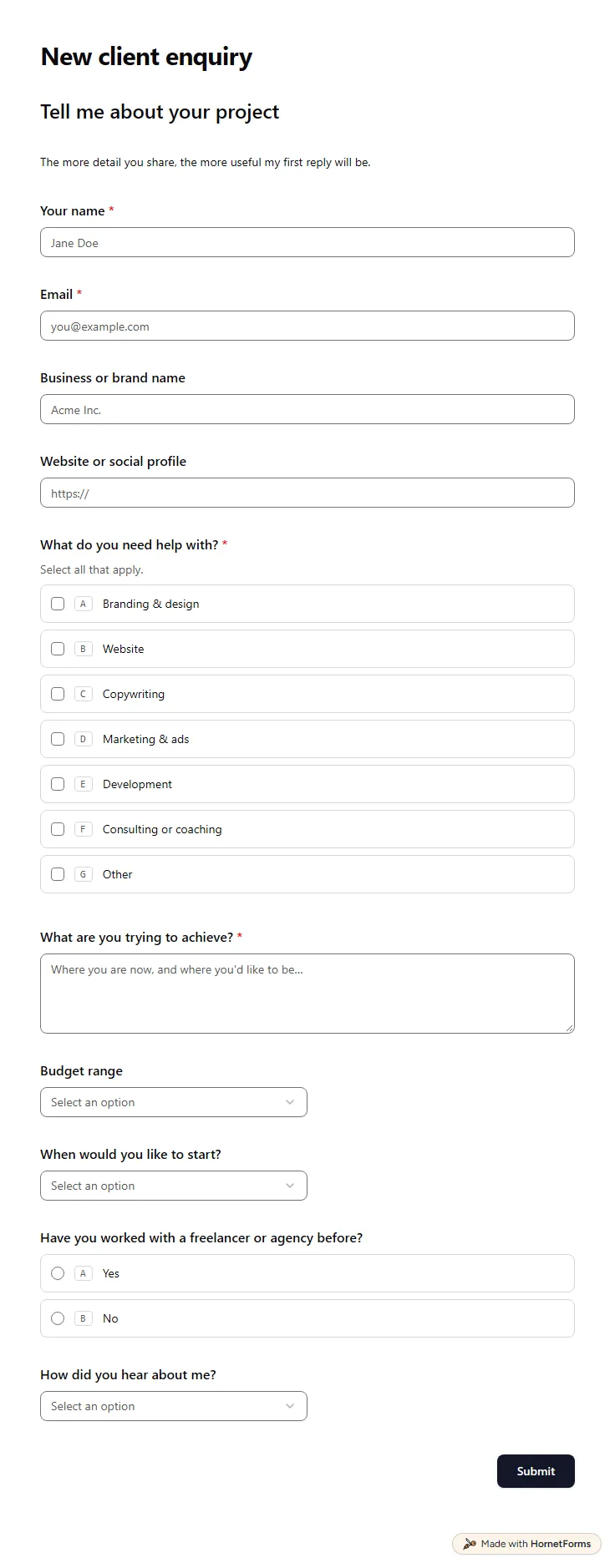
A free client intake form for freelancers and agencies. Ask about scope, budget, timeline and past experience before the first call.
11 questions on one page
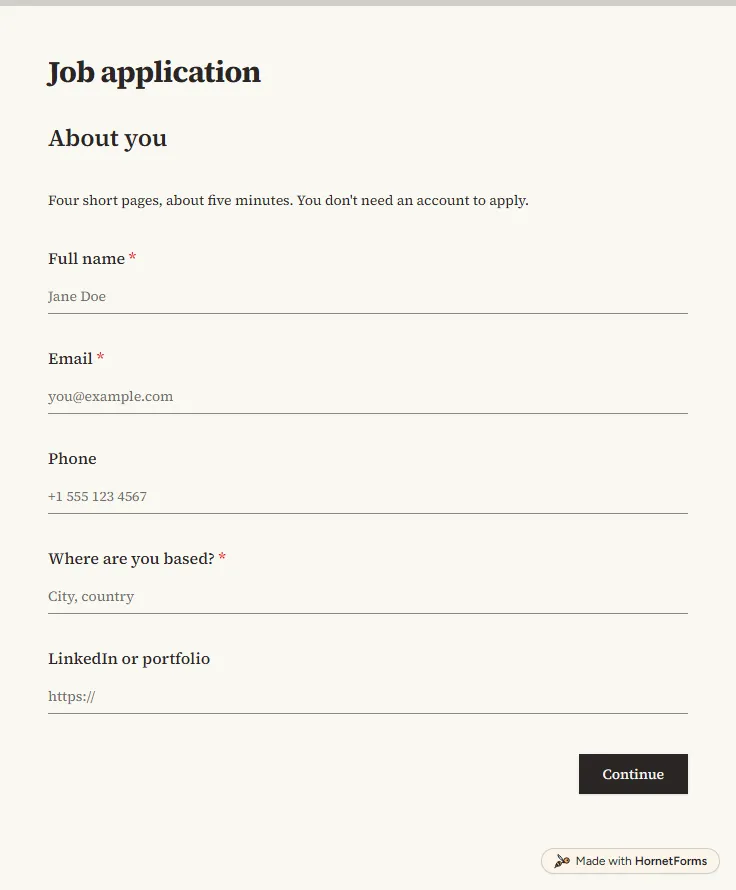
A free job application form with CV upload, screening questions and a job board tracker. Candidates apply from any phone, with no account needed.
17 questions on 4 pages
Take registrations and the fee in one form: what to ask, how to stop at capacity, one sign-up per email, and a free template plus a registration tracker.
The post-event survey questions worth asking, how to follow up on low and high scores, when to send it so people answer, and a free template you can copy.
Sign up for free, pick a template and change anything you like: questions, logic and design. The Free plan stays free forever, with unlimited responses.