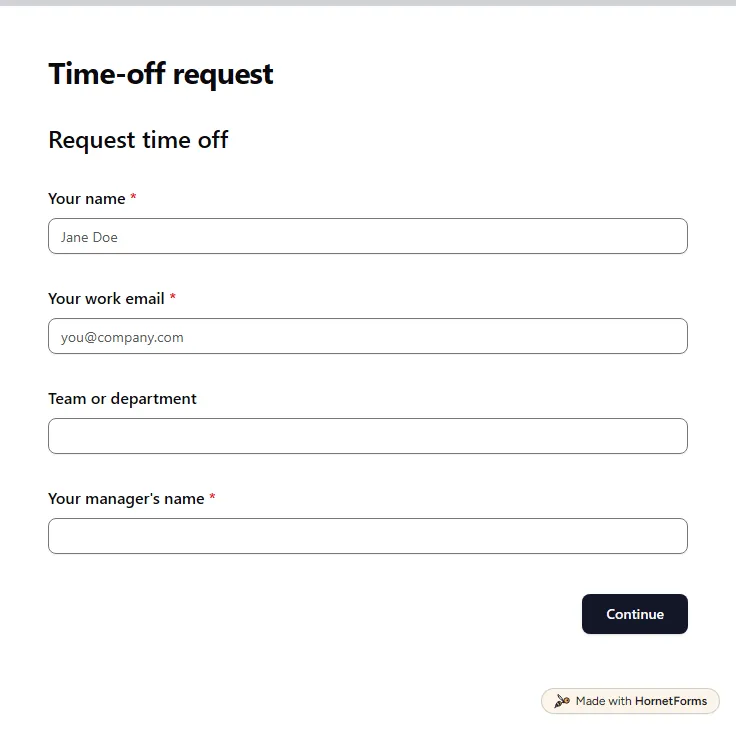
Time off request form template (free)
A free time off request form for PTO, vacation, sick days and half days. Staff send it from any phone, and you get each request by email.
15 questions on 3 pages
Launch week: 50% off Pro and Business with code LAUNCH50, while spots last. See pricing
Hiring is hard enough without CVs scattered across email threads. This job application form template collects everything in one place over four short pages: contact details, the role, a CV or resume upload and a few questions that tell you more than a CV can. Candidates upload a PDF or Word file up to 10 MB, plus optional work samples, and they never need an account or a sign-in. A hidden source field reads the job board from the link you post, so you can see where your best applicants come from. The form also asks about the right to work and the earliest start date before you book a single call. Sign up for free and the template opens in your workspace, ready for your own roles.
Free plan, free forever. Sign up and the template opens in your workspace.
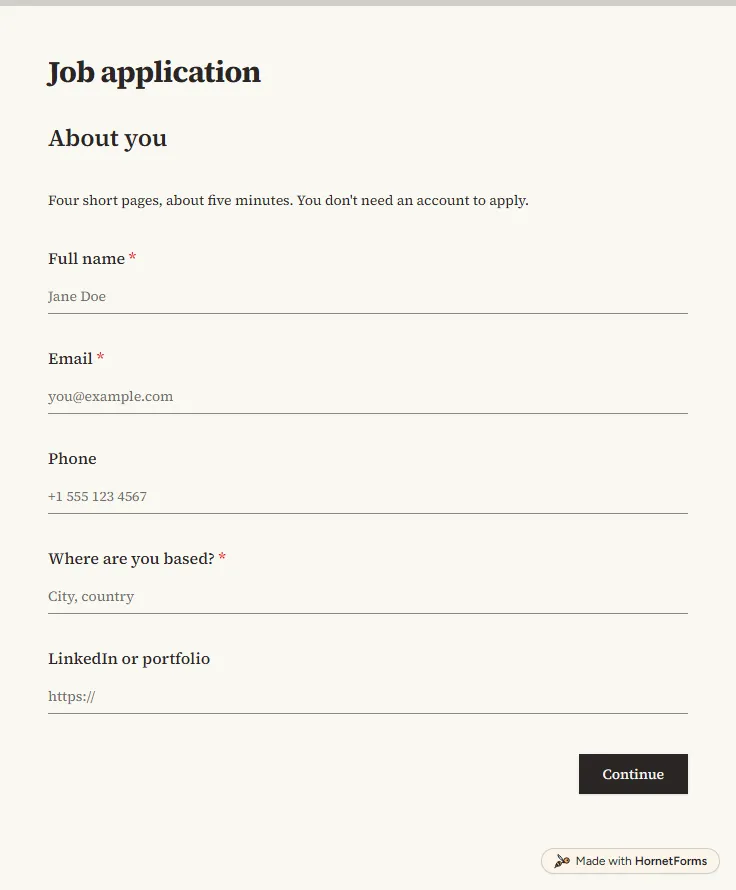
17 questions on 4 pages. Every question, in order:
Why we ask: So we can contact you about this application.
| No. | Question | Answer type | Required? |
|---|---|---|---|
| 1 | Full nameShort answer, Required | Short answer | Required |
| 2 | EmailEmail, Required | Required | |
| 3 | PhonePhone number, Optional | Phone number | Optional |
| 4 | Where are you based?Short answer, Required | Short answer | Required |
| 5 | LinkedIn or portfolioLink, Optional | Link | Optional |
Why we ask: So we read your application against the right job.
| No. | Question | Answer type | Required? |
|---|---|---|---|
| 6 | Which role are you applying for?Dropdown, RequiredChoices: Software engineer, Product designer, Customer success manager, Other | Dropdown | Required |
| 7 | Which role?Short answer, Optional | Short answer | Optional |
| 8 | Do you have the right to work in the country where this job is based?Multiple choice, RequiredChoices: Yes, No, I would need sponsorship, Not sure | Multiple choice | Required |
| 9 | Earliest start dateDate, Optional | Date | Optional |
Why we ask: So you only share your experience once, without retyping your CV.
| No. | Question | Answer type | Required? |
|---|---|---|---|
| 10 | CV or resumeFile upload, RequiredPDF or Word, up to 10 MB. | File upload | Required |
| 11 | Cover letter or work samplesFile upload, OptionalOptional. Up to 3 files, 10 MB each. | File upload | Optional |
| 12 | Why does this role interest you?Long answer, Required | Long answer | Required |
| 13 | What's something your CV doesn't show?Long answer, Optional | Long answer | Optional |
Why we ask: So we can plan the next step and make it work for you.
| No. | Question | Answer type | Required? |
|---|---|---|---|
| 14 | How did you hear about this job?Dropdown, OptionalChoices: Our website, LinkedIn, Indeed, Another job board, Someone who works here, Social media, Other | Dropdown | Optional |
| 15 | Who referred you?Short answer, Optional | Short answer | Optional |
| 16 | Is there anything we can do to make the interview process easier for you?Long answer, Optional | Long answer | Optional |
| 17 | Before you sendCheckboxes, RequiredChoices: The information I've given is accurate | Checkboxes | Required |
Application received
Thanks for applying. We'll reply by email once we've reviewed it, whether or not we move forward.
Hidden fields it reads from the link: source
The same questions, ready to print or edit.
Every response lands in your HornetForms inbox. From there, send it wherever your team already works.
Yes. Candidates upload their CV straight into the form, with no Google account and no sign-in. The CV question takes a PDF or Word file up to 10 MB, and the cover letter question takes up to three files. The files sit with the rest of the answers in each response.
The template has a hidden field called source. Add it to the link you post, like ?source=indeed, and every application from that link carries the value. For people who arrive another way, the form also asks how they heard about the job, and who referred them if they pick someone who works here.
Yes. The role page starts with a dropdown of your open roles, and picking Other asks which role in a short text box. You can also choose the role from the link with a prefill parameter, so each job post opens the form with its role already picked.
Yes. The form is split into four short pages, so it fits a phone screen without endless scrolling. Candidates can answer on the bus and attach a CV saved on their phone.
A short thank-you that says you'll reply by email once you've reviewed the application, whether or not they move forward. Change it to match your process, and turn on a confirmation email so they keep a copy of what they sent.
A free time off request form for PTO, vacation, sick days and half days. Staff send it from any phone, and you get each request by email.
15 questions on 3 pages
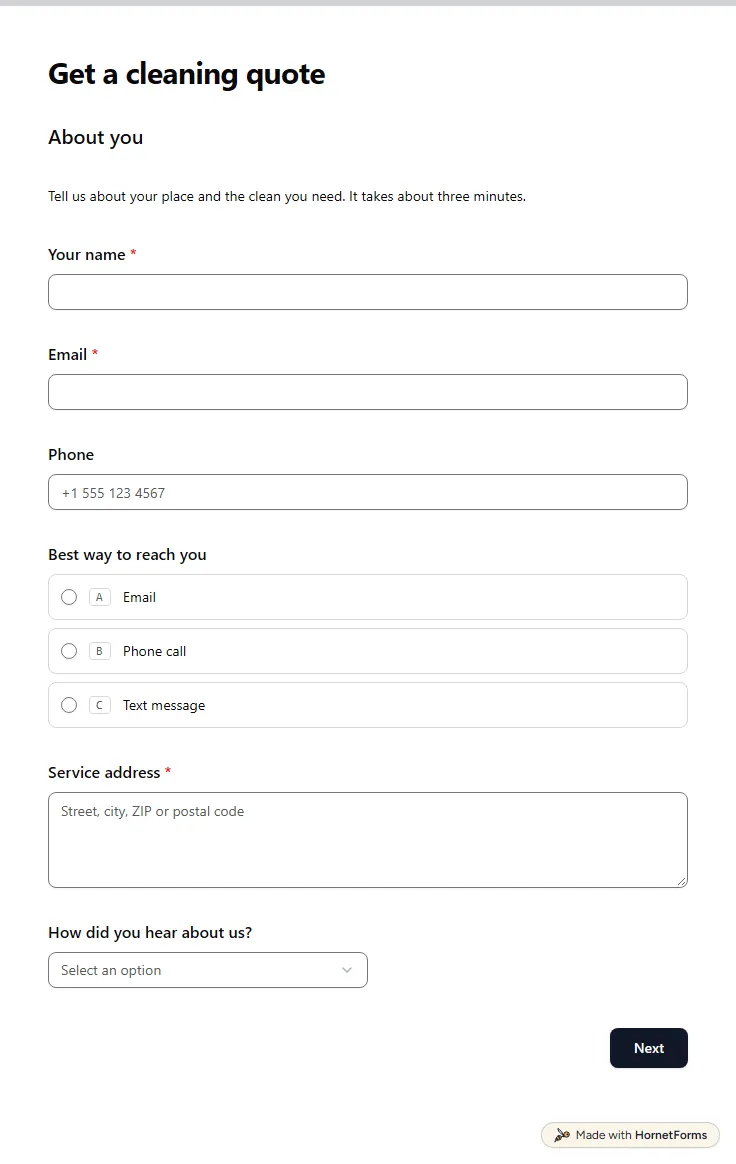
A free cleaning client intake form that asks about size, condition, pets and access, then shows a price range. Quote without a walkthrough.
25 questions on 4 pages
A free job application form template with CV upload and no sign-in for applicants. What to ask, what to leave off, plus Word and PDF copies.
Sign up for free, pick a template and change anything you like: questions, logic and design. The Free plan stays free forever, with unlimited responses.