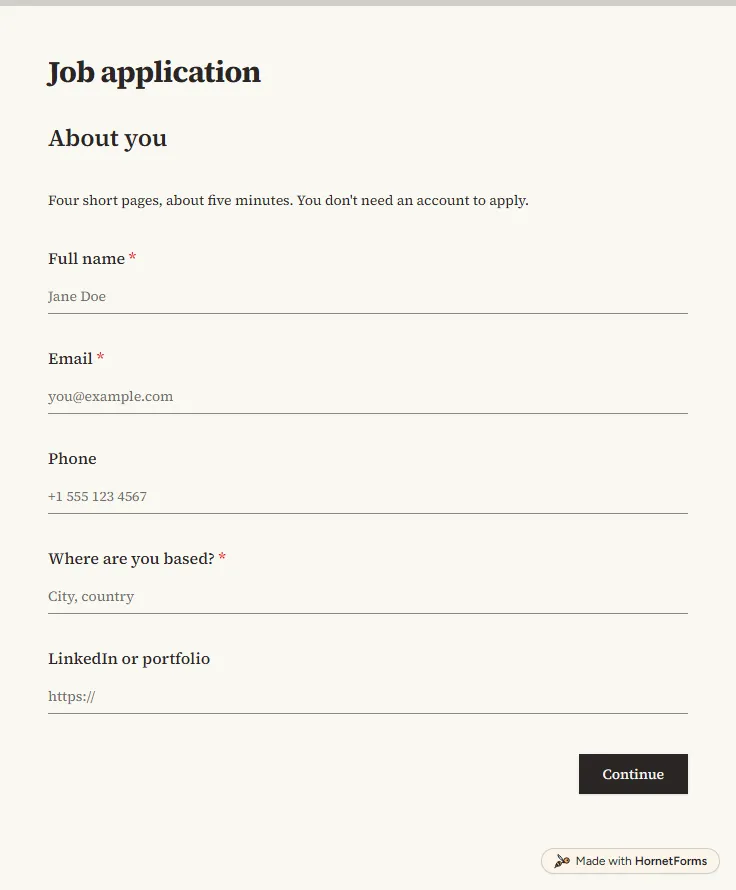
Job application form template with CV upload
A free job application form with CV upload, screening questions and a job board tracker. Candidates apply from any phone, with no account needed.
17 questions on 4 pages
Launch week: 50% off Pro and Business with code LAUNCH50, while spots last. See pricing
Every cleaning quote starts with the same questions, and most of them get asked twice. This cleaning client intake form template asks once, in the order that changes your price: the type of place, bedrooms and bathrooms, square footage and how it looks right now. Then it asks which clean they need, any extras like inside the oven or fridge, and how often you'll visit. The last page covers the day itself: pets, who will be home and how your team gets in. Clients can add photos of the rooms, so you can often quote without a walkthrough. The thank-you screen shows a rough price range worked out from their answers, so nobody waits a day for a ballpark. Sign up for free and set the numbers to your own rates.
Free plan, free forever. Sign up and the template opens in your workspace.
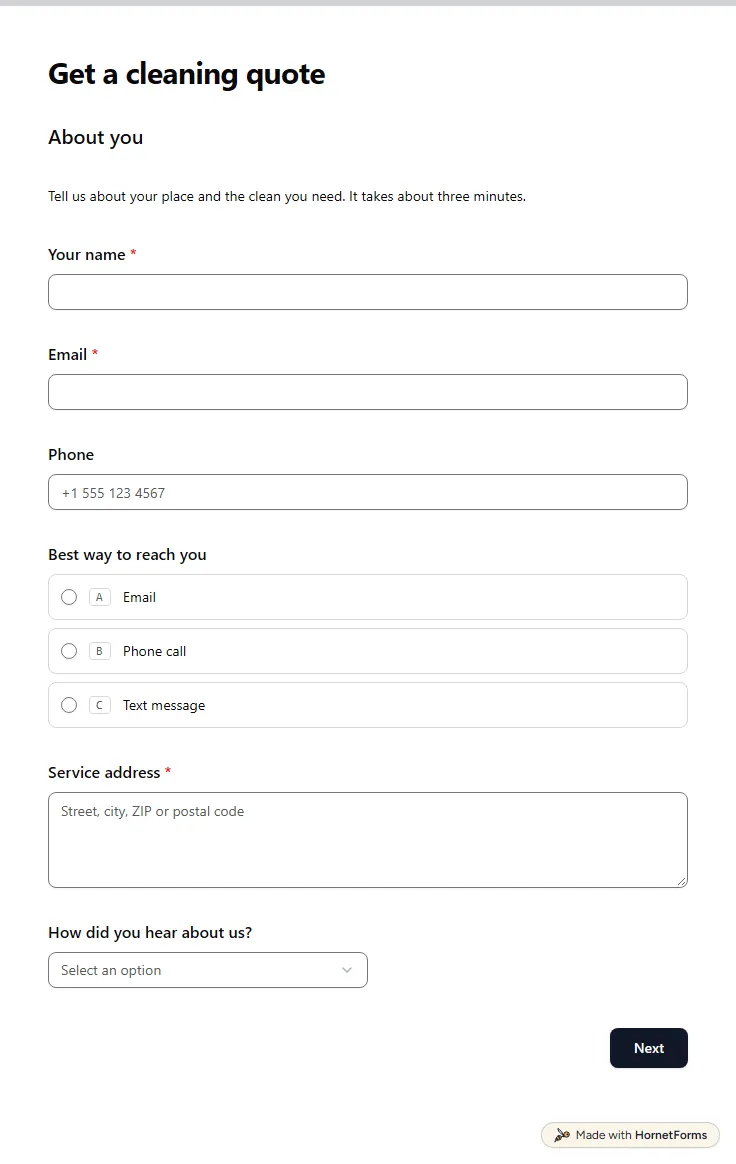
25 questions on 4 pages. Every question, in order:
Why we ask: So we can reply with your quote and find your place.
| No. | Question | Answer type | Required? |
|---|---|---|---|
| 1 | Your nameShort answer, Required | Short answer | Required |
| 2 | EmailEmail, Required | Required | |
| 3 | PhonePhone number, Optional | Phone number | Optional |
| 4 | Best way to reach youMultiple choice, OptionalChoices: Email, Phone call, Text message | Multiple choice | Optional |
| 5 | Service addressLong answer, Required | Long answer | Required |
| 6 | How did you hear about us?Dropdown, OptionalChoices: A friend or neighbour, Google search, Social media, Flyer or door hanger, Other | Dropdown | Optional |
Why we ask: Size and condition change the price more than anything else.
| No. | Question | Answer type | Required? |
|---|---|---|---|
| 7 | What type of place is it?Multiple choice, RequiredChoices: House, Apartment or condo, Townhouse, Office or commercial space | Multiple choice | Required |
| 8 | Business nameShort answer, Optional | Short answer | Optional |
| 9 | BedroomsDropdown, RequiredChoices: Studio, 1, 2, 3, 4, 5 or more | Dropdown | Required |
| 10 | BathroomsDropdown, RequiredChoices: 1, 1.5, 2, 2.5, 3, 4 or more | Dropdown | Required |
| 11 | Approximate size (square feet)Dropdown, OptionalChoices: Under 1,000, 1,000 to 1,500, 1,500 to 2,000, 2,000 to 3,000, Over 3,000, Not sure | Dropdown | Optional |
| 12 | How would you describe it right now?Multiple choice, RequiredChoices: Light upkeep, Lived-in, Needs extra attention, Hasn't been cleaned in a while | Multiple choice | Required |
| 13 | Has it been professionally cleaned in the last 30 days?Multiple choice, OptionalChoices: Yes, No | Multiple choice | Optional |
Why we ask: So we book the right amount of time and bring the right supplies.
| No. | Question | Answer type | Required? |
|---|---|---|---|
| 14 | Which clean do you need?Multiple choice, RequiredChoices: Standard clean, Deep clean, Move-in or move-out clean, After building work | Multiple choice | Required |
| 15 | Move dateDate, Optional | Date | Optional |
| 16 | Any extras?Checkboxes, OptionalChoices: Inside the oven, Inside the fridge, Interior windows, Inside cabinets, Baseboards, Laundry | Checkboxes | Optional |
| 17 | How often would you like us?Multiple choice, RequiredChoices: One time, Weekly, Every two weeks, Monthly, Not sure yet | Multiple choice | Required |
| 18 | Preferred first dateDate, Optional | Date | Optional |
| 19 | Times that suit youCheckboxes, OptionalChoices: Weekday morning, Weekday afternoon, Saturday, Flexible | Checkboxes | Optional |
Why we ask: So our team knows what to expect at the door.
| No. | Question | Answer type | Required? |
|---|---|---|---|
| 20 | Any pets at home?Multiple choice, OptionalChoices: Yes, No | Multiple choice | Optional |
| 21 | Tell us about themShort answer, Optional | Short answer | Optional |
| 22 | Will someone be home during the clean?Multiple choice, OptionalChoices: Yes, No, Sometimes | Multiple choice | Optional |
| 23 | How will we get in?Long answer, OptionalPlease don't type alarm or lockbox codes here. We'll arrange them by phone. | Long answer | Optional |
| 24 | Anything we should focus on or avoid?Long answer, Optional | Long answer | Optional |
| 25 | Photos of the rooms (optional)File upload, OptionalA few photos help us quote without a visit. | File upload | Optional |
Thanks, we've got your details
Your rough estimate is $[estimate_low] to $[estimate_high]. We'll look over your answers and reply with a quote soon.
Hidden fields it reads from the link: source
The same questions, ready to print or edit.
Every response lands in your HornetForms inbox. From there, send it wherever your team already works.
The answers that change your price and your day: the type and size of the place, bedrooms and bathrooms, its current condition, the clean they want, extras, how often, pets and access. This template asks all of that in 25 questions over four short pages, and most of them are quick taps, not typing.
It gives a rough range. A calculated field adds to the estimate for each extra bedroom and bathroom and raises it for places that need extra attention. The thank-you screen shows the range, and you still send the real quote after you read the answers. Set the amounts to your own rates in the editor.
Ask for photos. The last page has an optional photo upload with a note that a few photos help you quote without a visit. Together with the size and condition answers, that's often enough for a standard clean. For a deep clean or a clean after building work, you may still want to see the place first.
Ask how, never for the codes. The access question only shows when nobody will be home for the whole clean, and its help text asks clients not to type alarm or lockbox codes. Arrange those by phone, so they never sit in a form response or an email.
Yes. Pick "Office or commercial space" and a business name question appears. For regular office contracts, add questions about opening hours and floor area, and use logic to hide the bedroom question for those clients.
A free job application form with CV upload, screening questions and a job board tracker. Candidates apply from any phone, with no account needed.
17 questions on 4 pages
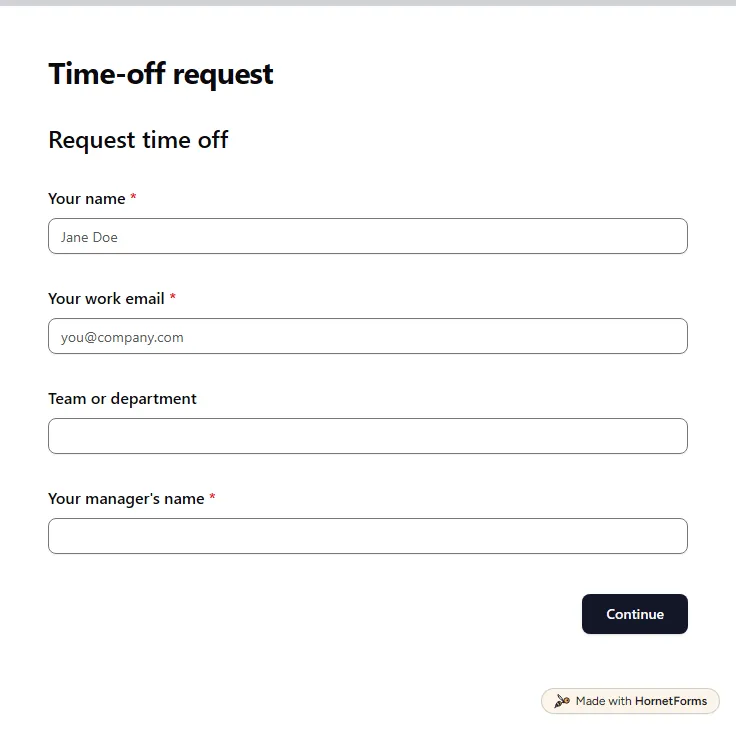
A free time off request form for PTO, vacation, sick days and half days. Staff send it from any phone, and you get each request by email.
15 questions on 3 pages
How to quote a house cleaning job from a short intake form: the answers that move your price, a range built on your own rates, and a free worksheet.
A client onboarding questionnaire grouped by the decision each answer unlocks, with files and account access in one form. Free template and PDF.
Sign up for free, pick a template and change anything you like: questions, logic and design. The Free plan stays free forever, with unlimited responses.