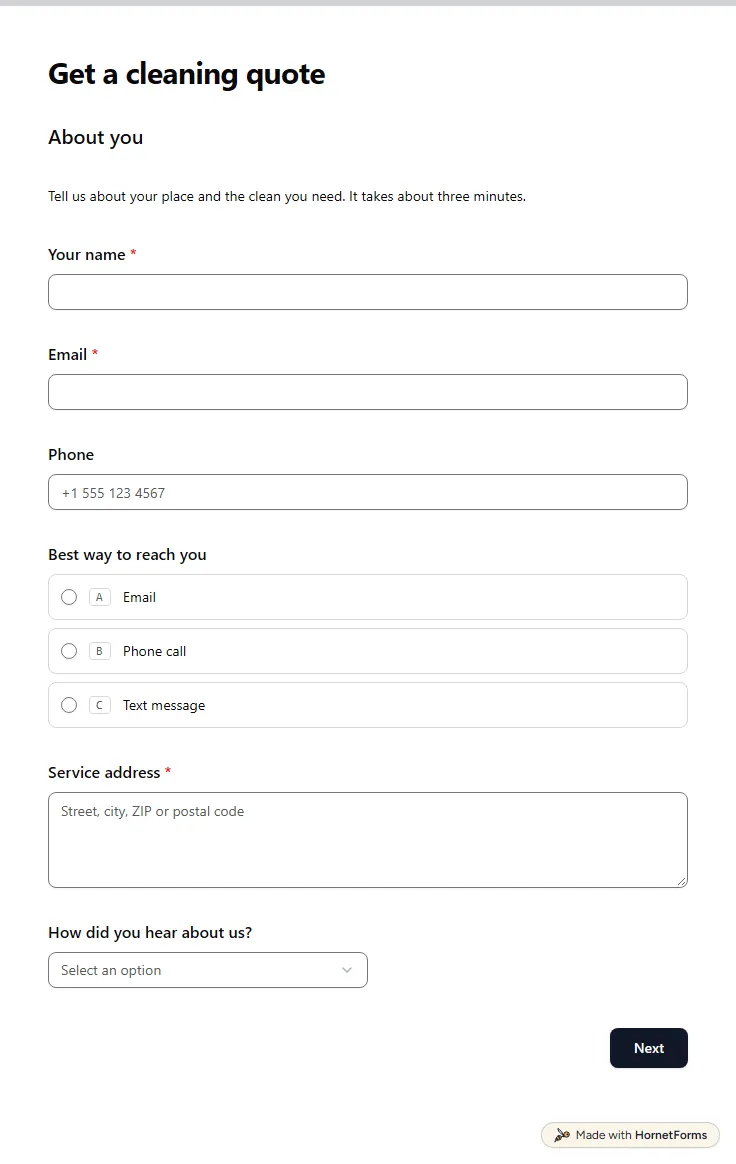
Cleaning client intake form template
A free cleaning client intake form that asks about size, condition, pets and access, then shows a price range. Quote without a walkthrough.
25 questions on 4 pages
Launch week: 50% off Pro and Business with code LAUNCH50, while spots last. See pricing
The first call goes better when you already know what the client wants. This client intake form template sorts new enquiries before you reply. It asks for a name, an email, a business name and a website, then which services the person needs: design, a website, copywriting, ads, development or coaching. It asks what they hope to achieve, what budget they have in mind, when they want to start and how they found you. If they have worked with a freelancer or agency before, an extra question asks what worked and what didn't. You read one tidy answer set instead of a long email thread. Sign up for free and rewrite the options to match your services.
Free plan, free forever. Sign up and the template opens in your workspace.
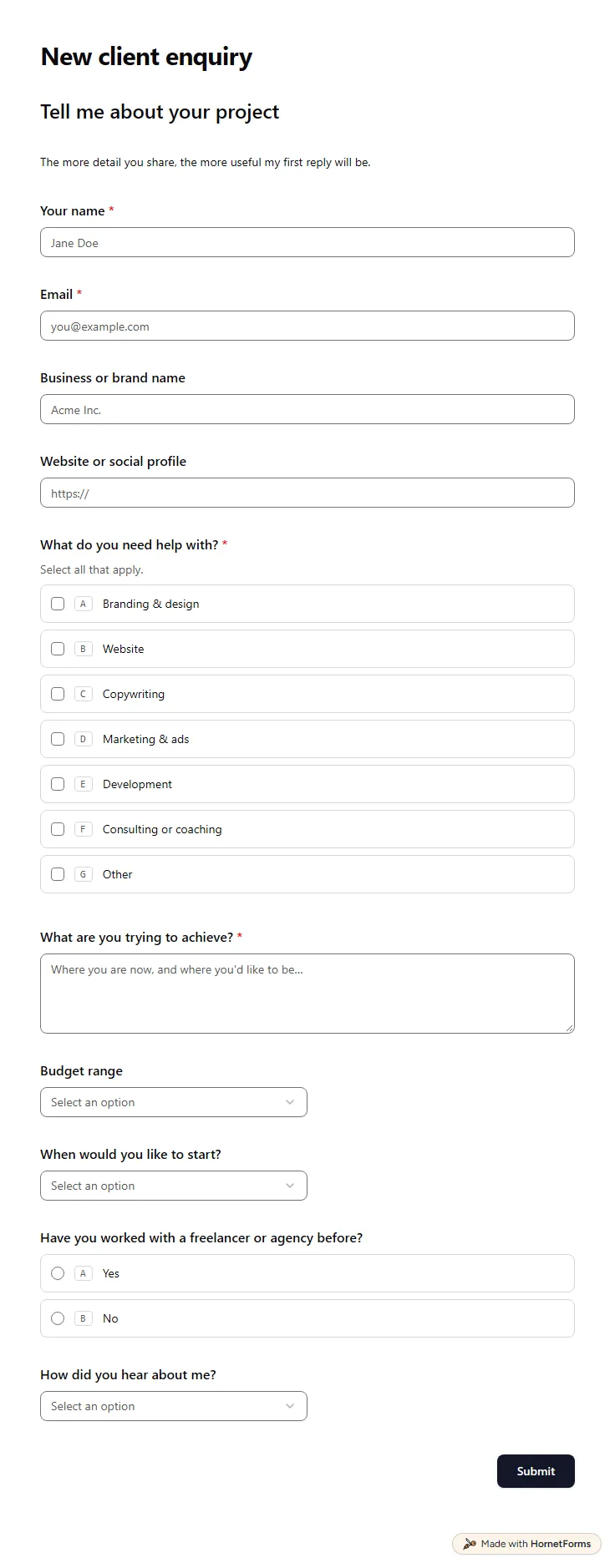
11 questions on one page. Every question, in order:
| No. | Question | Answer type | Required? |
|---|---|---|---|
| 1 | Your nameShort answer, Required | Short answer | Required |
| 2 | EmailEmail, Required | Required | |
| 3 | Business or brand nameShort answer, Optional | Short answer | Optional |
| 4 | Website or social profileLink, Optional | Link | Optional |
| 5 | What do you need help with?Checkboxes, RequiredSelect all that apply.Choices: Branding & design, Website, Copywriting, Marketing & ads, Development, Consulting or coaching | Checkboxes | Required |
| 6 | What are you trying to achieve?Long answer, Required | Long answer | Required |
| 7 | Budget rangeDropdown, OptionalChoices: Under $1,000, $1,000-$5,000, $5,000-$15,000, $15,000+, Not sure yet | Dropdown | Optional |
| 8 | When would you like to start?Dropdown, OptionalChoices: As soon as possible, Within a month, In one to three months, Just planning ahead | Dropdown | Optional |
| 9 | Have you worked with a freelancer or agency before?Multiple choice, OptionalChoices: Yes, No | Multiple choice | Optional |
| 10 | What worked well, and what didn't?Long answer, Optional | Long answer | Optional |
| 11 | How did you hear about me?Dropdown, OptionalChoices: Referral, Search, Social media, My portfolio, Somewhere else | Dropdown | Optional |
Thanks, got it!
I'll read this properly and come back to you within two business days.
Every response lands in your HornetForms inbox. From there, send it wherever your team already works.
Ask for what changes your answer: the services needed, the goal, a budget range, the start date and past experience with similar work. Contact details come first. This template covers all of that in 11 questions on one page, and only the essentials are required.
Not quite. An intake form screens a new enquiry before you agree to work together. An onboarding questionnaire comes after the client says yes and collects the details you need to start. Many teams use both, one after the other.
A range saves both sides time. If the budget is far below your minimum, you know before you spend an hour on a call. The question is optional and has a Not sure yet choice, so it never blocks someone who is still planning.
The question about what worked well and what didn't. It shows only when a client says they have worked with a freelancer or agency before. First time clients skip it, so their form stays short.
A free cleaning client intake form that asks about size, condition, pets and access, then shows a price range. Quote without a walkthrough.
25 questions on 4 pages
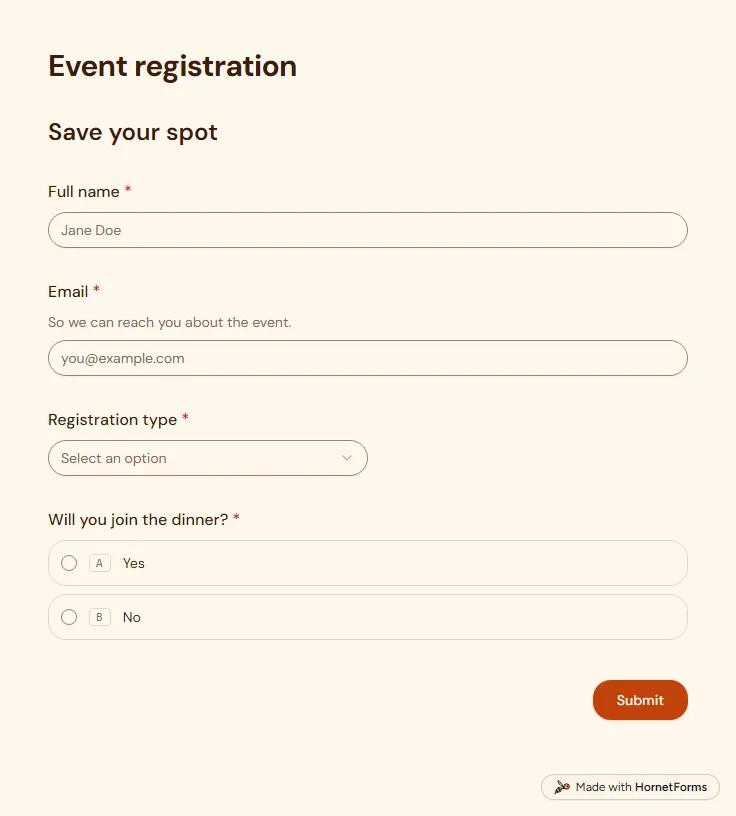
A free event registration form that collects names, emails, ticket type and dinner choices, with dietary needs asked only when they apply.
5 questions on one page
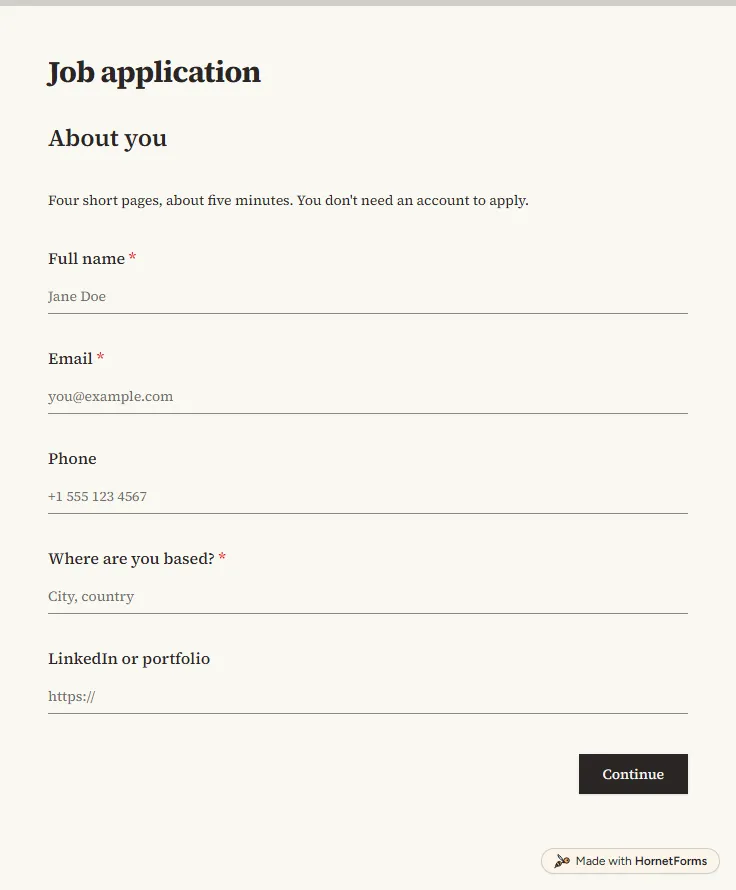
A free job application form with CV upload, screening questions and a job board tracker. Candidates apply from any phone, with no account needed.
17 questions on 4 pages
A client onboarding questionnaire grouped by the decision each answer unlocks, with files and account access in one form. Free template and PDF.
A coaching intake form for new clients: the questions that shape your first session, a version for life, business and career coaching, and a free template.
Sign up for free, pick a template and change anything you like: questions, logic and design. The Free plan stays free forever, with unlimited responses.