Event registration form template (free)
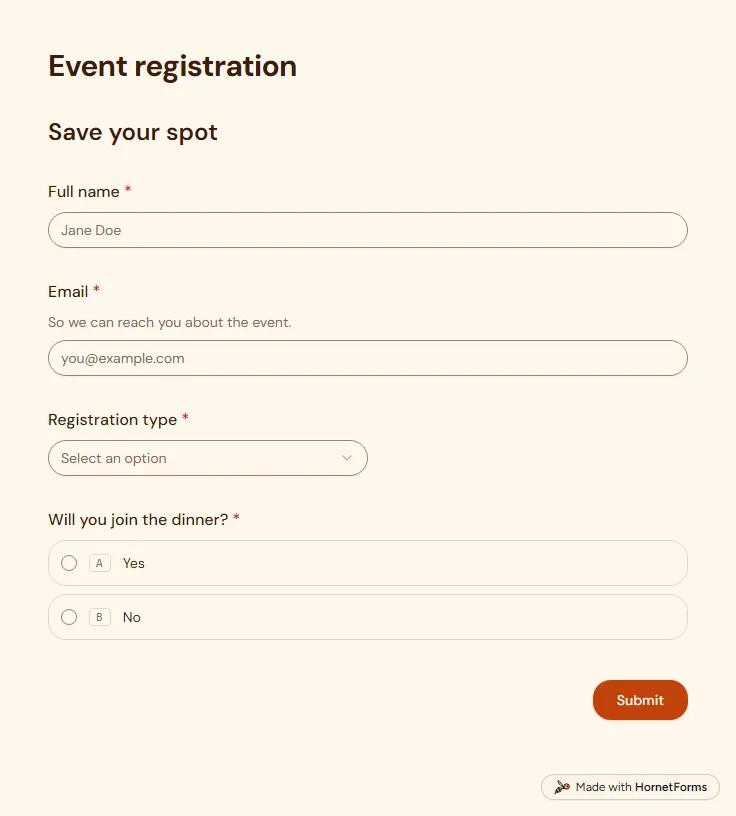
A free event registration form that collects names, emails, ticket type and dinner choices, with dietary needs asked only when they apply.
5 questions on one page
Launch week: 50% off Pro and Business with code LAUNCH50, while spots last. See pricing
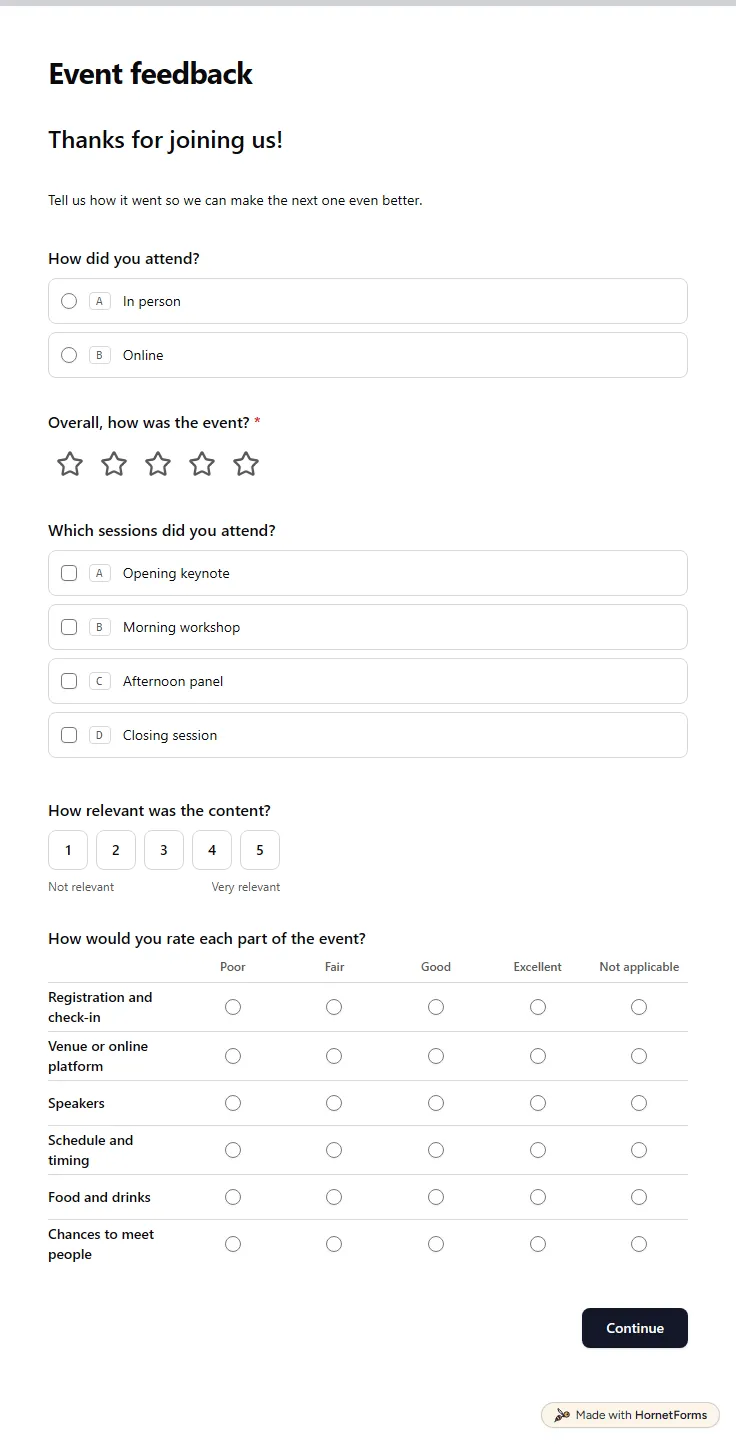
The best time to ask about an event is while people still remember the coffee queue and the keynote. This event feedback form template covers the whole day in two short pages. Page one asks how someone attended, in person or online, then asks for an overall rating out of five. It lists the sessions they went to and asks how relevant the content felt. A grid then rates six parts of the day, from registration and check-in to the chances to meet people, and includes a Not applicable column. Page two asks how likely they are to recommend the event to a colleague, their highlight and what you should change. Anyone who answers Maybe or No to coming back gets one extra question: what would bring you back? Sign up for free and rename the sessions to match your agenda.
Free plan, free forever. Sign up and the template opens in your workspace.
12 questions on 2 pages. Every question, in order:
Why we ask: So we know which sessions and parts of the day worked, and which did not.
| No. | Question | Answer type | Required? |
|---|---|---|---|
| 1 | How did you attend?Multiple choice, OptionalChoices: In person, Online | Multiple choice | Optional |
| 2 | Overall, how was the event?Rating, RequiredScale of 1 to 5 | Rating | Required |
| 3 | Which sessions did you attend?Checkboxes, OptionalChoices: Opening keynote, Morning workshop, Afternoon panel, Closing session | Checkboxes | Optional |
| 4 | How relevant was the content?Linear scale, OptionalScale of 1 to 5 (Not relevant to Very relevant) | Linear scale | Optional |
| 5 | How would you rate each part of the event?Matrix, OptionalChoices: Poor, Fair, Good, Excellent, Not applicableRows: Registration and check-in, Venue or online platform, Speakers, Schedule and timing, Food and drinks, Chances to meet people | Matrix | Optional |
Why we ask: To plan the next event around what you would come back for.
| No. | Question | Answer type | Required? |
|---|---|---|---|
| 6 | How likely are you to recommend this event to a colleague?NPS, OptionalScale of 0 to 10 (Not likely to Very likely) | NPS | Optional |
| 7 | What was the highlight for you?Long answer, Optional | Long answer | Optional |
| 8 | What should we change next time?Long answer, Optional | Long answer | Optional |
| 9 | Would you attend again?Multiple choice, OptionalChoices: Yes, Maybe, No | Multiple choice | Optional |
| 10 | What would bring you back?Long answer, Optional | Long answer | Optional |
| 11 | Topics you'd like at a future eventLong answer, Optional | Long answer | Optional |
| 12 | Any other comments?Long answer, Optional | Long answer | Optional |
Thank you!
We hope to see you at the next one.
The same questions, ready to print or edit.
Every response lands in your HornetForms inbox. From there, send it wherever your team already works.
Yes. There is a printable PDF for US Letter and A4, plus a Word file you can edit. Paper copies help at a venue with weak phone signal, or for guests who would rather fill in a sheet at their seat.
Yes, on every plan, and responses are unlimited on the Free plan too. Guests answer on their own phone or laptop and never need an account to reply.
Yes. It already scores the event as a whole with a rating question, measures relevance on a scale labelled from Not relevant to Very relevant, and rates six parts of the day in one grid. Add or rename grid rows to match what you want to judge.
Yes. Connect Google Sheets on any plan and each response adds a row. You can also export a CSV on every plan, or an Excel file on Pro and Business.
No, they do the same job: you send both after the event to learn what worked. The difference is mostly the name. Send this one within a day, while guests still remember the sessions they rated.
A free event registration form that collects names, emails, ticket type and dinner choices, with dietary needs asked only when they apply.
5 questions on one page
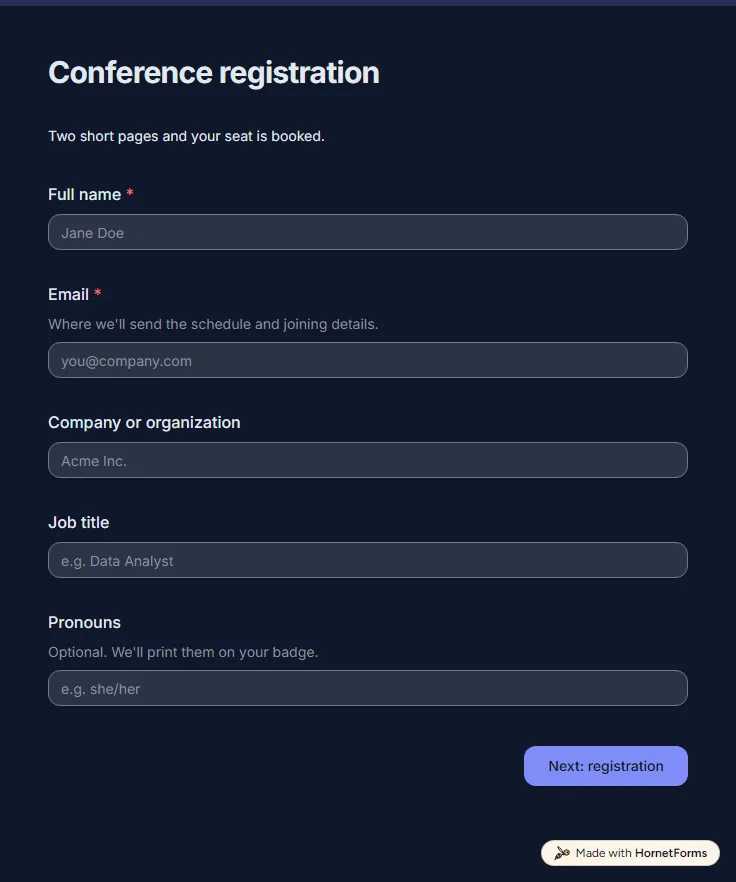
A free two-page conference registration form: attendee and badge details, registration type, workshop choice, dietary and access needs, sponsor opt-in.
14 questions on 2 pages
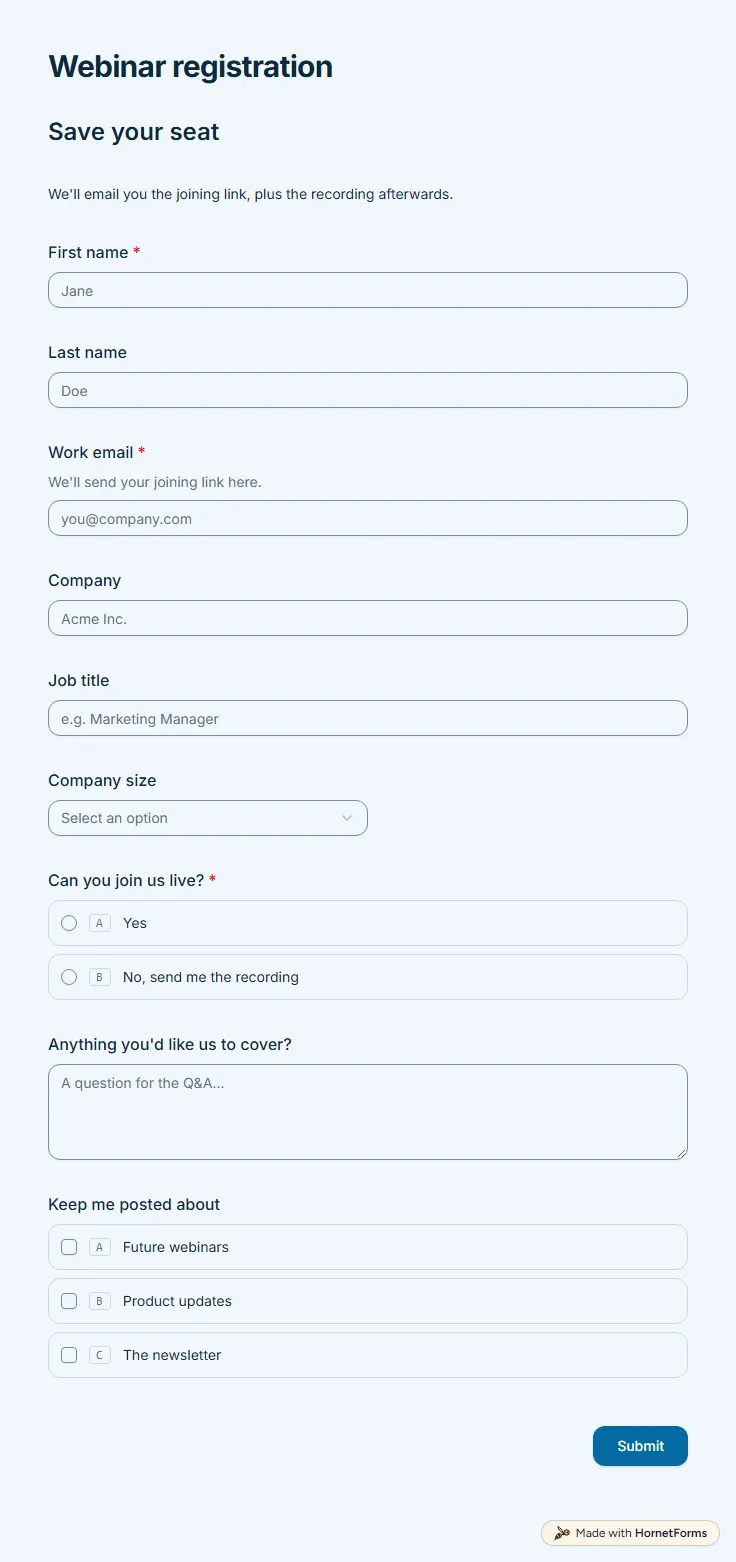
A free webinar registration form with nine questions: contact details, company size, a live or recording choice and topics people want covered.
9 questions on one page
The post-event survey questions worth asking, how to follow up on low and high scores, when to send it so people answer, and a free template you can copy.
A field guide to all 20+ HornetForms question types, grouped by job, with the settings that matter and the traps that quietly cost you responses.
70 feedback form questions for training, workshops, events, talks, courses, services and websites, with the rating scales to use and a free question bank.
Sign up for free, pick a template and change anything you like: questions, logic and design. The Free plan stays free forever, with unlimited responses.