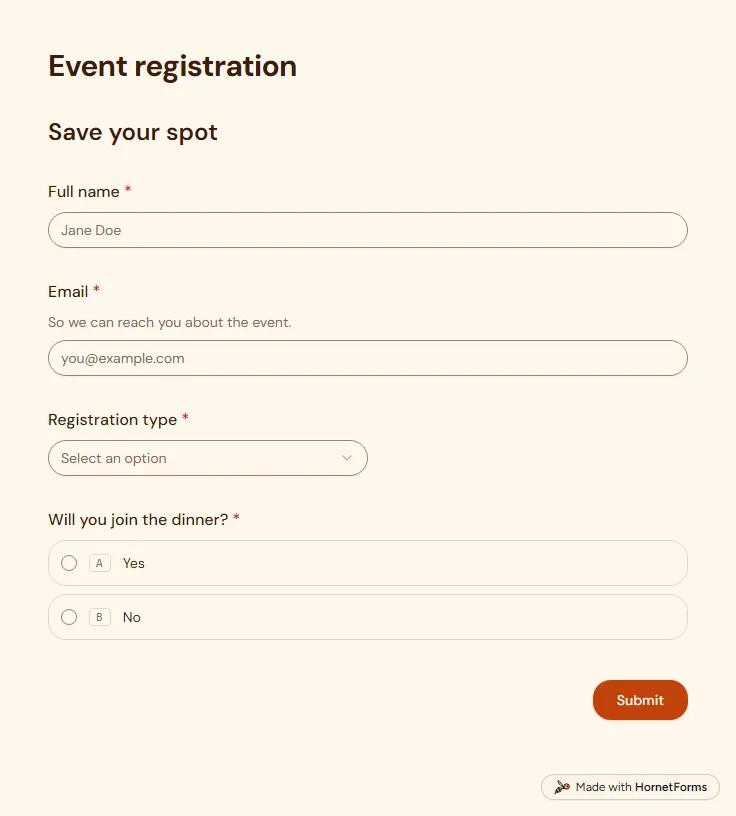
Event registration form template (free)
A free event registration form that collects names, emails, ticket type and dinner choices, with dietary needs asked only when they apply.
5 questions on one page
Launch week: 50% off Pro and Business with code LAUNCH50, while spots last. See pricing
A conference registration form does more work than a ticket stub. It has to tell you who is coming, which pass they chose, what they eat and what goes on their badge. This template does that in two pages. Page one asks for a full name, email, company, job title and optional pronouns for the badge. Page two asks for the registration type: Early bird, Standard, Student, Workshop pass or Online only. Pick Student and the form asks for an institution and student ID number. Pick Workshop pass and it asks which of four workshops they want. Then come dietary needs, accessibility needs, T-shirt size, how they heard about you and a plain yes or no on sharing their name and email with sponsors. Sign up for free, copy the template and rename the workshops to match your program.
Free plan, free forever. Sign up and the template opens in your workspace.
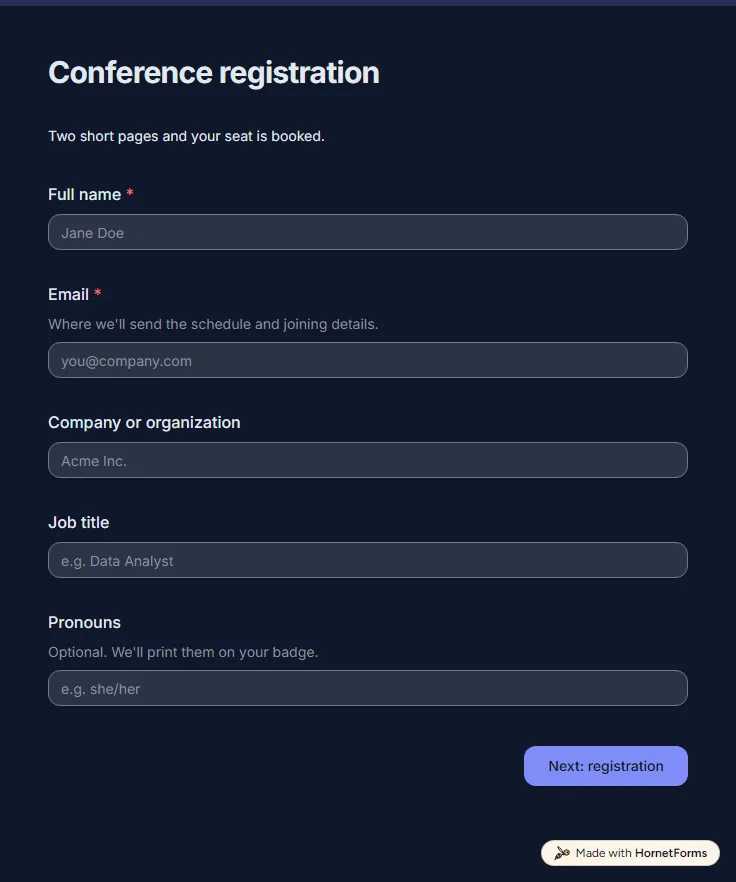
14 questions on 2 pages. Every question, in order:
| No. | Question | Answer type | Required? |
|---|---|---|---|
| 1 | Full nameShort answer, Required | Short answer | Required |
| 2 | EmailEmail, RequiredWhere we'll send the schedule and joining details. | Required | |
| 3 | Company or organizationShort answer, Optional | Short answer | Optional |
| 4 | Job titleShort answer, Optional | Short answer | Optional |
| 5 | PronounsShort answer, OptionalOptional. We'll print them on your badge. | Short answer | Optional |
| No. | Question | Answer type | Required? |
|---|---|---|---|
| 6 | Registration typeDropdown, RequiredChoices: Early bird, Standard, Student, Workshop pass, Online only | Dropdown | Required |
| 7 | Institution and student ID numberShort answer, OptionalWe check student IDs at the door. | Short answer | Optional |
| 8 | Which workshop would you like?Dropdown, OptionalChoices: Hands-on APIs, Design for non-designers, Data storytelling, Leading without a title | Dropdown | Optional |
| 9 | Dietary requirementsCheckboxes, OptionalSelect all that apply.Choices: Vegetarian, Vegan, Gluten-free, Halal, Kosher, Nut allergy, Something else | Checkboxes | Optional |
| 10 | What should the caterers know?Short answer, Optional | Short answer | Optional |
| 11 | Accessibility needsLong answer, Optional | Long answer | Optional |
| 12 | T-shirt sizeDropdown, OptionalChoices: XS, S, M, L, XL, 2XL, 3XL | Dropdown | Optional |
| 13 | How did you hear about us?Dropdown, OptionalChoices: A colleague, Social media, Our newsletter, A past attendee, A sponsor, Search | Dropdown | Optional |
| 14 | May we share your name and email with our sponsors?Multiple choice, RequiredYou can change your mind at any time by emailing us.Choices: Yes, No | Multiple choice | Required |
You're registered!
We'll email the schedule and venue details.
The same questions, ready to print or edit.
Every response lands in your HornetForms inbox. From there, send it wherever your team already works.
Start with what you need on the day: name and email for the badge and the schedule, the pass type, workshop choice, dietary and access needs. This template adds company, job title, pronouns, T-shirt size, how they heard about you and a sponsor sharing question. Drop anything you will not act on.
Yes. This page has a printable PDF in US Letter and A4, plus a Word file you can edit. They hold the same 14 questions as the online form, so you can take walk-in registrations at the desk on paper and type them in later.
Yes. Press "Preview it live" on this page and click through it as an attendee would. Pick Student or Workshop pass on page two to watch the follow-up question appear, and scroll up to read all 14 questions with their answer options.
Everything in a free one, plus a clear price for each pass. Add a calculated field that sets the price from the registration type and a Payment block that charges it through your own Stripe account. Unpaid registrations wait in an "Awaiting payment" tab, apart from your confirmed list.
A free event registration form that collects names, emails, ticket type and dinner choices, with dietary needs asked only when they apply.
5 questions on one page
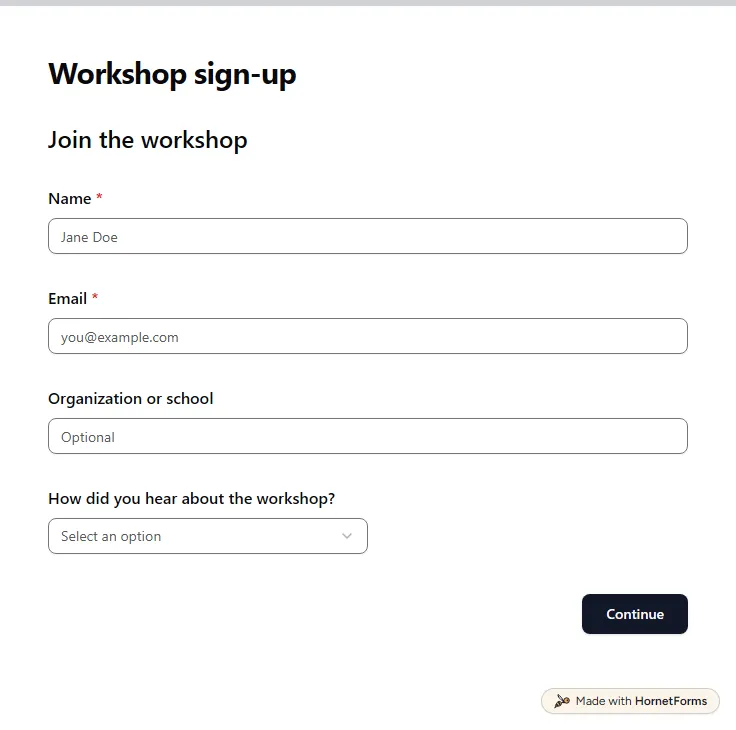
A free workshop registration form: contact details, a session date, experience level, equipment and access needs, plus a late-arrival question.
11 questions on 2 pages
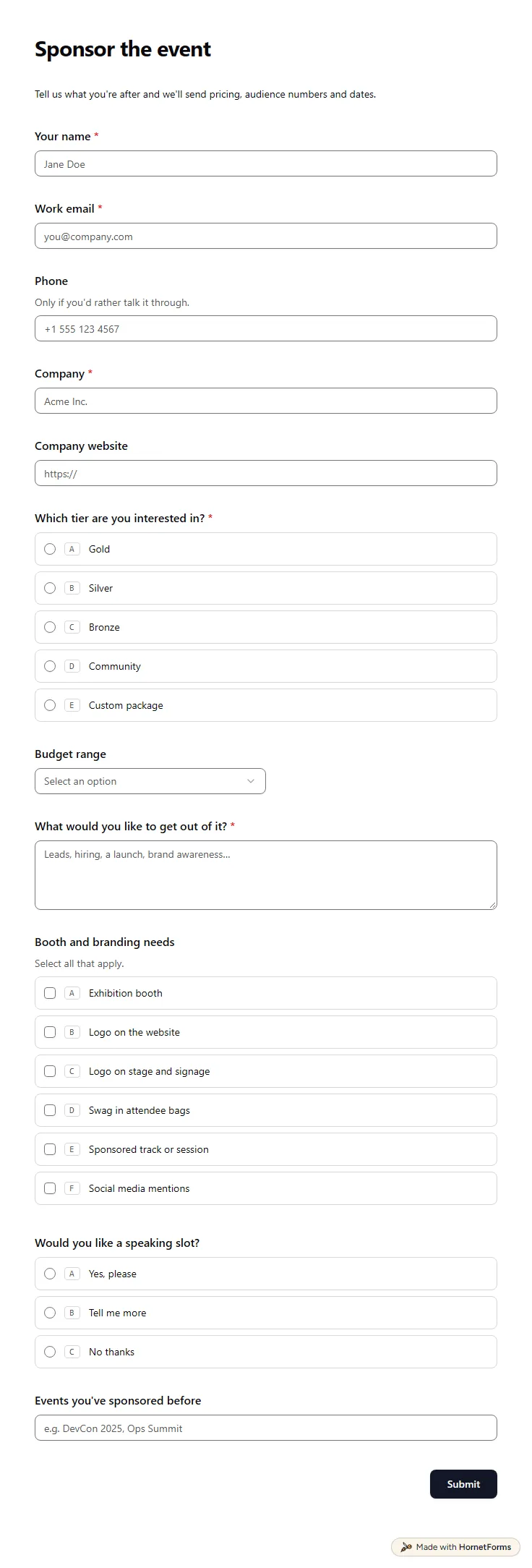
A free event sponsorship form: sponsors pick a tier and budget range, say what they want from the deal and tick booth and branding needs.
13 questions on one page
Take registrations and the fee in one form: what to ask, how to stop at capacity, one sign-up per email, and a free template plus a registration tracker.
What to ask in a speaker application form, how to collect bios, headshots and slides without a Google sign-in, and a free review sheet to pick your lineup.
Response caps bite exactly when a form starts working. What they really cost, how to price your own usage, and why we don't meter replies.
Sign up for free, pick a template and change anything you like: questions, logic and design. The Free plan stays free forever, with unlimited responses.