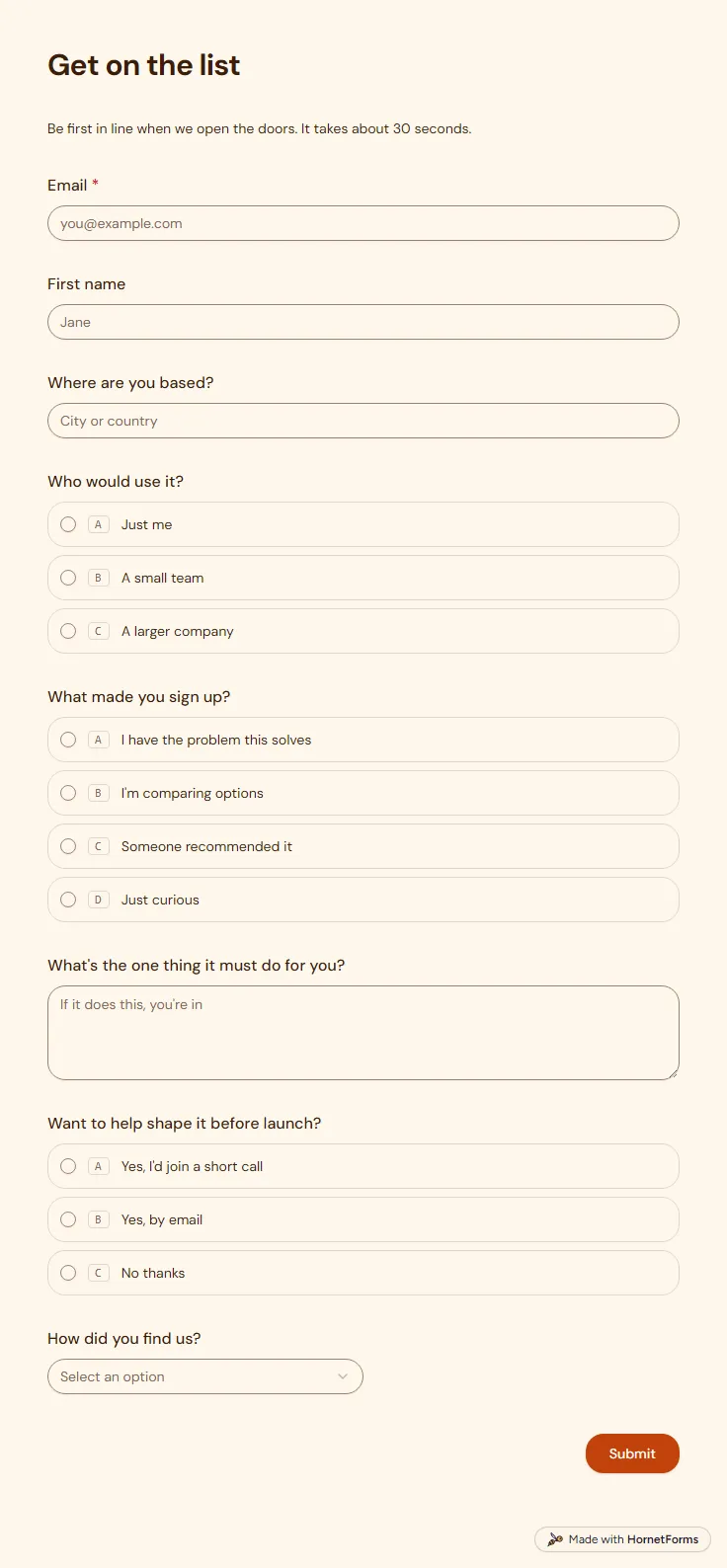
Waitlist form template (free)
A free waitlist form that records which link sent each sign-up and asks what people need, so your list is useful on launch day.
8 questions on one page
Launch week: 50% off Pro and Business with code LAUNCH50, while spots last. See pricing
A lead capture form sits between a visitor and the thing you offer them: a guide, a checklist, a report or a short call. This lead capture form template keeps it to seven questions on one page, and only two are required, a work email and a first name. Role is a short text answer, and company size and biggest challenge are optional dropdowns, so you learn who signed up without making anyone work for it. The last question asks if they'd like a short call. Pick "Yes please" and a phone number question appears. Pick "Not right now" and the form ends there. The thank-you screen tells people to check their inbox for the download link, so you write that email before you share the form. Sign up for free, open the template and rename it after your own guide.
Free plan, free forever. Sign up and the template opens in your workspace.
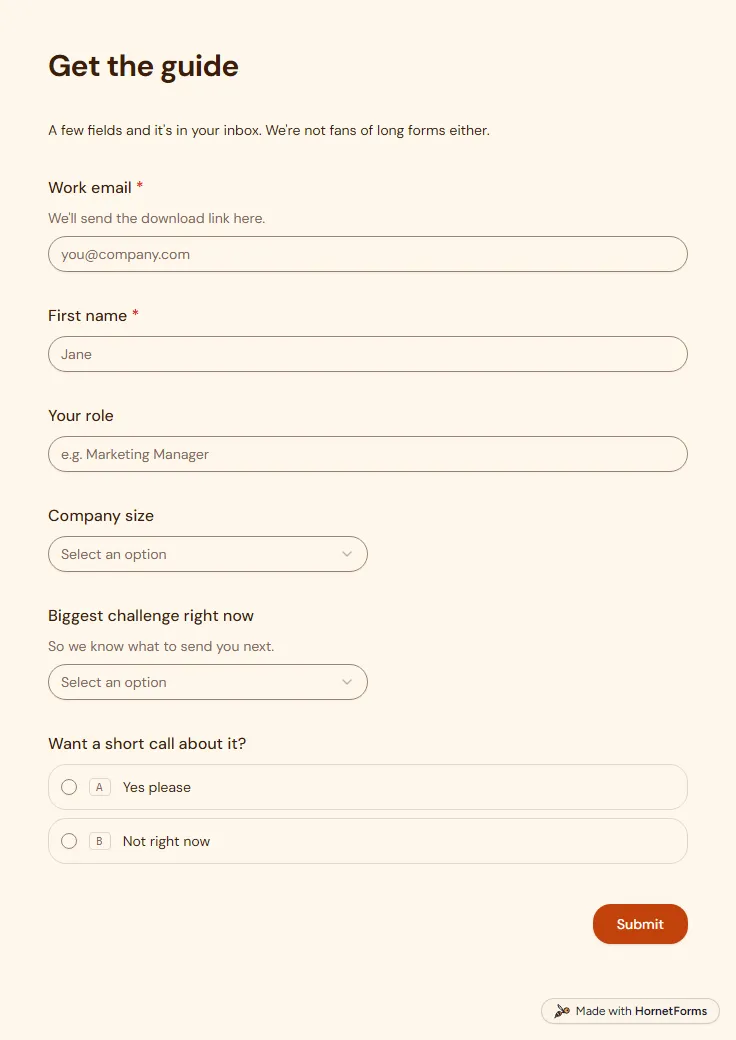
7 questions on one page. Every question, in order:
| No. | Question | Answer type | Required? |
|---|---|---|---|
| 1 | Work emailEmail, RequiredWe'll send the download link here. | Required | |
| 2 | First nameShort answer, Required | Short answer | Required |
| 3 | Your roleShort answer, Optional | Short answer | Optional |
| 4 | Company sizeDropdown, OptionalChoices: Just me, 2-10, 11-50, 51-200, 201+ | Dropdown | Optional |
| 5 | Biggest challenge right nowDropdown, OptionalSo we know what to send you next.Choices: Getting more leads, Converting the leads we have, Keeping customers around, Reporting and visibility, Too much manual work, Something else | Dropdown | Optional |
| 6 | Want a short call about it?Multiple choice, OptionalChoices: Yes please, Not right now | Multiple choice | Optional |
| 7 | Best phone number to reach youPhone number, OptionalFor a fifteen-minute call. We'll get in touch to pick a time. | Phone number | Optional |
Thanks, you're all set!
Check your inbox for the download link. It should land within a minute.
The same questions, ready to print or edit.
Every response lands in your HornetForms inbox. From there, send it wherever your team already works.
It's a form that collects a visitor's contact details in return for something they want, such as a guide, a checklist, a free trial or a call. The person gets the offer, and you get a name and an email address to follow up with. This template is one, set up for a guide download.
For most teams, yes, and people use the two names for the same thing. Lead generation is the wider job of finding people who might buy, and the form is the moment a visitor becomes a named contact. Ad networks also use "lead gen form" for forms built inside an ad, which is a separate tool from a form on your own site.
A contact form waits for people who already have a question. A lead form offers something first, like a guide or a call, and asks a little about the person in return. That's why this template asks for a role, a company size and a challenge, while a contact form asks for a message. HornetForms has a separate contact form template for that job.
Yes. This template works on the Free plan, which is free forever, not a trial, and takes unlimited responses within fair use. The downloads on this page add a Word file and printable PDFs in US Letter and A4, useful as a paper sign-up sheet at an event table or a trade show booth.
A guide download like this one, a webinar sign-up, a product waitlist, a demo request and a quote request all capture leads. They differ in what they offer and how much they ask. A guide needs an email and not much else, while a demo request asks enough to judge whether a sales call makes sense.
A free waitlist form that records which link sent each sign-up and asks what people need, so your list is useful on launch day.
8 questions on one page
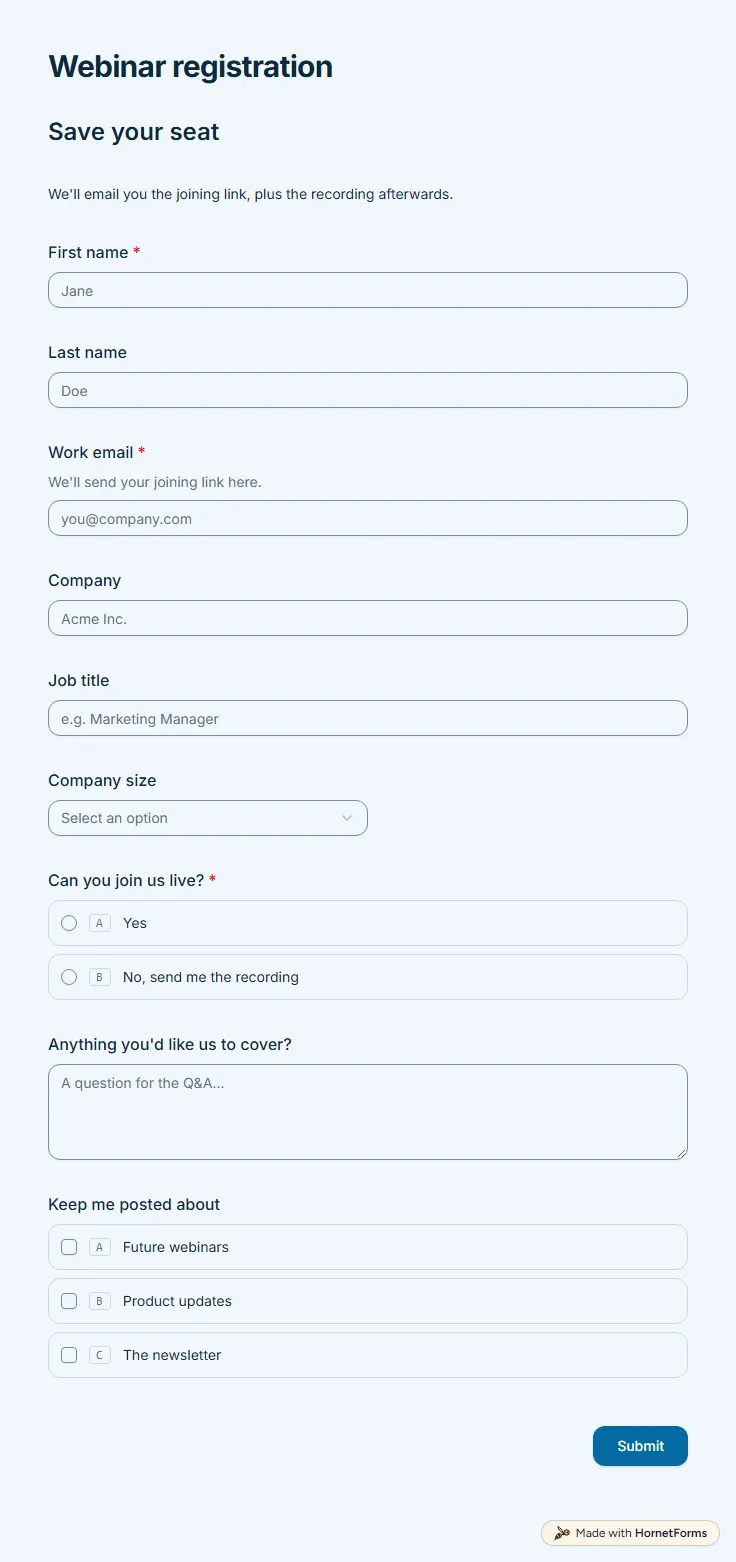
A free webinar registration form with nine questions: contact details, company size, a live or recording choice and topics people want covered.
9 questions on one page
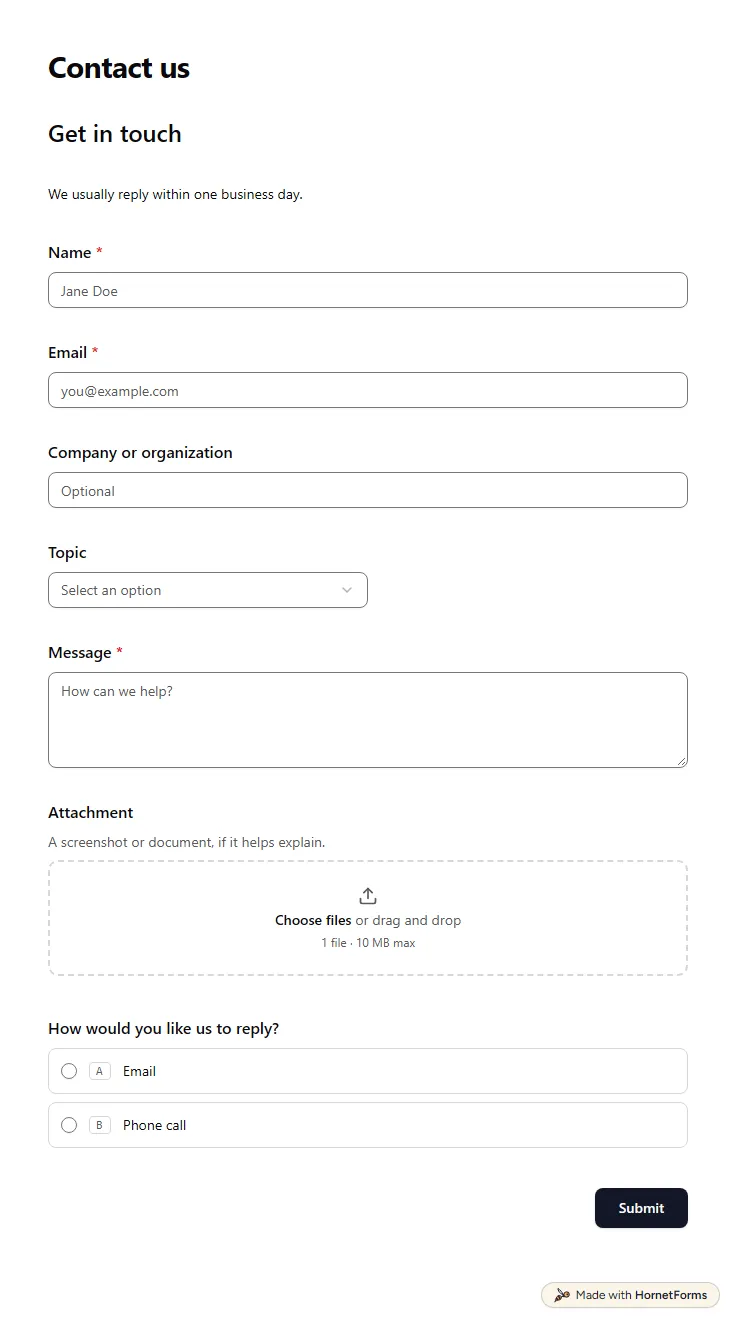
A free contact form template that sorts each message by topic, asks support requests for an order number and offers a call back.
11 questions on one page
25 lead magnet ideas for coaches by niche, what the opt-in form should ask, how to send the freebie, and a free idea bank and launch checklist.
Capture UTM parameters in a form with hidden fields, keep them in embeds, and see which campaign brought each lead. Free template and UTM sheet.
A free demo request form template that scores each lead, lets good-fit leads book a call inside the form, and gives everyone else a kind next step.
Thank you page examples for contact, quote, registration, donation, survey and RSVP forms, with wording to copy and confirmation email templates.
Sign up for free, pick a template and change anything you like: questions, logic and design. The Free plan stays free forever, with unlimited responses.