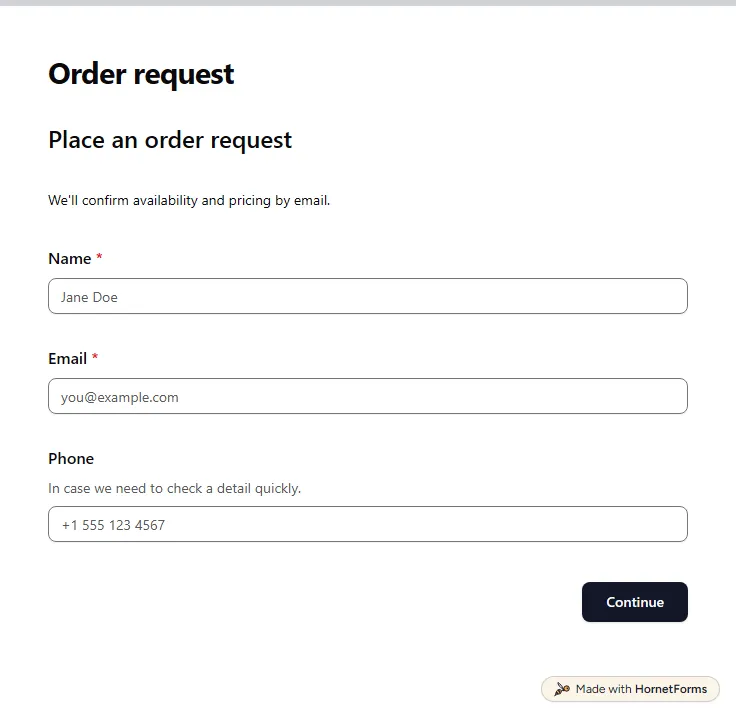
Order form template (free)
A free order form template for made-to-order work: product, quantity, pickup or delivery and a rough estimate, then you confirm the price by email.
12 questions on 3 pages
Launch week: 50% off Pro and Business with code LAUNCH50, while spots last. See pricing
A plain "name, email, message" box sends every enquiry to one inbox and leaves you asking follow-up questions. This contact form template does a little more, without getting longer for the visitor. After name, email and an optional company, it asks for a topic: sales, support, partnerships, press or other. Choose support and an order or account number box appears. Choose other and the form asks what it's about. Then comes the message, an optional attachment and how they would like a reply. Pick a phone call and the form asks for a number and the best time to call. A hidden source field can record which page or link the visitor came from. Sign up for free, open the template and swap in topics that match your team.
Free plan, free forever. Sign up and the template opens in your workspace.
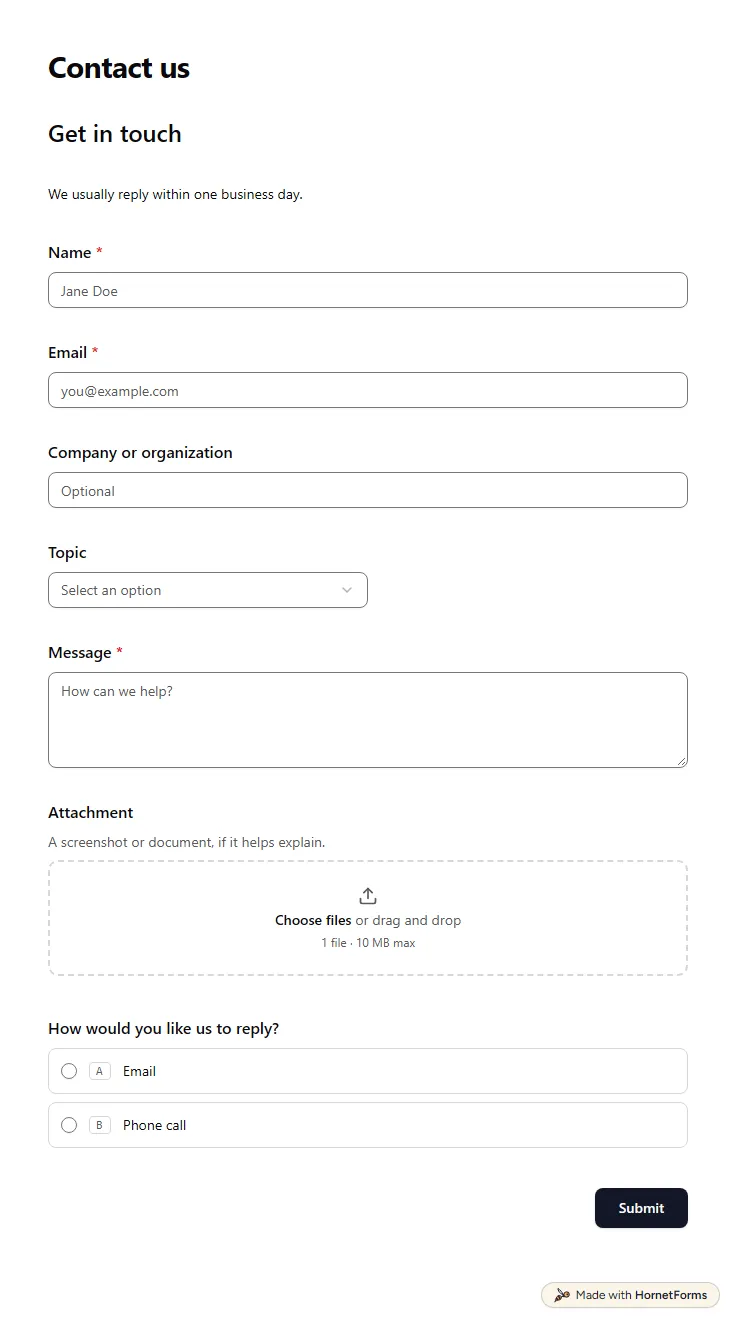
11 questions on one page. Every question, in order:
Why we ask: So your message reaches the right person and we can reply the way you prefer.
| No. | Question | Answer type | Required? |
|---|---|---|---|
| 1 | NameShort answer, Required | Short answer | Required |
| 2 | EmailEmail, Required | Required | |
| 3 | Company or organizationShort answer, Optional | Short answer | Optional |
| 4 | TopicDropdown, OptionalChoices: Sales, Support, Partnerships, Press or media, Other | Dropdown | Optional |
| 5 | Order or account numberShort answer, OptionalIf you have one, it helps us find your details faster. | Short answer | Optional |
| 6 | What is it about?Short answer, Optional | Short answer | Optional |
| 7 | MessageLong answer, Required | Long answer | Required |
| 8 | AttachmentFile upload, OptionalA screenshot or document, if it helps explain. | File upload | Optional |
| 9 | How would you like us to reply?Multiple choice, OptionalChoices: Email, Phone call | Multiple choice | Optional |
| 10 | PhonePhone number, Optional | Phone number | Optional |
| 11 | Best time to callDropdown, OptionalChoices: Morning, Afternoon, Evening | Dropdown | Optional |
Message sent!
Thanks for reaching out. We'll get back to you soon.
Hidden fields it reads from the link: source
The same questions, ready to print or edit.
Every response lands in your HornetForms inbox. From there, send it wherever your team already works.
It's a short form on your site that lets visitors send you a message without opening their own email. You get the message in a set format, with the details you asked for, and you don't have to show your email address on the page.
Name, email and a message are the core. A topic helps route the message, and a reply preference helps when some people want a call. This template adds an order number and a phone number only when the answers call for them, so most visitors see seven or eight fields.
Three checks run on every HornetForms form: a hidden honeypot field, a check on how fast the form was filled in, and rate limits on repeat sends. None of the three asks real visitors to do anything, and a bot caught by the first two is shown a pretend thank-you.
Yes. Download this contact form as a Word file you can edit, or as a PDF for US Letter or A4. A paper copy works at an event table or a front desk, where you type the answers in later.
Yes. Copy the embed code and paste it into your site builder as an inline form, a popup, a slider or a full page. It works in site builders that let you add custom code or an embed. On Pro and Business, you can also host the form on your own domain and remove the HornetForms badge.
A free order form template for made-to-order work: product, quantity, pickup or delivery and a rough estimate, then you confirm the price by email.
12 questions on 3 pages
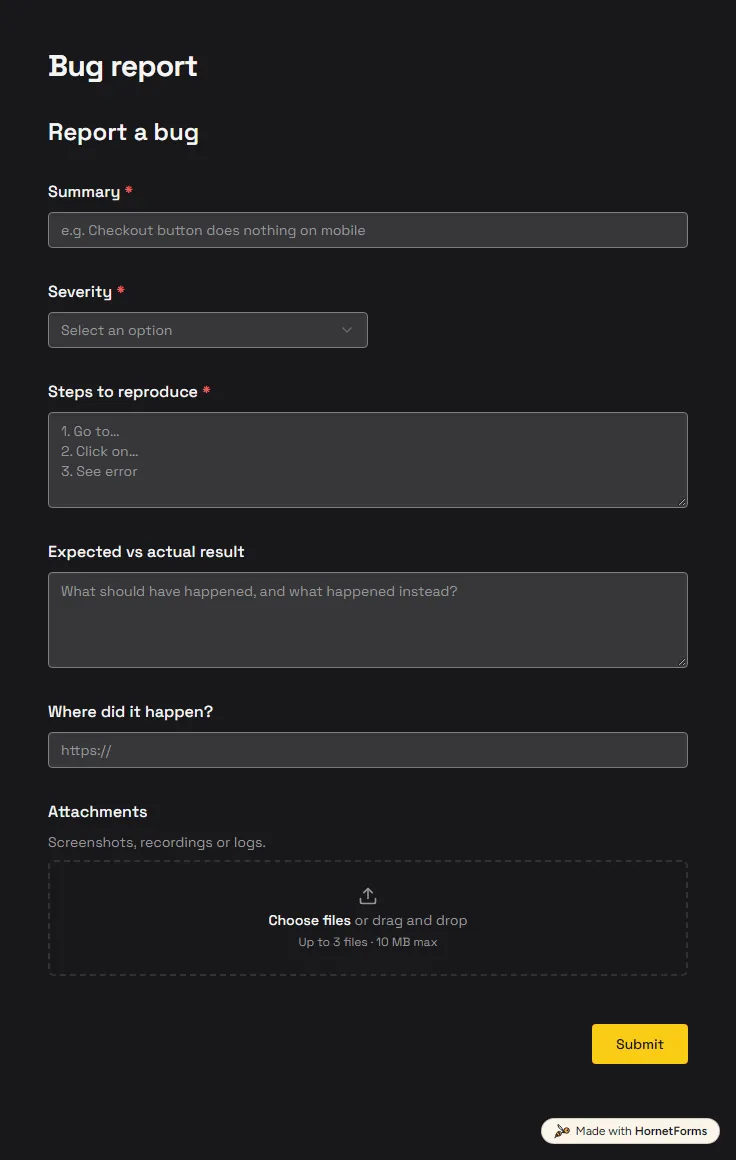
A free bug report form that asks for severity, steps and screenshots, and records the app version and browser from the link.
6 questions on one page
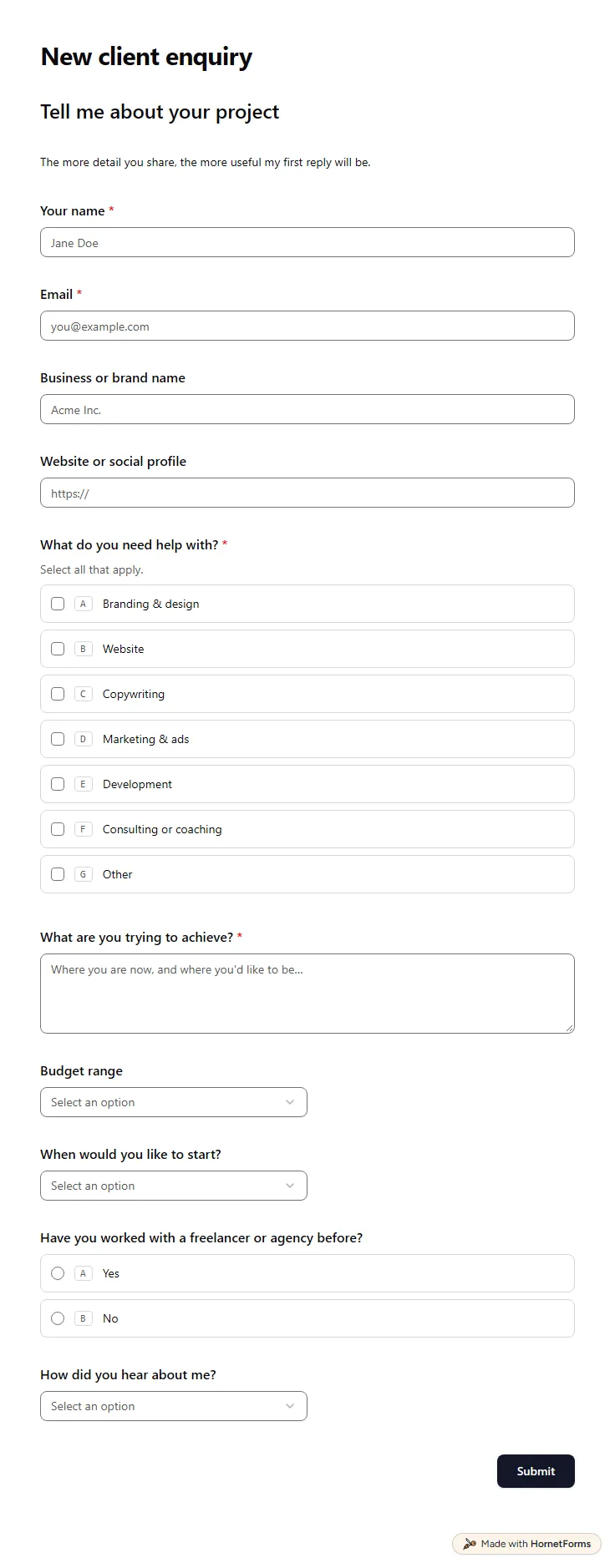
A free client intake form for freelancers and agencies. Ask about scope, budget, timeline and past experience before the first call.
11 questions on one page
Six website form examples every client site needs, with the fields to ask, where answers should go, and a free forms planner and launch checklist.
Honeypots, rate limits, Turnstile, email codes, passwords and one response per person. How HornetForms keeps bots out and lets people in.
Sign up for free, pick a template and change anything you like: questions, logic and design. The Free plan stays free forever, with unlimited responses.