Contact form template (free)
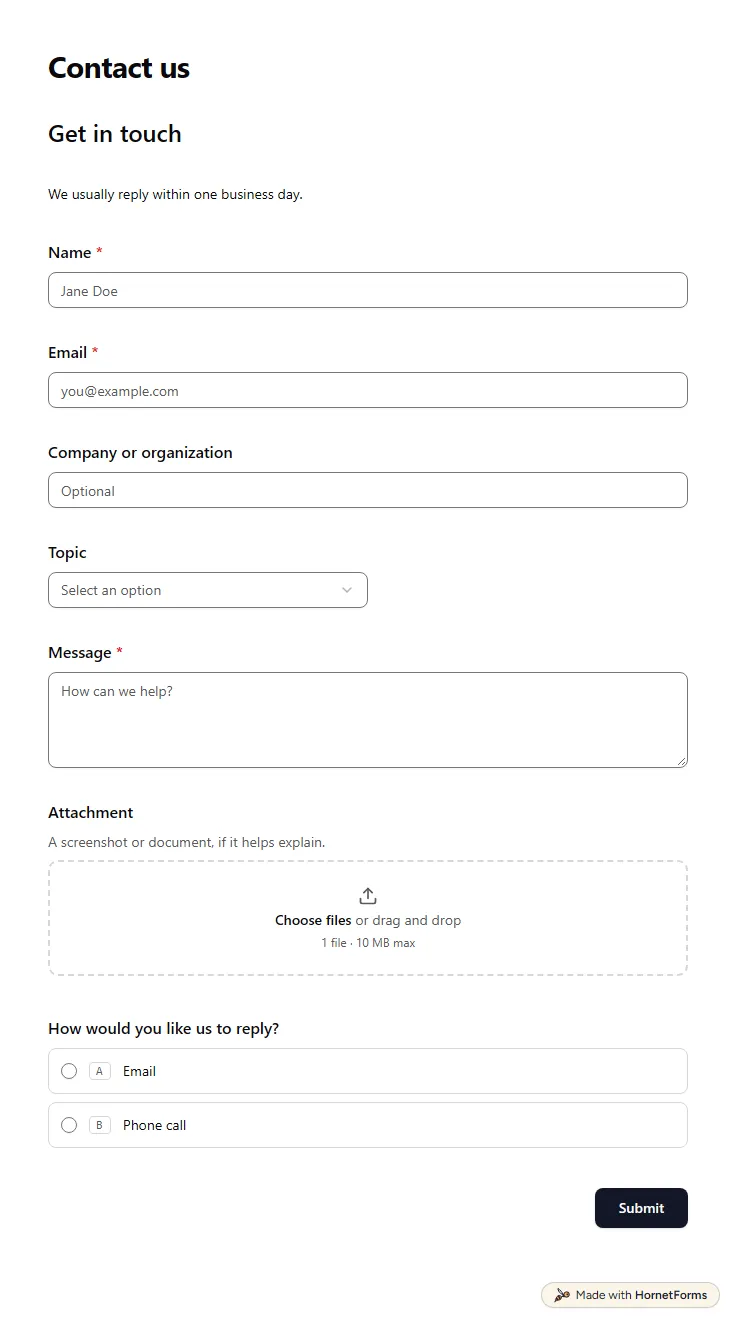
A free contact form template that sorts each message by topic, asks support requests for an order number and offers a call back.
11 questions on one page
Launch week: 50% off Pro and Business with code LAUNCH50, while spots last. See pricing
Orders that arrive by text message and comments get lost, and the details are always half there. This order form template collects the whole request in three short pages. First the customer's name, email and phone. Then what they want: the product, how many, any custom details and a reference photo if they have one. Last, how it reaches them: pickup or delivery, the date they need it and whether that date can move. A delivery address only appears if they choose delivery. The thank-you screen shows a rough estimate worked out from the product and quantity, and says you will confirm availability and the final price by email. Start free and make the product list your own in a few minutes.
Free plan, free forever. Sign up and the template opens in your workspace.
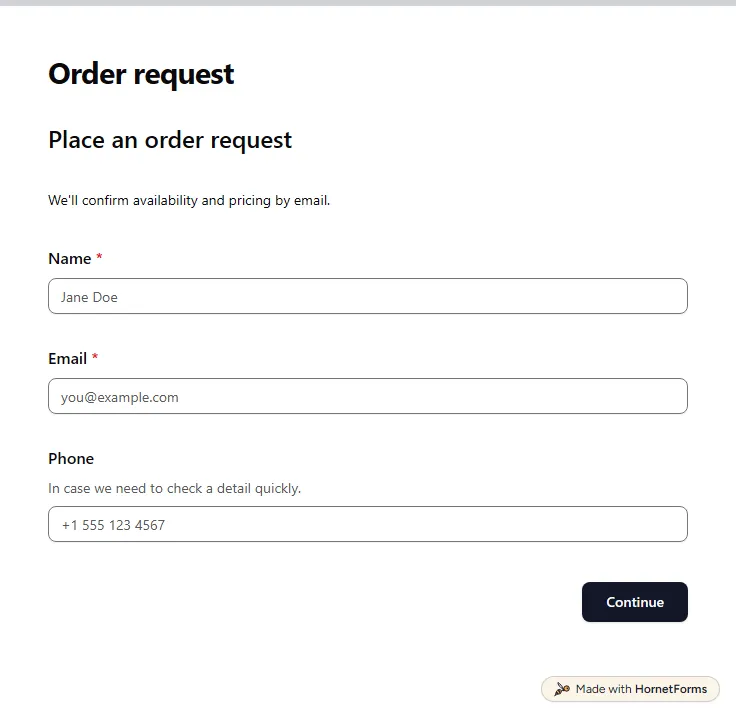
12 questions on 3 pages. Every question, in order:
Why we ask: So we can confirm your order and reach you.
| No. | Question | Answer type | Required? |
|---|---|---|---|
| 1 | NameShort answer, Required | Short answer | Required |
| 2 | EmailEmail, Required | Required | |
| 3 | PhonePhone number, OptionalIn case we need to check a detail quickly. | Phone number | Optional |
Why we ask: So we know exactly what to make or set aside, and how many.
| No. | Question | Answer type | Required? |
|---|---|---|---|
| 4 | ProductDropdown, RequiredChoices: Product A, Product B, Product C | Dropdown | Required |
| 5 | QuantityNumber, Required | Number | Required |
| 6 | Options or custom detailsLong answer, Optional | Long answer | Optional |
| 7 | Reference imagesFile upload, OptionalA photo or sketch of what you have in mind, if you have one. | File upload | Optional |
Why we ask: So we can check the date works and plan how the order reaches you.
| No. | Question | Answer type | Required? |
|---|---|---|---|
| 8 | Pickup or delivery?Multiple choice, RequiredChoices: I'll pick it up, Please deliver it | Multiple choice | Required |
| 9 | Delivery addressLong answer, Optional | Long answer | Optional |
| 10 | Needed byDate, Required | Date | Required |
| 11 | Is that date flexible?Multiple choice, OptionalChoices: Yes, a few days either way, No, it's fixed | Multiple choice | Optional |
| 12 | Anything else we should know?Long answer, Optional | Long answer | Optional |
Order request received!
Your rough estimate is $[estimate]. We'll be in touch by email to confirm availability, the final price and the details.
The same questions, ready to print or edit.
Every response lands in your HornetForms inbox. From there, send it wherever your team already works.
Start from this template and change three things: the product names, the price behind each one and the wording on the thank-you screen. Then share the link in your bio, on your website or as a QR code. Customers fill it in on a phone without signing up for anything.
You can build the questions there, and send delivery orders to an address section with "Go to section based on answer". One difference: Google Forms asks people to sign in to a Google Account to upload a file. Here customers upload a reference photo without signing in, and the thank-you screen shows a rough estimate on the Free plan.
Yes. Download the order form as a PDF for US Letter or A4, or as a Word file you can edit and put your logo on. The paper version suits craft fairs, a shop counter or phone orders you type in later.
The template doesn't collect payment: you confirm the details first. If you want payment with the order, add a Payment block and connect your Stripe account. Money goes straight to your Stripe account, on every plan, Free included.
A free contact form template that sorts each message by topic, asks support requests for an order number and offers a call back.
11 questions on one page
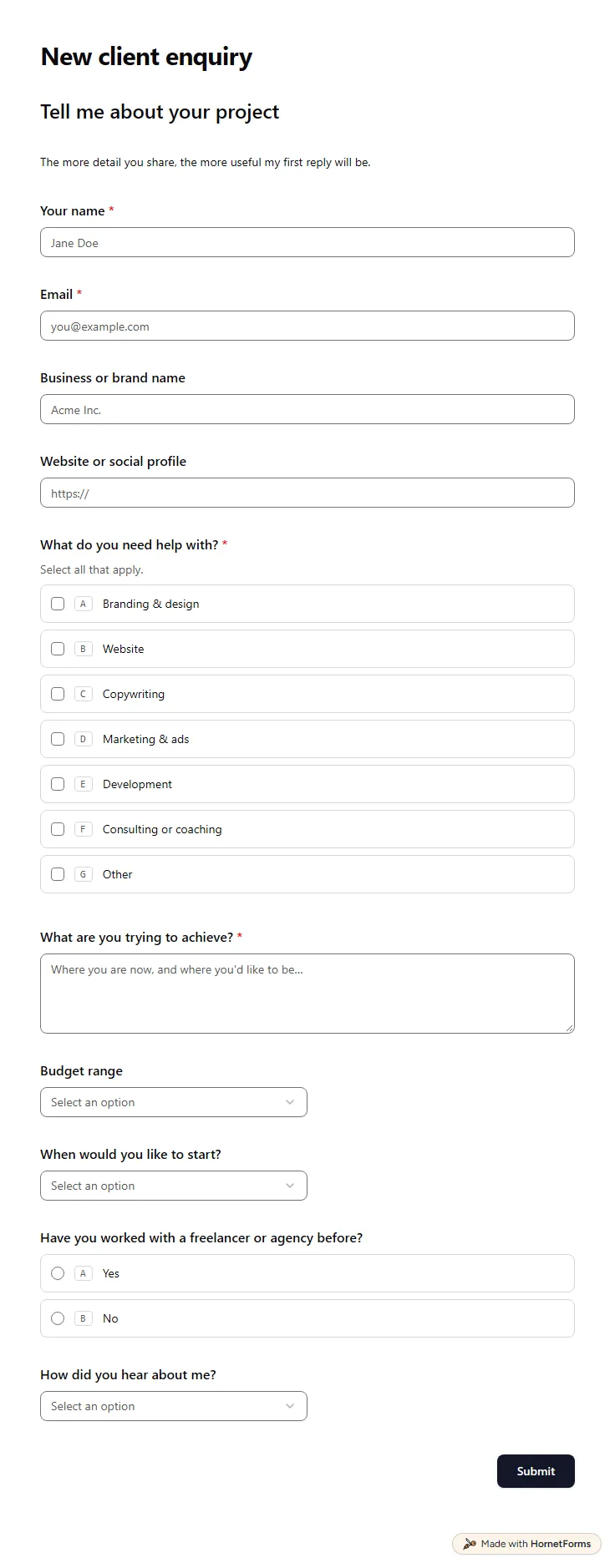
A free client intake form for freelancers and agencies. Ask about scope, budget, timeline and past experience before the first call.
11 questions on one page
Six website form examples every client site needs, with the fields to ask, where answers should go, and a free forms planner and launch checklist.
How to ask a client for a deposit without the awkward bit: when to ask, how to set the amount, wording to copy, and how to take it in your booking form.
Sign up for free, pick a template and change anything you like: questions, logic and design. The Free plan stays free forever, with unlimited responses.