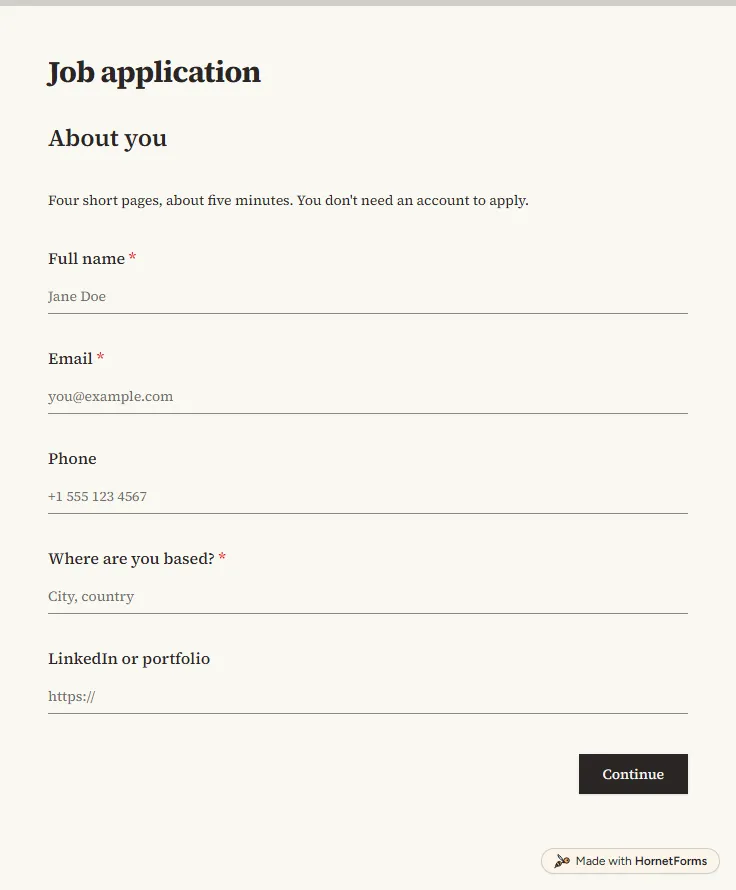
Job application form template with CV upload
A free job application form with CV upload, screening questions and a job board tracker. Candidates apply from any phone, with no account needed.
17 questions on 4 pages
Launch week: 50% off Pro and Business with code LAUNCH50, while spots last. See pricing
Most good hires start with a quick "you should meet my friend" by the coffee machine. Then the name gets lost in a chat thread. This employee referral form template gives every referral the same shape. Your teammate says who they're referring, for which role and how they know them, then explains why the person would do well with you. They can add a LinkedIn or portfolio link and attach a CV. One question asks whether the candidate has agreed to be referred, and if not, when you can get in touch. Another lets the referrer choose whether you mention their name when you contact the candidate. Sign up for free, open the template and swap the four sample roles for the jobs you're hiring for.
Free plan, free forever. Sign up and the template opens in your workspace.
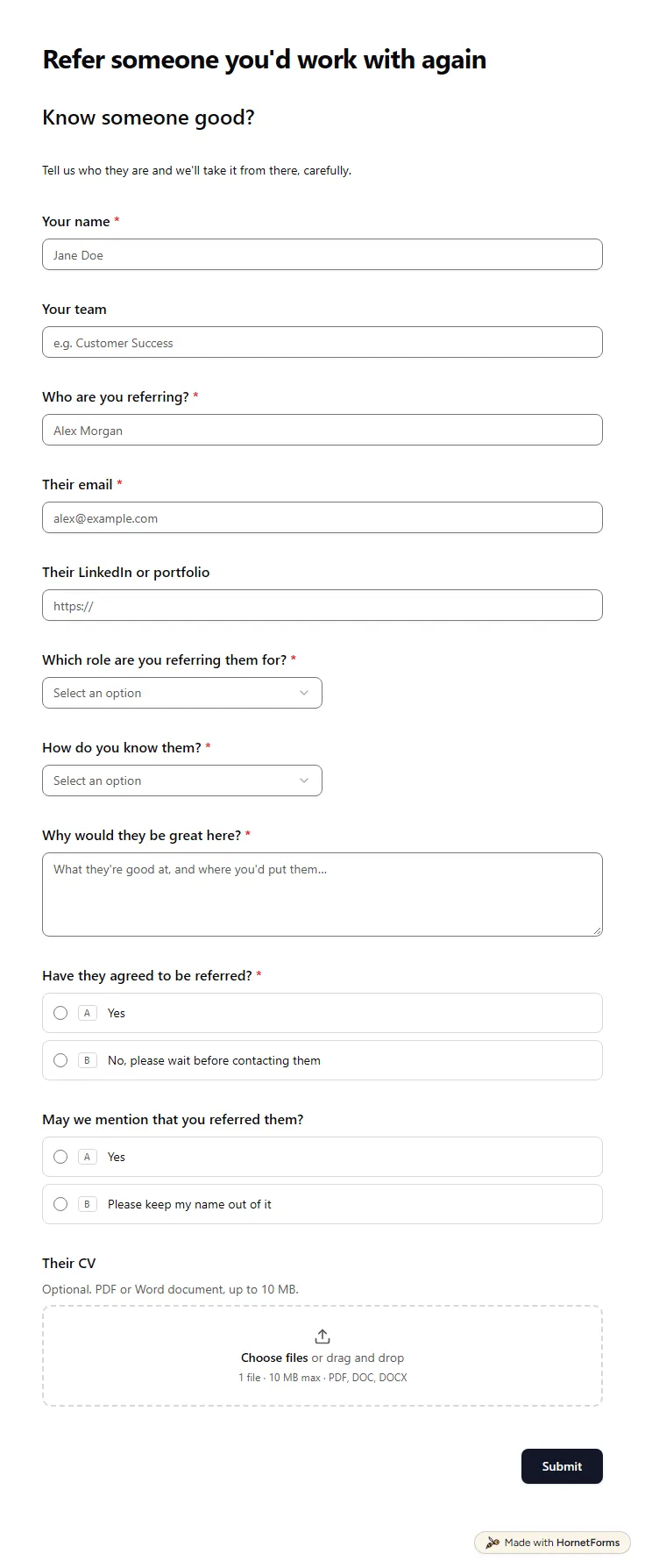
12 questions on one page. Every question, in order:
| No. | Question | Answer type | Required? |
|---|---|---|---|
| 1 | Your nameShort answer, Required | Short answer | Required |
| 2 | Your teamShort answer, Optional | Short answer | Optional |
| 3 | Who are you referring?Short answer, Required | Short answer | Required |
| 4 | Their emailEmail, Required | Required | |
| 5 | Their LinkedIn or portfolioLink, Optional | Link | Optional |
| 6 | Which role are you referring them for?Dropdown, RequiredChoices: Software engineer, Product designer, Customer success manager, Account executive, Not sure, open to suggestions | Dropdown | Required |
| 7 | How do you know them?Dropdown, RequiredChoices: We worked together, We studied together, Friend or family, Someone I know professionally, Other | Dropdown | Required |
| 8 | Why would they be great here?Long answer, Required | Long answer | Required |
| 9 | Have they agreed to be referred?Multiple choice, RequiredChoices: Yes, No, please wait before contacting them | Multiple choice | Required |
| 10 | When can we get in touch?Short answer, Optional | Short answer | Optional |
| 11 | May we mention that you referred them?Multiple choice, OptionalChoices: Yes, Please keep my name out of it | Multiple choice | Optional |
| 12 | Their CVFile upload, OptionalOptional. PDF or Word document, up to 10 MB. | File upload | Optional |
Referral received
The talent team will take a look and keep you posted on where it goes.
The same questions, ready to print or edit.
Every response lands in your HornetForms inbox. From there, send it wherever your team already works.
It's a short form your staff fill in to put someone they know forward for a job. This one collects the referrer's name and team, the candidate's name, email and LinkedIn or portfolio, the role, how they know each other, why they'd do well here and an optional CV.
Yes. Download a printable PDF in US Letter or A4, or a Word file you can edit. The online version is free on every plan, including Free, and referrers fill it in on a phone or laptop without making an account.
Ask them first. Check that they'd like to be put forward and that the role fits what they want. Then fill in the form with their email, a link to their LinkedIn or portfolio and a few lines on why they'd be good. Attach their CV if they sent you one.
Yes, as the record of who referred whom, for which role and when. Connect Google Sheets and add columns for the hire date and bonus status. Your payroll or finance team still pays the bonus, so write your rules in a note at the top of the form.
A free job application form with CV upload, screening questions and a job board tracker. Candidates apply from any phone, with no account needed.
17 questions on 4 pages
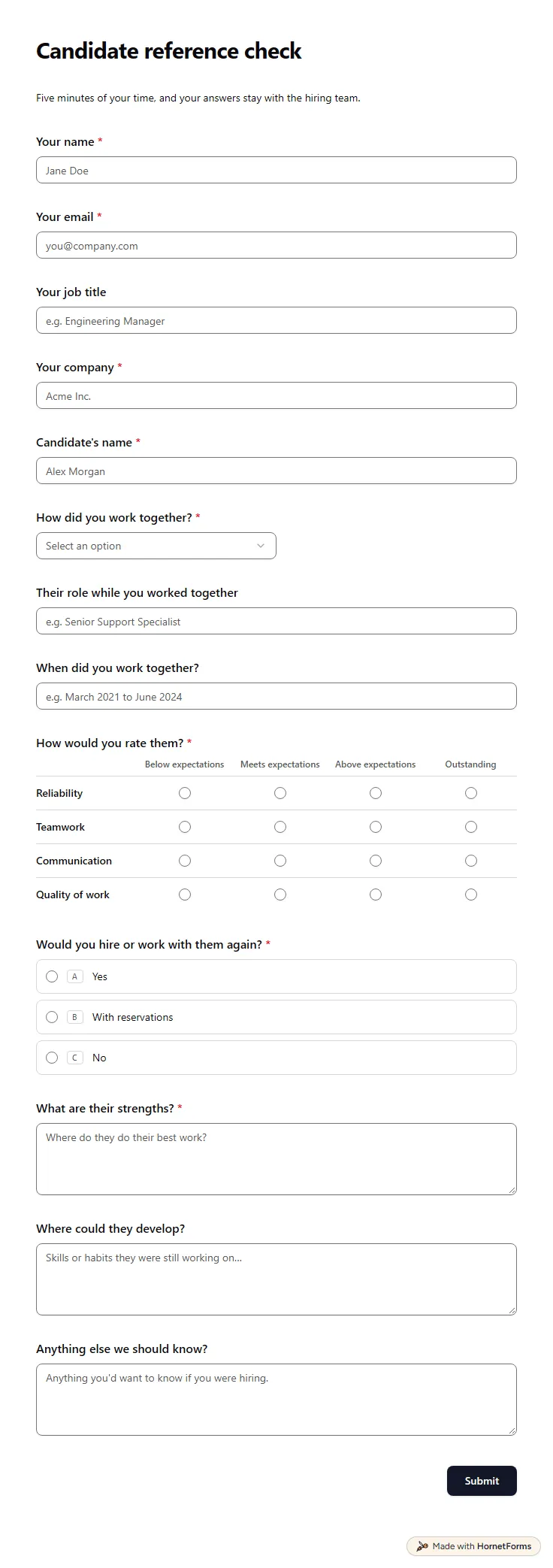
A free reference check form referees fill in on their phone: how they worked with the candidate, four ratings, strengths and a hire-again question.
14 questions on one page
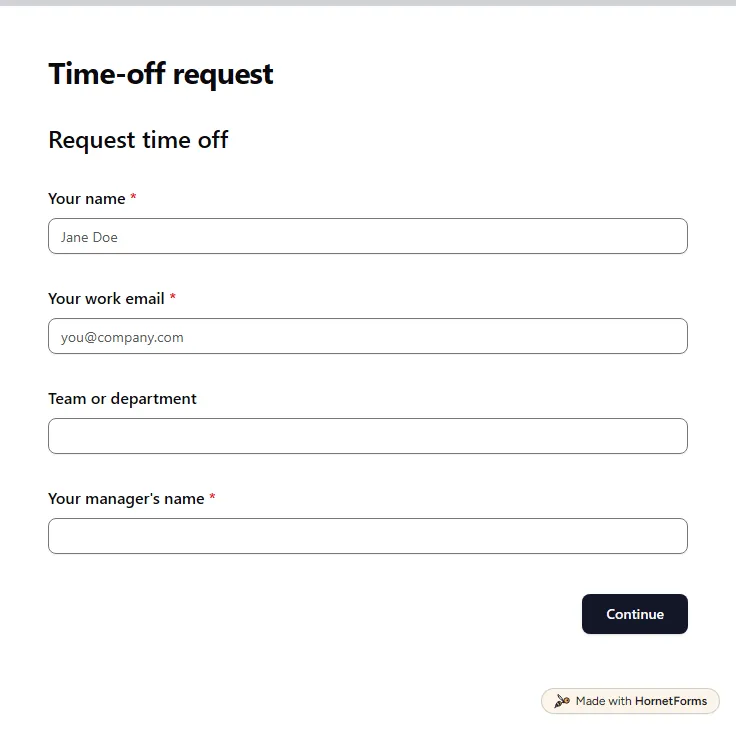
A free time off request form for PTO, vacation, sick days and half days. Staff send it from any phone, and you get each request by email.
15 questions on 3 pages
How to run an employee referral program: who can refer, rewards, when to pay, keeping referrers updated, plus a free policy template and tracker.
Sign up for free, pick a template and change anything you like: questions, logic and design. The Free plan stays free forever, with unlimited responses.