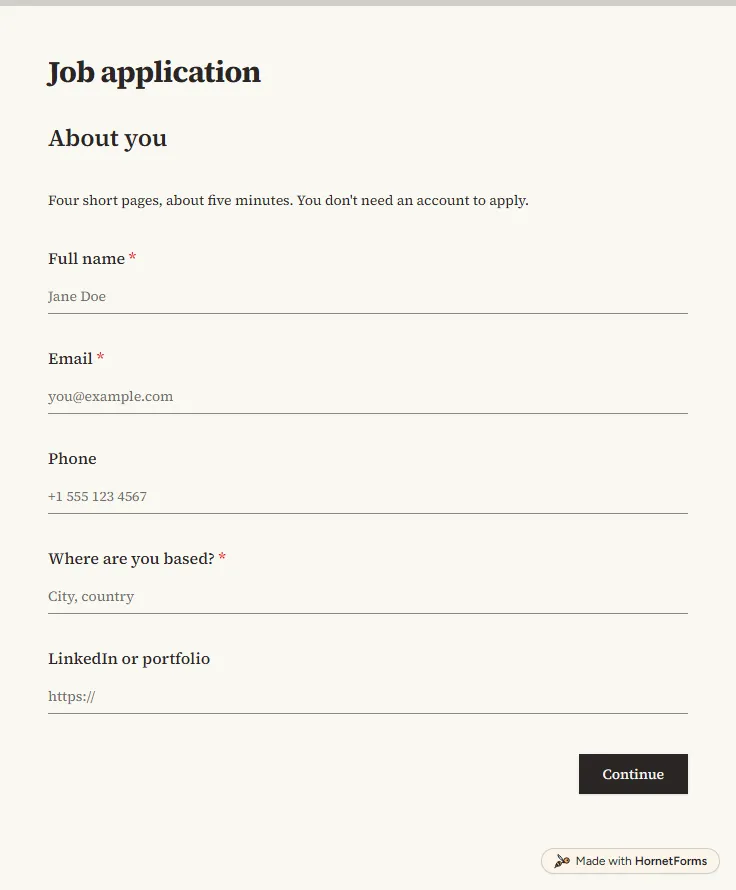
Job application form template with CV upload
A free job application form with CV upload, screening questions and a job board tracker. Candidates apply from any phone, with no account needed.
17 questions on 4 pages
Launch week: 50% off Pro and Business with code LAUNCH50, while spots last. See pricing
Phone tag with a busy former manager can stall a hire for a week. A reference check form lets the referee answer when it suits them, in about five minutes, and gives you the same structured answers for every candidate. This template asks how the referee knows the candidate, when they worked together and in what role. Then it asks for four ratings in one grid: reliability, teamwork, communication and quality of work. After that come a hire-again question, their strengths and where they could develop. If the referee answers "With reservations" or "No", a follow-up box asks for context. Sign up for free, open the template and send the link once the candidate has given you their referees.
Free plan, free forever. Sign up and the template opens in your workspace.
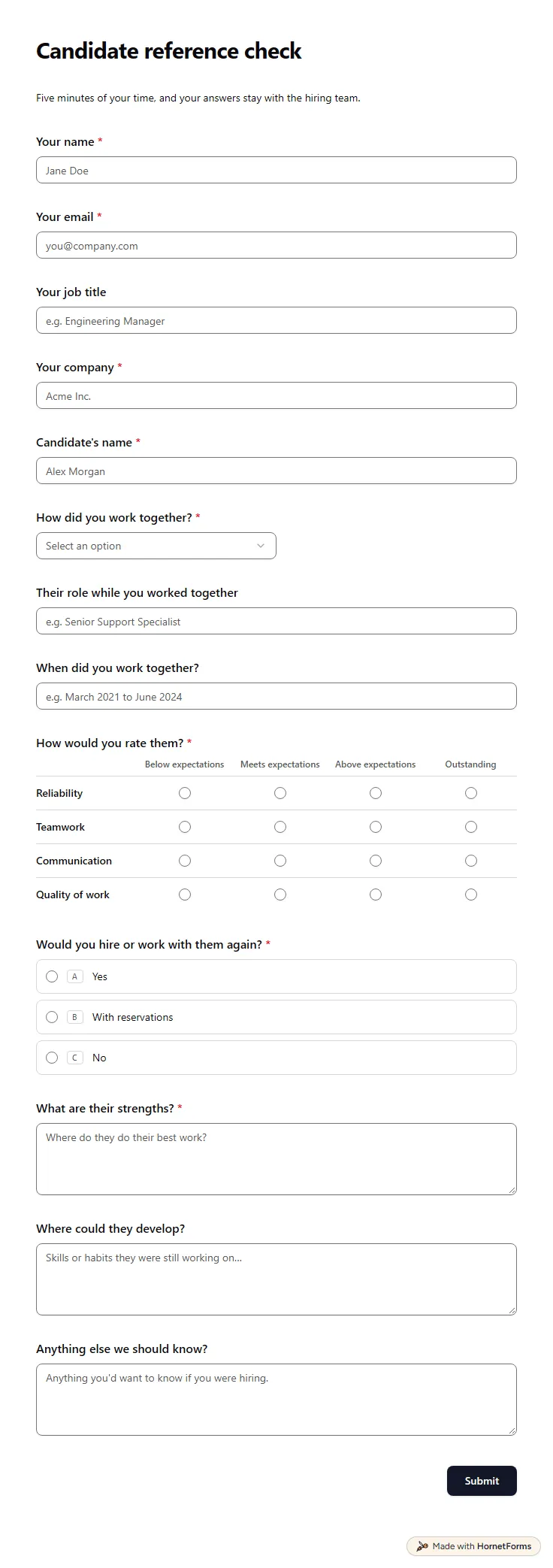
14 questions on one page. Every question, in order:
| No. | Question | Answer type | Required? |
|---|---|---|---|
| 1 | Your nameShort answer, Required | Short answer | Required |
| 2 | Your emailEmail, Required | Required | |
| 3 | Your job titleShort answer, Optional | Short answer | Optional |
| 4 | Your companyShort answer, Required | Short answer | Required |
| 5 | Candidate's nameShort answer, Required | Short answer | Required |
| 6 | How did you work together?Dropdown, RequiredChoices: I was their manager, I was their direct report, We were teammates, I was their client, Other | Dropdown | Required |
| 7 | Their role while you worked togetherShort answer, Optional | Short answer | Optional |
| 8 | When did you work together?Short answer, Optional | Short answer | Optional |
| 9 | How would you rate them?Matrix, RequiredChoices: Below expectations, Meets expectations, Above expectations, OutstandingRows: Reliability, Teamwork, Communication, Quality of work | Matrix | Required |
| 10 | Would you hire or work with them again?Multiple choice, RequiredChoices: Yes, With reservations, No | Multiple choice | Required |
| 11 | Could you tell us a little more?Long answer, OptionalContext helps us read the rest of your answers fairly. | Long answer | Optional |
| 12 | What are their strengths?Long answer, Required | Long answer | Required |
| 13 | Where could they develop?Long answer, Optional | Long answer | Optional |
| 14 | Anything else we should know?Long answer, Optional | Long answer | Optional |
Thank you
We appreciate you taking the time. References like yours make a real difference.
The same questions, ready to print or edit.
Every response lands in your HornetForms inbox. From there, send it wherever your team already works.
This one asks for the referee's name, email, job title and company, the candidate's name, how they worked together and when. Then it has a four-row rating grid, a hire-again question with a follow-up, strengths, areas to develop and a final open question.
Yes. This template is free on every plan, including the Free plan. Referees open your link on any phone or computer and answer without signing up or signing in. Because the form asks for their email, you can also send each referee a thank-you email in your own words.
Yes. There is a printable PDF for US Letter and for A4, plus a Word file you can edit. Use the paper version for a call: read the questions out and write the answers in the spaces.
Be careful. California, for example, generally bars employers from seeking an applicant's salary history, including through an agent, and other places have similar rules. Rules vary, so check your local law before you ask, or simply leave the question out.
A free job application form with CV upload, screening questions and a job board tracker. Candidates apply from any phone, with no account needed.
17 questions on 4 pages
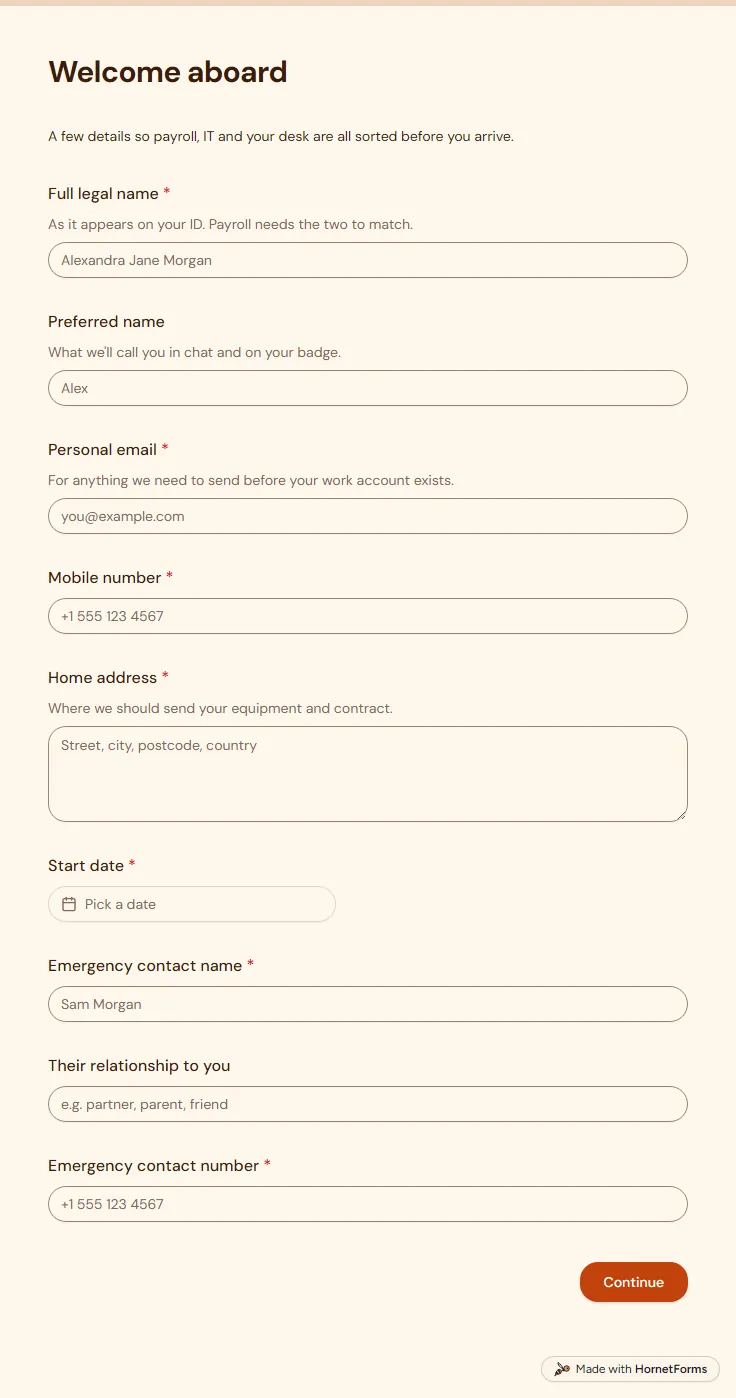
A free new employee information form for new starters: contact details, emergency contact, start date, laptop and desk kit, sent before day one.
17 questions on 2 pages
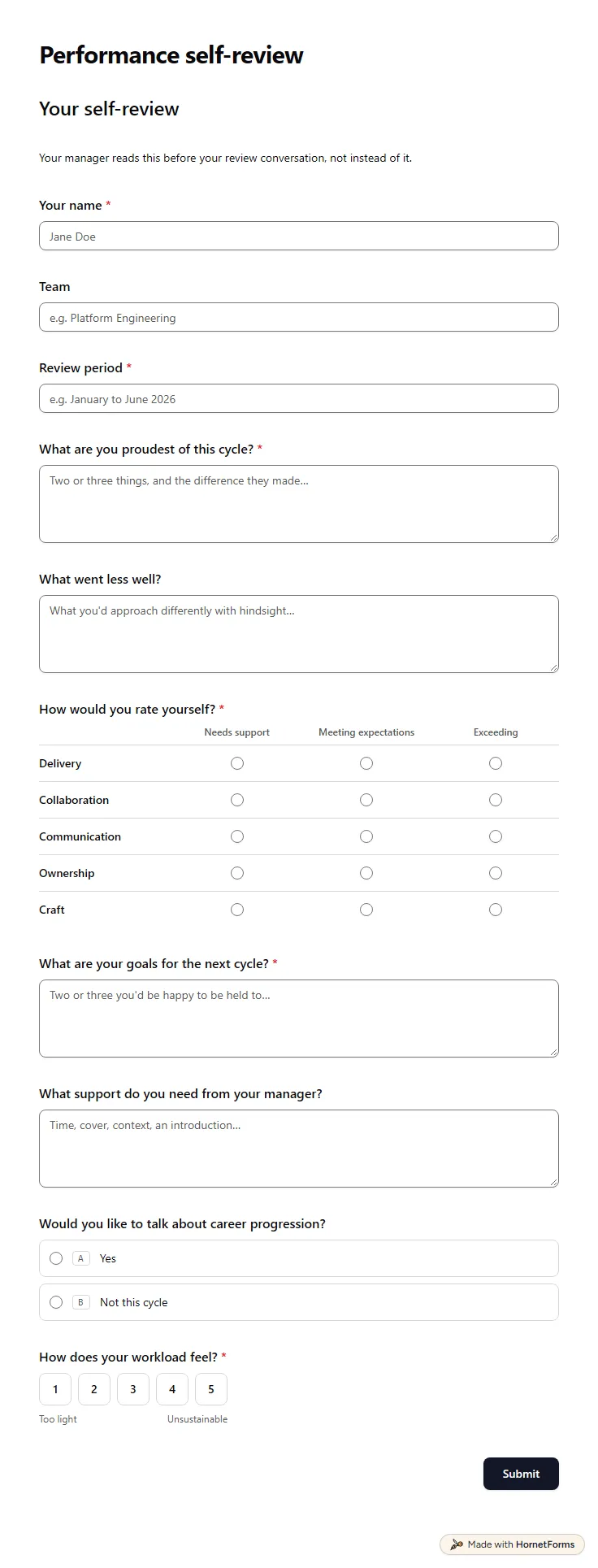
A free self evaluation form for employees: wins, setbacks, five self-ratings, goals, support needed and workload, ready before the review meeting.
12 questions on one page
30 reference check questions grouped by what you need to learn, the ones to leave out, and a free form, call script and scorecard for comparing references.
Sign up for free, pick a template and change anything you like: questions, logic and design. The Free plan stays free forever, with unlimited responses.