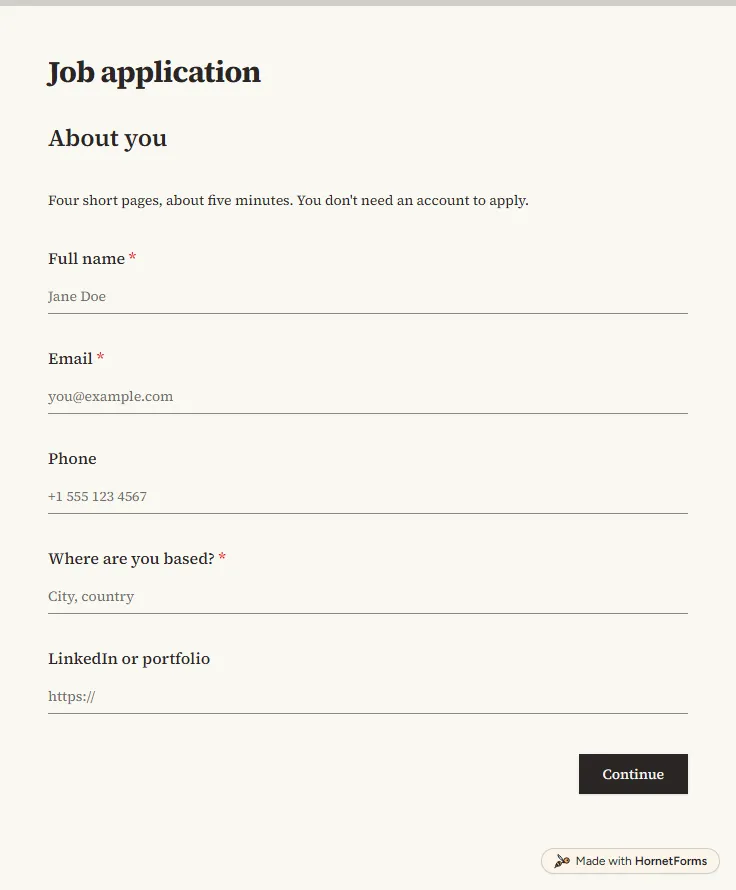
Job application form template with CV upload
A free job application form with CV upload, screening questions and a job board tracker. Candidates apply from any phone, with no account needed.
17 questions on 4 pages
Launch week: 50% off Pro and Business with code LAUNCH50, while spots last. See pricing
The week before someone starts, you need the same handful of facts every time. Their legal name for payroll. A personal email that works before the work account exists. A home address for the laptop, and someone to call in an emergency. This new employee information form collects all of it in two short pages. Page one covers the person and their emergency contact. Page two covers kit and practical things: laptop preference, desk equipment, T-shirt size, dietary needs for the first-week lunch, and any workplace adjustments. Send the link once they accept the offer and the answers arrive before day one, so the laptop is ready and nobody spends the first morning filling in paper. Sign up for free and the template opens in your workspace, ready to edit.
Free plan, free forever. Sign up and the template opens in your workspace.
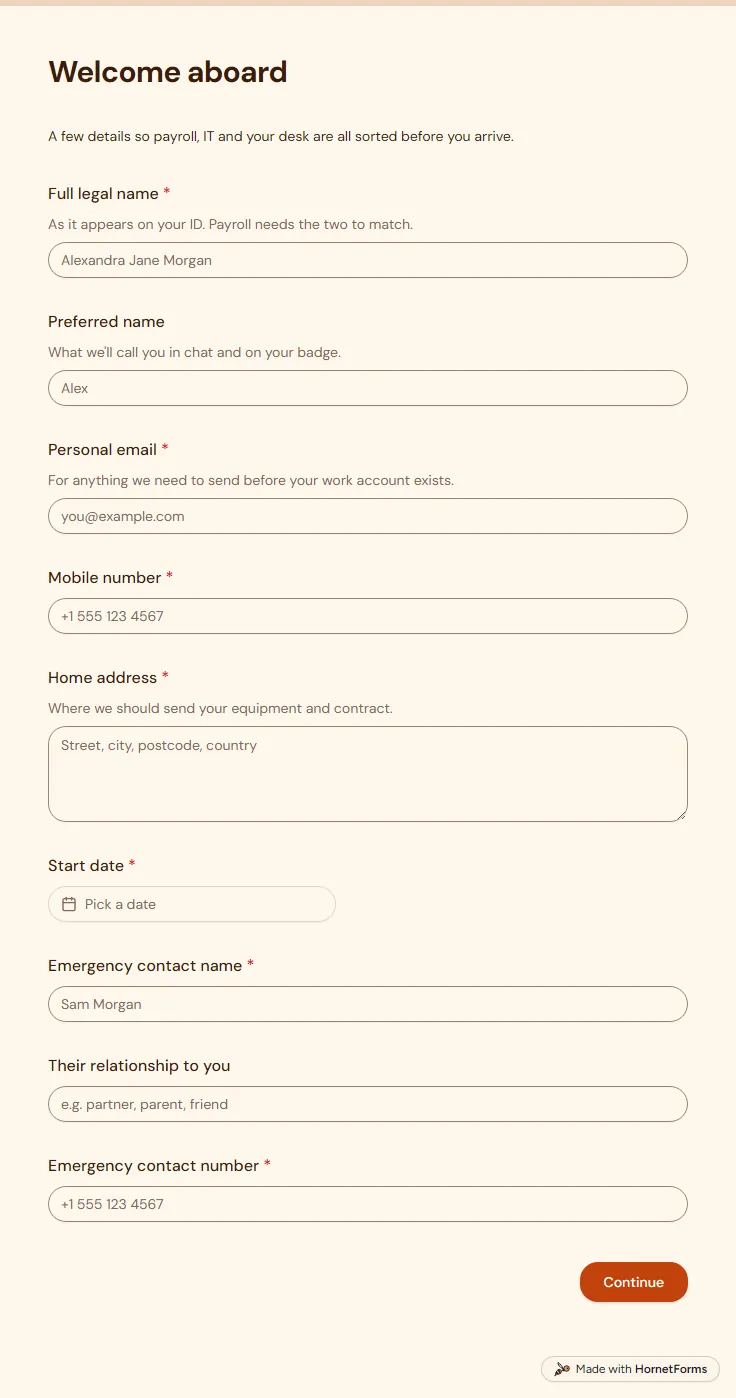
17 questions on 2 pages. Every question, in order:
| No. | Question | Answer type | Required? |
|---|---|---|---|
| 1 | Full legal nameShort answer, RequiredAs it appears on your ID. Payroll needs the two to match. | Short answer | Required |
| 2 | Preferred nameShort answer, OptionalWhat we'll call you in chat and on your badge. | Short answer | Optional |
| 3 | Personal emailEmail, RequiredFor anything we need to send before your work account exists. | Required | |
| 4 | Mobile numberPhone number, Required | Phone number | Required |
| 5 | Home addressLong answer, RequiredWhere we should send your equipment and contract. | Long answer | Required |
| 6 | Start dateDate, Required | Date | Required |
| 7 | Emergency contact nameShort answer, Required | Short answer | Required |
| 8 | Their relationship to youShort answer, Optional | Short answer | Optional |
| 9 | Emergency contact numberPhone number, Required | Phone number | Required |
| No. | Question | Answer type | Required? |
|---|---|---|---|
| 10 | T-shirt sizeDropdown, OptionalChoices: XS, S, M, L, XL, 2XL, 3XL | Dropdown | Optional |
| 11 | Laptop preferenceMultiple choice, RequiredChoices: macOS, Windows, Linux | Multiple choice | Required |
| 12 | Which distribution, and do you need admin rights?Short answer, Optional | Short answer | Optional |
| 13 | What else do you need at your desk?Checkboxes, OptionalSelect all that apply.Choices: External monitor, Docking station, Keyboard, Mouse or trackpad, Headset, Laptop stand | Checkboxes | Optional |
| 14 | Dietary requirementsShort answer, OptionalFor your first-week lunch and team events. | Short answer | Optional |
| 15 | Do you need any accessibility or workplace adjustments?Multiple choice, OptionalChoices: Yes, No, I'd rather discuss it privately | Multiple choice | Optional |
| 16 | What adjustments would help?Long answer, OptionalWe'll use this to set up your first week. We'll check with you before we act on anything here. | Long answer | Optional |
| 17 | Anything else we should know before day one?Long answer, Optional | Long answer | Optional |
All set. See you on day one!
Your manager will send an agenda for your first week, and your kit will be waiting.
The same questions, ready to print or edit.
Every response lands in your HornetForms inbox. From there, send it wherever your team already works.
Most include the legal and preferred name, personal email and phone, home address, start date and an emergency contact. This template adds the practical side: laptop preference, desk kit, dietary needs for team events and a question about workplace adjustments, so setup is done before the first morning.
Keep them out. Payroll, tax and work-eligibility paperwork has its own official forms and rules, so handle it through your payroll provider or HR system. This form leaves those fields out on purpose and sticks to the details that help you get ready for day one.
Yes. Download the new employee information form as a PDF for US Letter or A4, or as a Word file you can edit and add your logo to. The paper version has the same questions in the same order as the online form.
Yes. The template works on the Free plan, which is free forever. Sign up, open the template, edit the questions and send the link. New hires fill it in on any phone or laptop without signing up or signing in, which matters because their work account usually does not exist yet.
Yes. Some teams call it a new employee details form, a new hire information form or a starter form. They all collect the same core facts before day one: name, contact details, start date and an emergency contact.
A free job application form with CV upload, screening questions and a job board tracker. Candidates apply from any phone, with no account needed.
17 questions on 4 pages
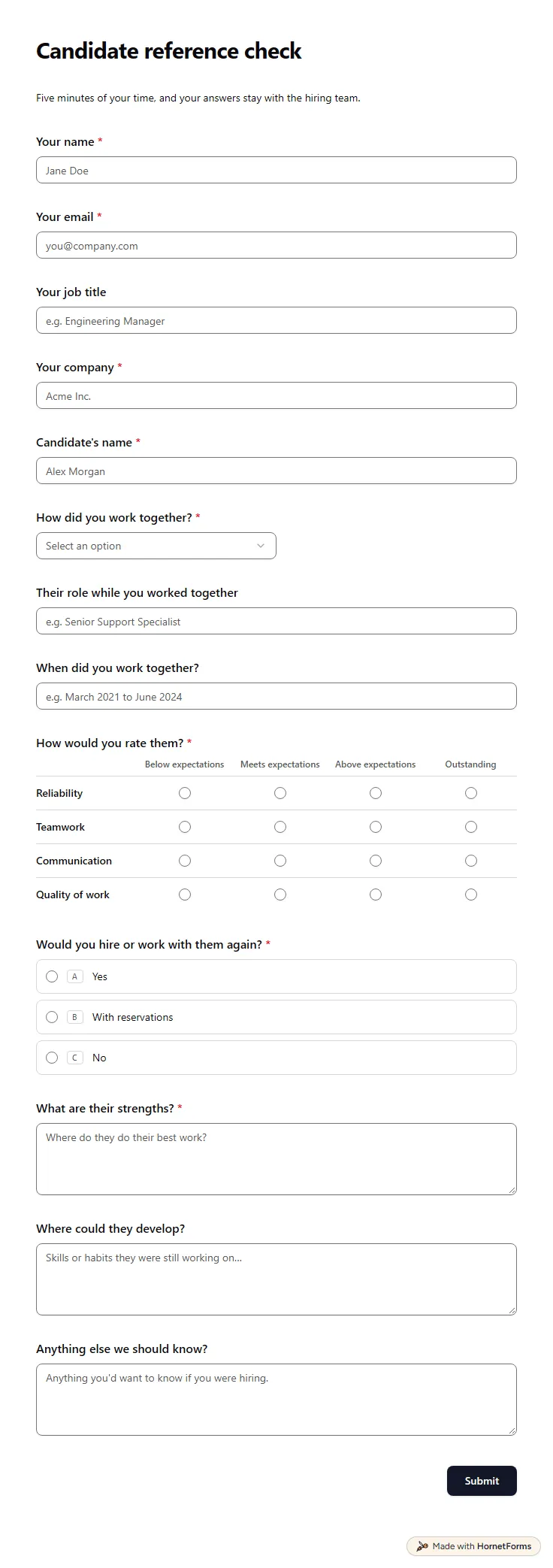
A free reference check form referees fill in on their phone: how they worked with the candidate, four ratings, strengths and a hire-again question.
14 questions on one page
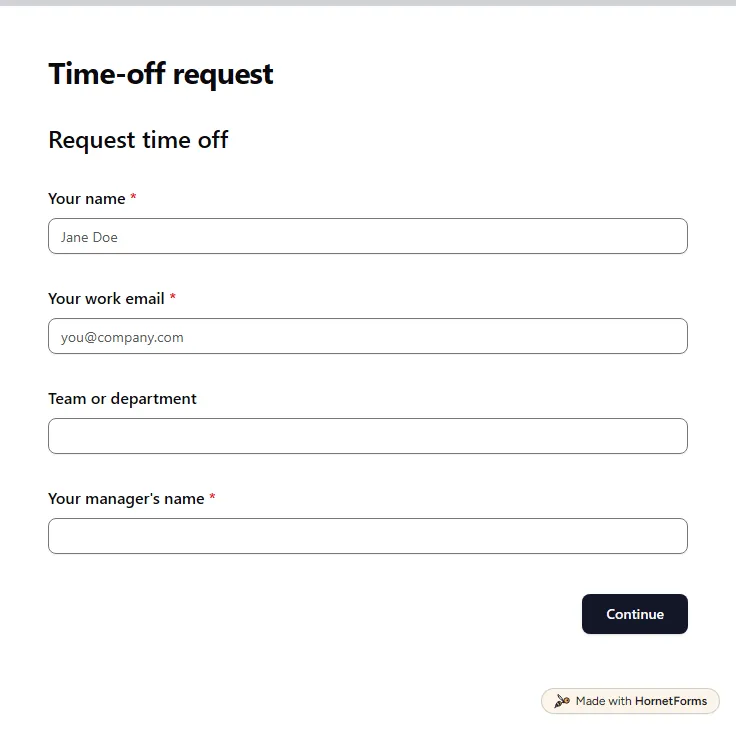
A free time off request form for PTO, vacation, sick days and half days. Staff send it from any phone, and you get each request by email.
15 questions on 3 pages
A plain new hire onboarding process for small teams: what to do before day one, in week one and at 30, 60 and 90 days, with a free checklist sheet.
A free onboarding plan template for new hires: what to do before day one and at 30, 60 and 90 days, with check-in questions, an Excel sheet and a Word file.
Sign up for free, pick a template and change anything you like: questions, logic and design. The Free plan stays free forever, with unlimited responses.