Cancellation survey template (free)
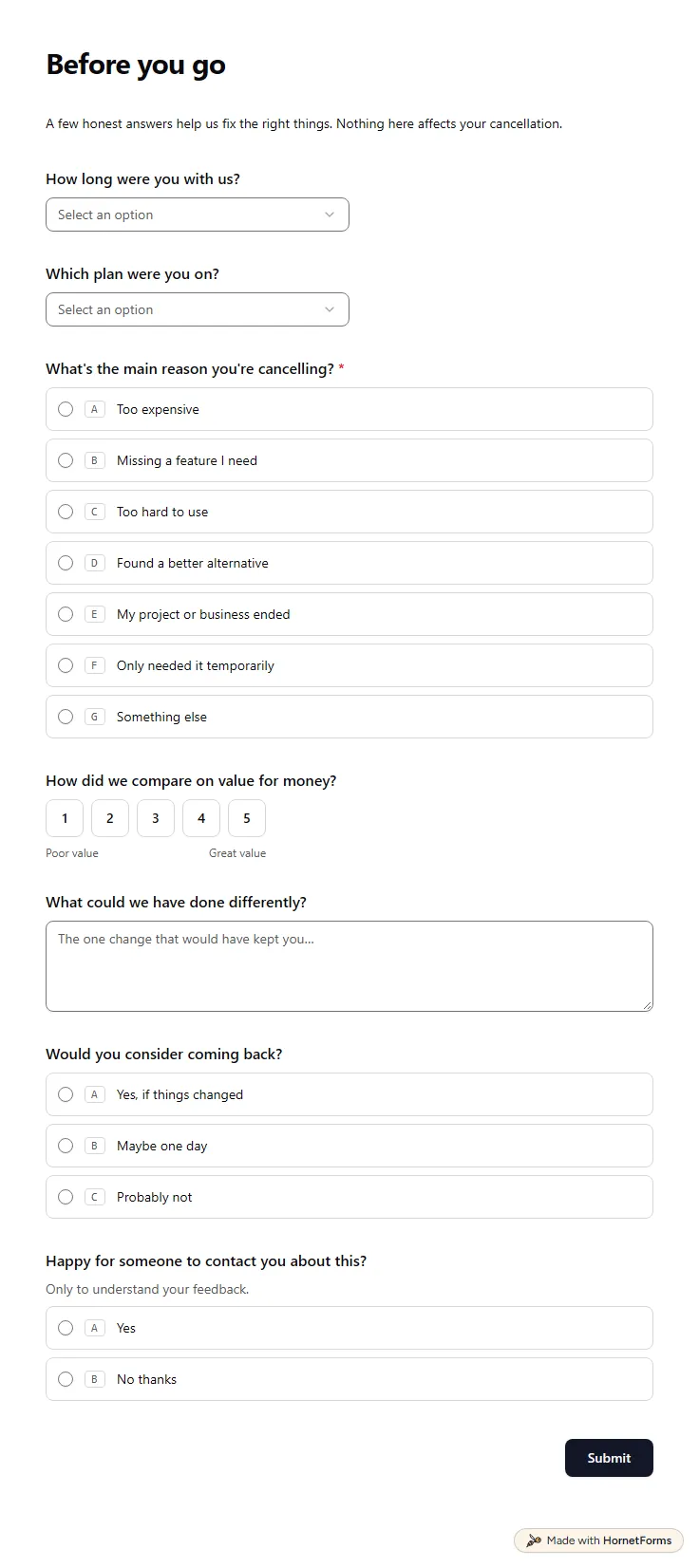
A free cancellation survey template that asks why a customer is leaving, then follows up on price, a missing feature or the tool they chose.
11 questions on one page
Launch week: 50% off Pro and Business with code LAUNCH50, while spots last. See pricing
A customer onboarding survey reaches a new customer in their first week, while their goals are fresh and before small snags turn into a cancelled plan. This template runs over two pages with a progress bar. Page one asks for their name, company and role, what they want to achieve in the first 90 days and how many people will use your product. Page two covers the tools it has to work alongside, whether they need help moving data (and from where), anything that has already tripped them up and a one to five rating of the experience so far. A rating below four opens a box asking what went wrong. Last, they choose how hands-on onboarding should be, and anyone who wants a call says when they are usually free. Sign up for free, open the template and send it on day one.
Free plan, free forever. Sign up and the template opens in your workspace.
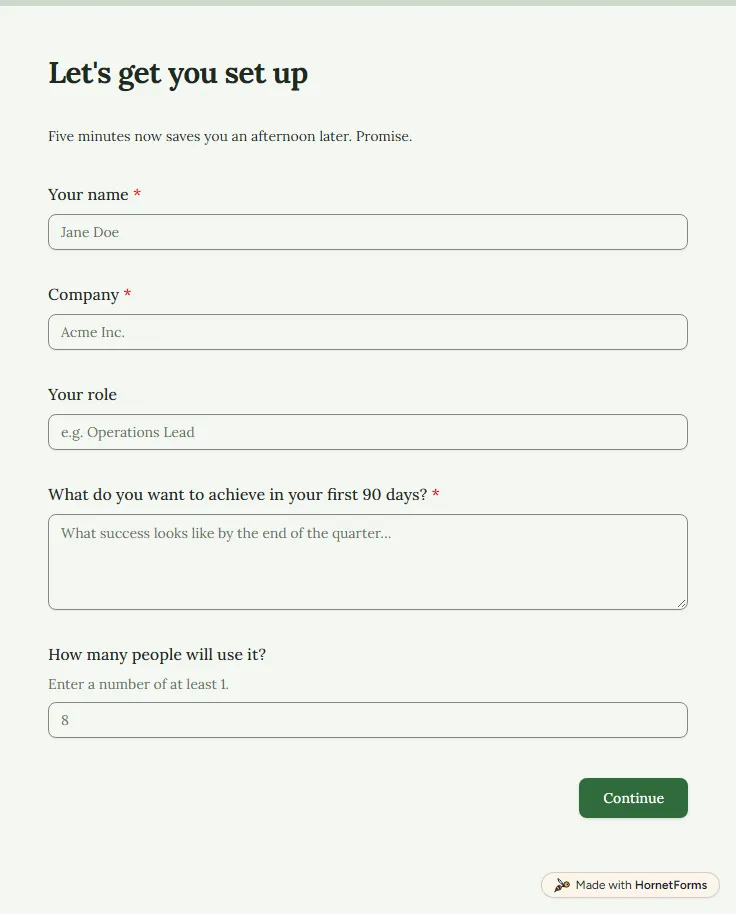
13 questions on 2 pages. Every question, in order:
| No. | Question | Answer type | Required? |
|---|---|---|---|
| 1 | Your nameShort answer, Required | Short answer | Required |
| 2 | CompanyShort answer, Required | Short answer | Required |
| 3 | Your roleShort answer, Optional | Short answer | Optional |
| 4 | What do you want to achieve in your first 90 days?Long answer, Required | Long answer | Required |
| 5 | How many people will use it?Number, Optional | Number | Optional |
| No. | Question | Answer type | Required? |
|---|---|---|---|
| 6 | Which tools does it need to work alongside?Checkboxes, OptionalSelect all that apply.Choices: A CRM, Email or marketing automation, Slack or Teams, A spreadsheet or BI tool, A project tracker, Our own systems, via the API, Nothing yet | Checkboxes | Optional |
| 7 | Do you need help importing or migrating data?Multiple choice, OptionalChoices: Yes, No | Multiple choice | Optional |
| 8 | Where is the data coming from?Short answer, Optional | Short answer | Optional |
| 9 | Anything already tripped you up?Long answer, Optional | Long answer | Optional |
| 10 | How's your experience so far?Rating, OptionalScale of 1 to 5 | Rating | Optional |
| 11 | What's gone wrong?Long answer, OptionalThe sooner we know, the sooner we can put it right. | Long answer | Optional |
| 12 | How hands-on would you like onboarding to be?Multiple choice, RequiredChoices: Self-serve: just point me at the docs, A kick-off call, Full white-glove setup | Multiple choice | Required |
| 13 | When are you usually free?Short answer, Optional | Short answer | Optional |
Thanks, we've got what we need
Your onboarding specialist will follow up with the next step shortly.
The same questions, ready to print or edit.
Every response lands in your HornetForms inbox. From there, send it wherever your team already works.
Ask about goals first, then setup. This one asks what they want to achieve in 90 days, how many people will use the product, which tools it must work with, whether data needs moving, what has gone wrong so far and how much help they would like.
It is everything between a customer signing up and getting real value from your product: setup, connecting tools, moving data and learning the basics. The survey shows where each new customer stands on that path, so you can help in the right place.
A client onboarding questionnaire usually collects what an agency or freelancer needs before the work starts: brand files, contacts, scope and how to share access. A customer onboarding survey checks how a new customer of your product is settling in during week one, and how much help they want.
Within the first few days, while setup questions are fresh. Send it in the welcome email or right after the first login. A second short check around day 30 tells you whether the 90-day goal is still on track.
Yes. This page offers it as a PDF sized for US Letter or A4, plus an editable Word version. You can print it as the agenda for the kickoff call and tick off each answer as the customer talks.
A free cancellation survey template that asks why a customer is leaving, then follows up on price, a missing feature or the tool they chose.
11 questions on one page
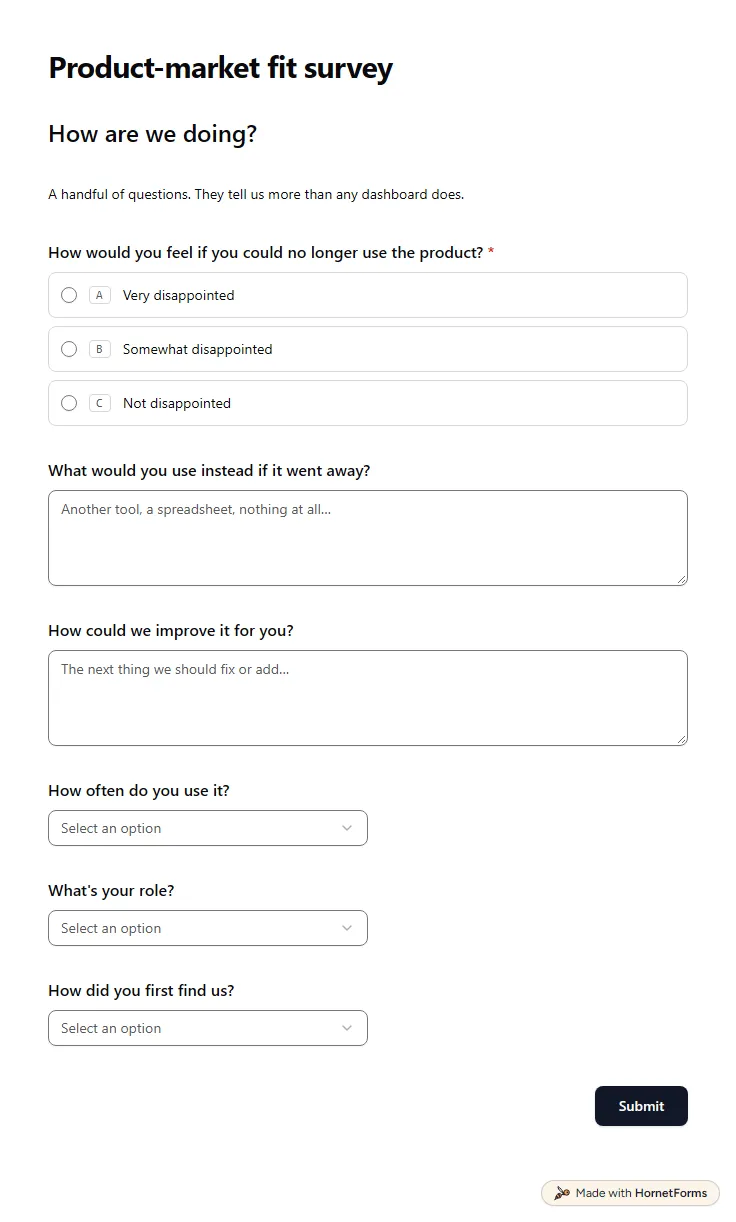
A free product market fit survey built on the Sean Ellis question, with follow-ups for must-have users and for people who would not miss you.
9 questions on one page
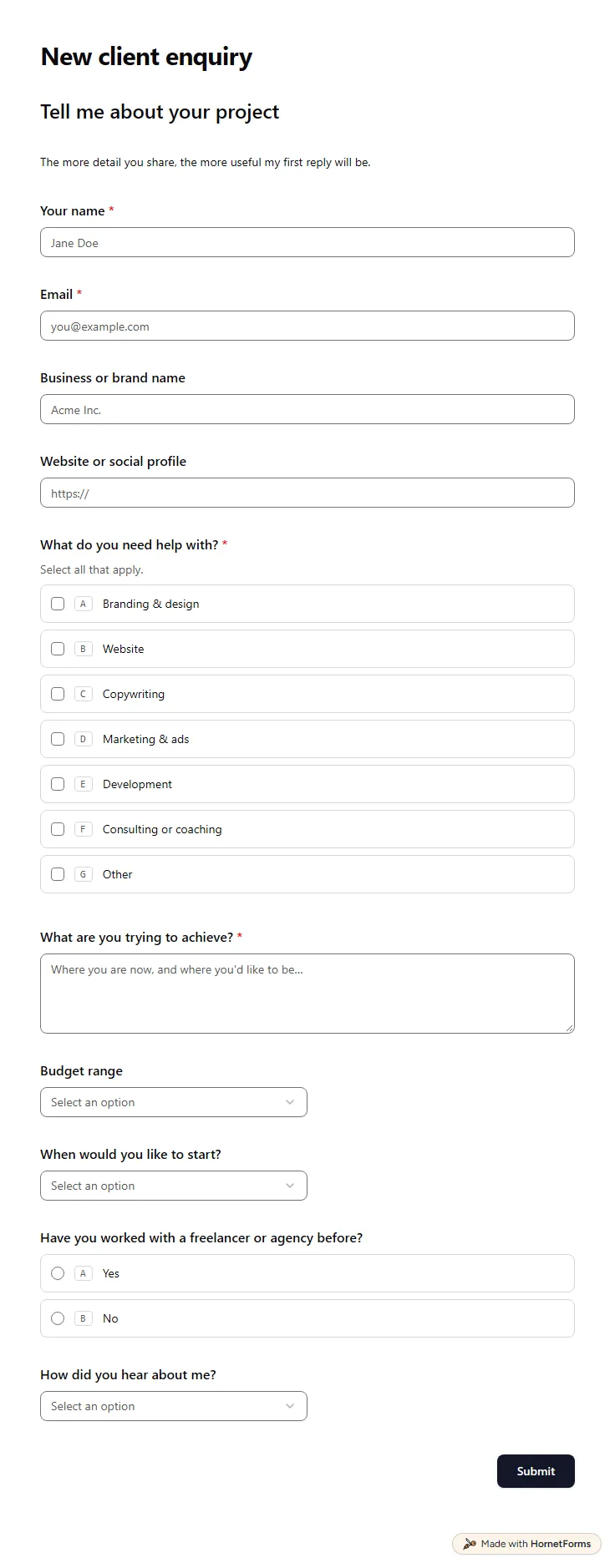
A free client intake form for freelancers and agencies. Ask about scope, budget, timeline and past experience before the first call.
11 questions on one page
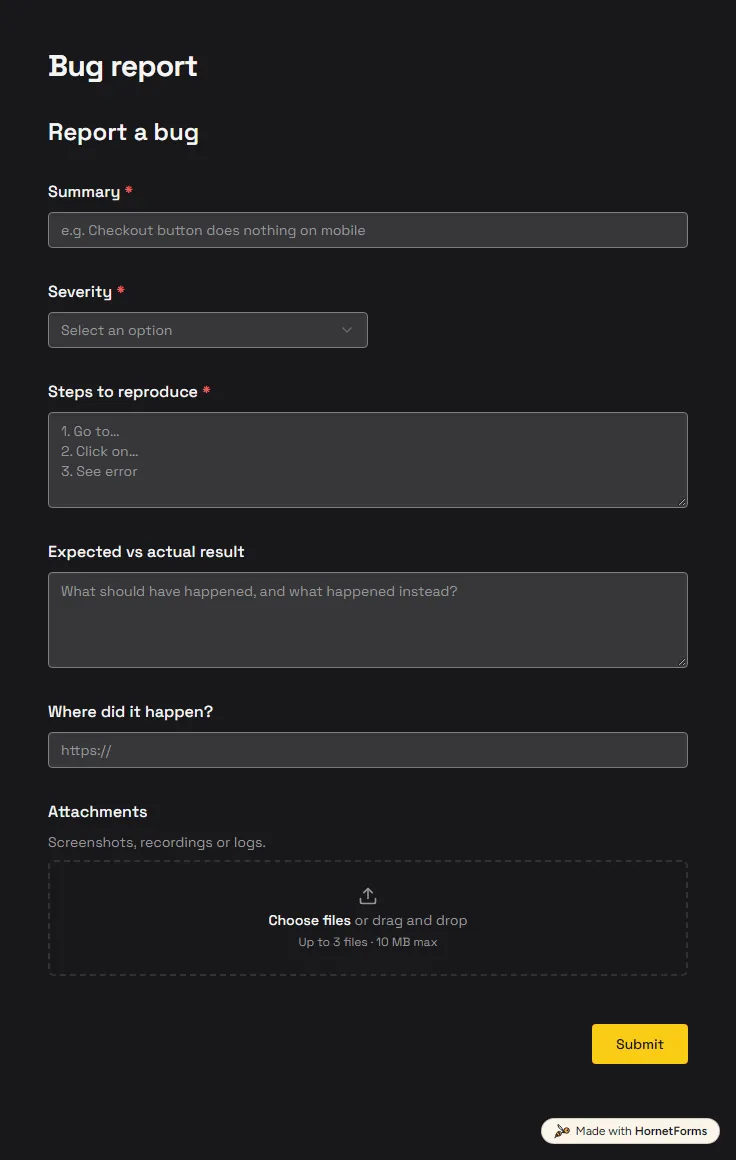
A free bug report form that asks for severity, steps and screenshots, and records the app version and browser from the link.
6 questions on one page
25 screener survey questions for user research, with the rule for each one, plus a free screener survey template and a participant tracker.
Sign up for free, pick a template and change anything you like: questions, logic and design. The Free plan stays free forever, with unlimited responses.