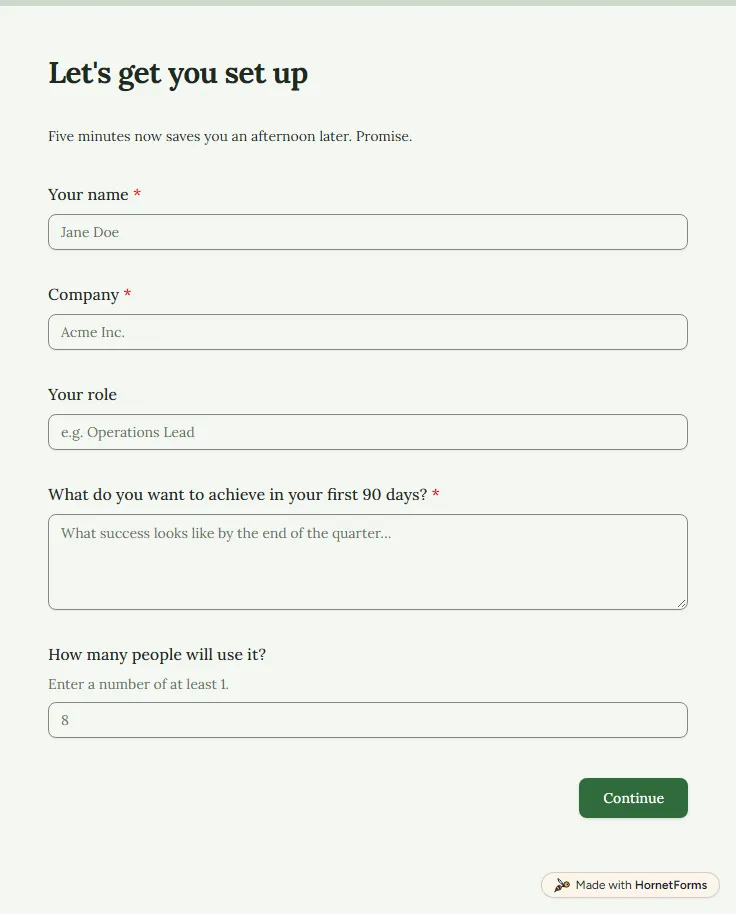
Customer onboarding survey template (free)
A free customer onboarding survey for a new account's first week: goals, tools to connect, data to move and how much help they want.
13 questions on 2 pages
Launch week: 50% off Pro and Business with code LAUNCH50, while spots last. See pricing
A cancellation survey template gives you one short page to show people on their way out, so you learn why they left instead of guessing from a churn chart. This one opens with how long they stayed and which plan they used, then asks for the main reason they are cancelling. That answer steers the next question. "Too expensive" asks what price would have worked, a missing feature asks which one, a better alternative asks which tool they chose, and "Something else" opens a box for their own words. Everyone then rates value for money from one to five, says what you could have done differently, whether they might come back and whether you may contact them. Only the reason is required. Sign up for free, open the template and link it from your cancel page.
Free plan, free forever. Sign up and the template opens in your workspace.
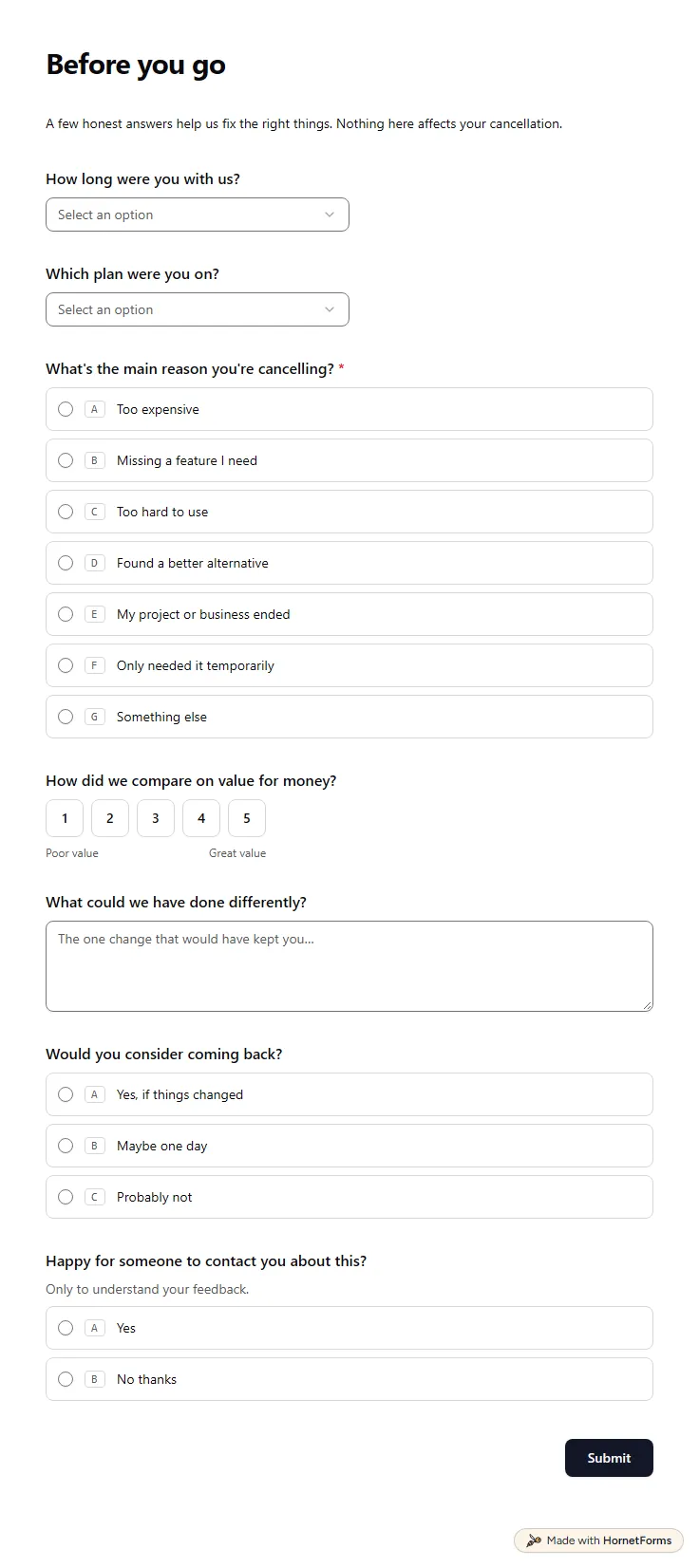
11 questions on one page. Every question, in order:
| No. | Question | Answer type | Required? |
|---|---|---|---|
| 1 | How long were you with us?Dropdown, OptionalChoices: Less than a month, 1-3 months, 3-12 months, 1-2 years, More than 2 years | Dropdown | Optional |
| 2 | Which plan were you on?Dropdown, OptionalChoices: Free, Starter, Pro, Business, I'm not sure | Dropdown | Optional |
| 3 | What's the main reason you're cancelling?Multiple choice, RequiredChoices: Too expensive, Missing a feature I need, Too hard to use, Found a better alternative, My project or business ended, Only needed it temporarily, Something else | Multiple choice | Required |
| 4 | What price would have worked for you?Short answer, Optional | Short answer | Optional |
| 5 | Which feature were you missing?Short answer, Optional | Short answer | Optional |
| 6 | Which tool are you moving to?Short answer, OptionalIt helps us understand where we fall short. | Short answer | Optional |
| 7 | Tell us a bit moreLong answer, Optional | Long answer | Optional |
| 8 | How did we compare on value for money?Linear scale, OptionalScale of 1 to 5 (Poor value to Great value) | Linear scale | Optional |
| 9 | What could we have done differently?Long answer, Optional | Long answer | Optional |
| 10 | Would you consider coming back?Multiple choice, OptionalChoices: Yes, if things changed, Maybe one day, Probably not | Multiple choice | Optional |
| 11 | Happy for someone to contact you about this?Multiple choice, OptionalOnly to understand your feedback.Choices: Yes, No thanks | Multiple choice | Optional |
Thank you for the feedback
We've passed your answers to the team. You're welcome back any time.
The same questions, ready to print or edit.
Every response lands in your HornetForms inbox. From there, send it wherever your team already works.
Start with one required question: the main reason they are cancelling, picked from a short list. Then ask one follow-up that fits that reason, such as the price that would have worked or the feature they missed. Close with value for money, what you could have done better and whether they would come back.
It is another name for a cancellation survey: a short form for customers who stop paying or close their account. Churn is the share of customers you lose in a period, and the survey gives you the reasons behind that number.
Yes, through a link. If customers cancel in Stripe's customer portal, the portal can capture its own cancellation reason there. For the full set of follow-up questions, link this form from your cancel page or your cancellation email and pass the customer's ID in the link as a hidden field.
Not on its own. The survey shows why people leave; any drop comes from what you change after reading the answers, such as a cheaper plan, a missing feature or better help in the first weeks. Run it again after each change and compare the reasons.
Yes. Grab the PDF in US Letter or A4 size, or the editable Word version. A paper copy works well for exit calls with larger customers: read the questions aloud, then type the answers into the online form so they sit with the rest.
A free customer onboarding survey for a new account's first week: goals, tools to connect, data to move and how much help they want.
13 questions on 2 pages
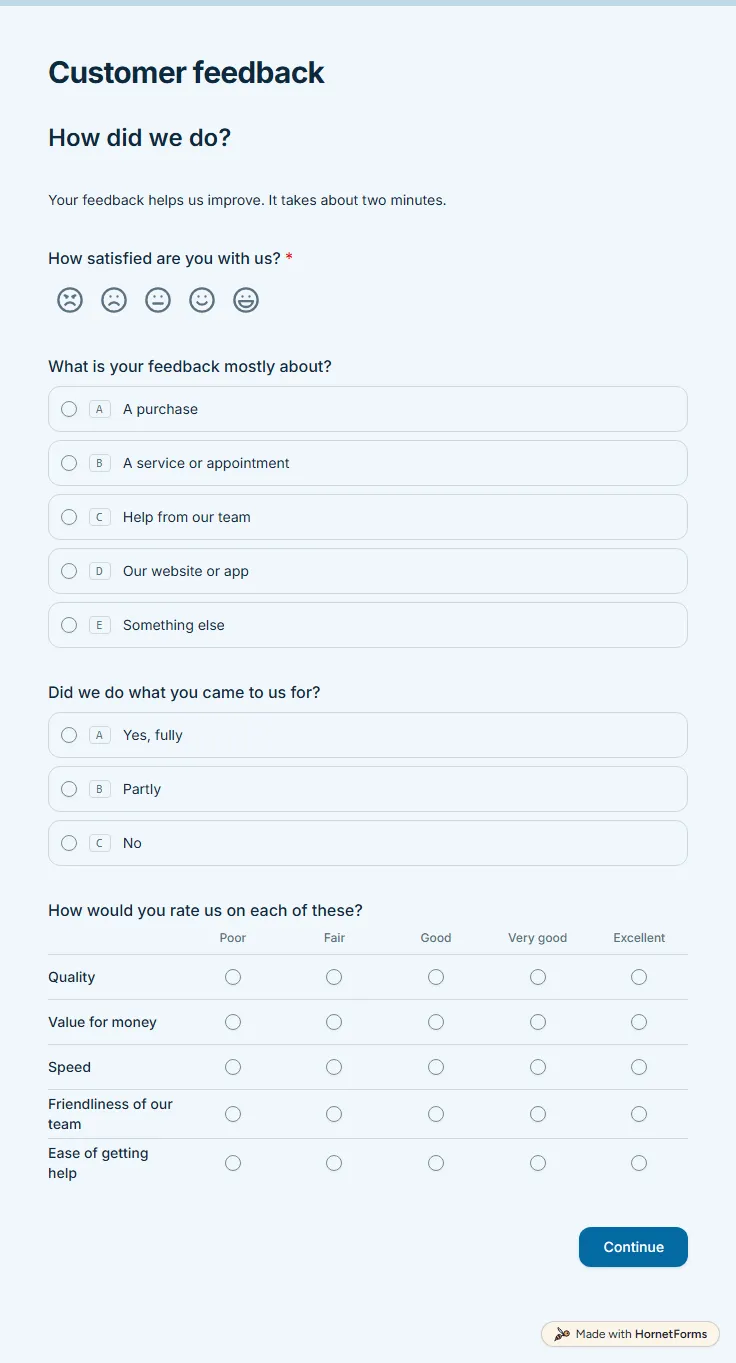
A free customer satisfaction survey with a five-face CSAT question, a quality grid and a 0 to 10 recommend score. Low scores get a follow-up box.
11 questions on 2 pages
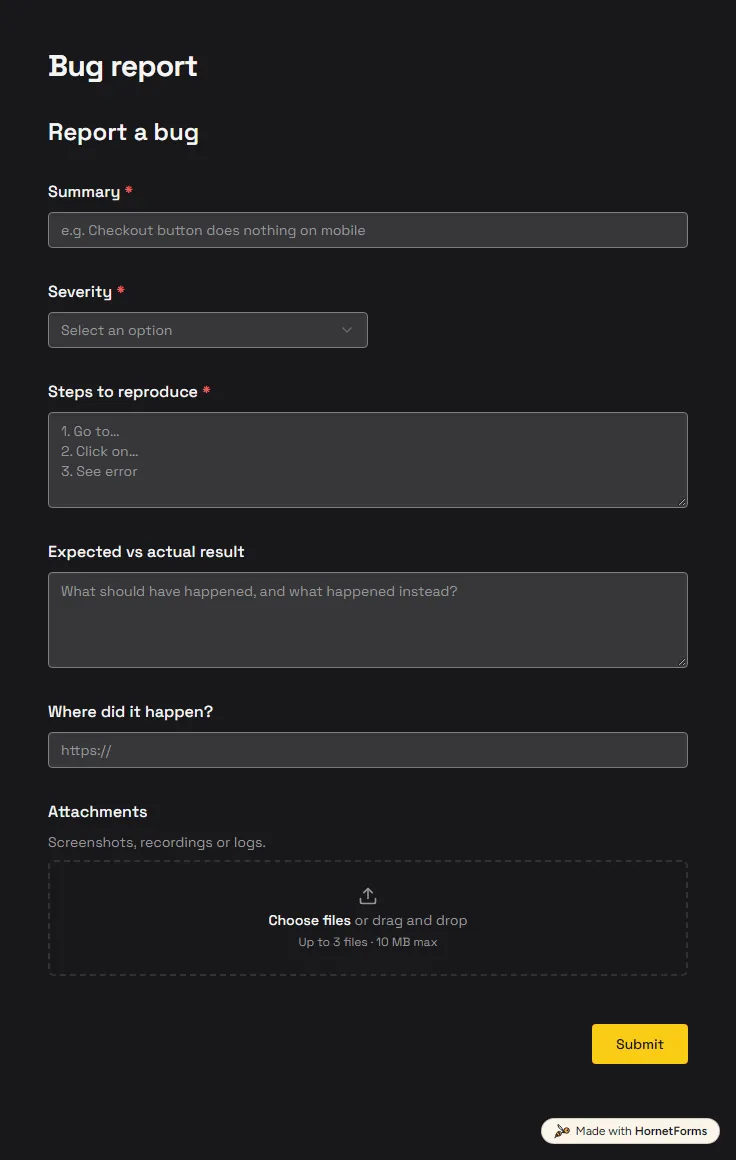
A free bug report form that asks for severity, steps and screenshots, and records the app version and browser from the link.
6 questions on one page
How to calculate NPS: the 0 to 10 question, the three groups, the formula with three worked examples, Excel formulas and a free NPS calculator.
Sign up for free, pick a template and change anything you like: questions, logic and design. The Free plan stays free forever, with unlimited responses.