Website survey template for site feedback (free)
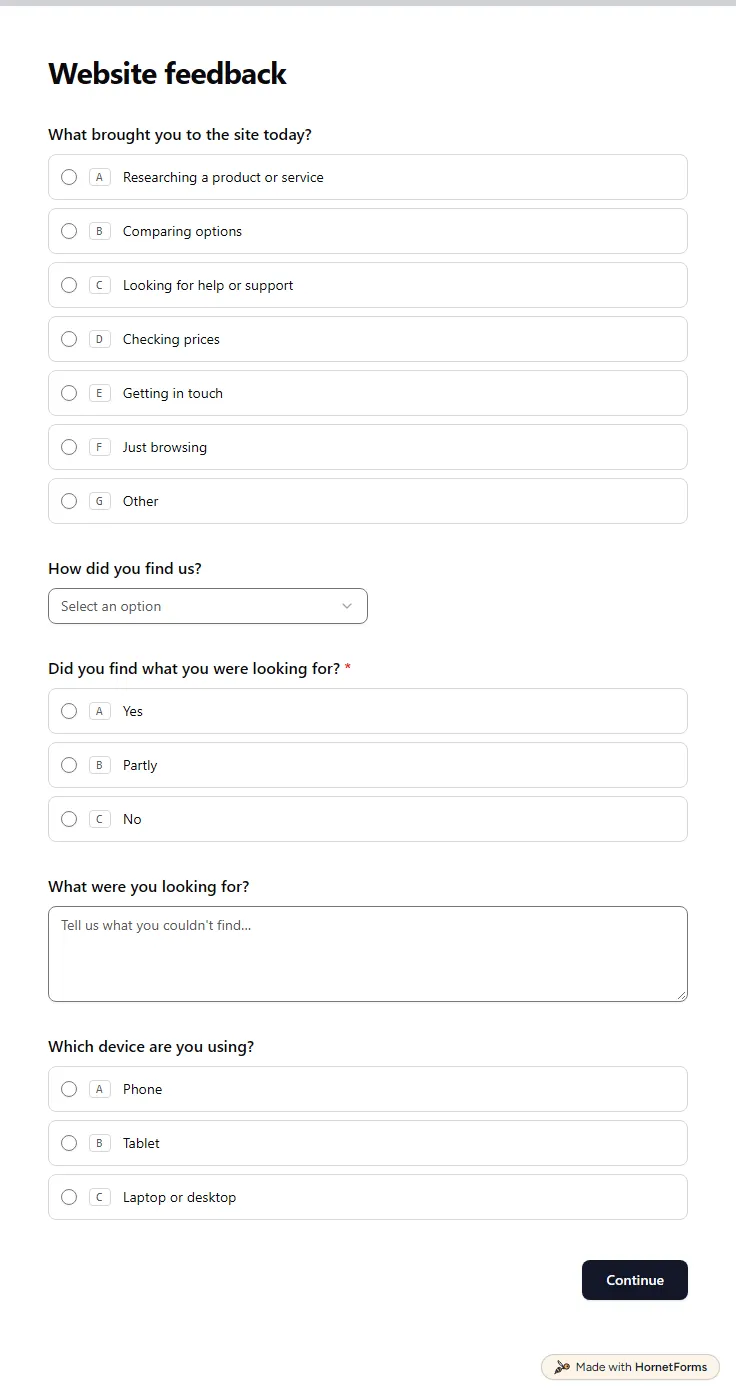
A free website survey that asks why people visit, whether they found what they wanted and which parts of the site slow them down. Embed it your way.
11 questions on 2 pages
Launch week: 50% off Pro and Business with code LAUNCH50, while spots last. See pricing
A customer satisfaction survey template should take about a minute to answer and still tell you what to fix. This one opens with a CSAT question: five faces, from very unsatisfied to very satisfied. Anyone who picks one of the two lowest faces sees a box asking what went wrong, so you hear about a bad experience from the customer before you read it in a review. Next come what the feedback is about, whether you did what they came for and a grid that rates quality, value for money, speed, friendliness and ease of getting help. Page two asks how likely they are to recommend you on a 0 to 10 scale, what they liked, what to improve first and how long they have been a customer. An email box appears only for people who say you may contact them. Sign up for free, open the template and rename the grid rows to fit your business.
Free plan, free forever. Sign up and the template opens in your workspace.
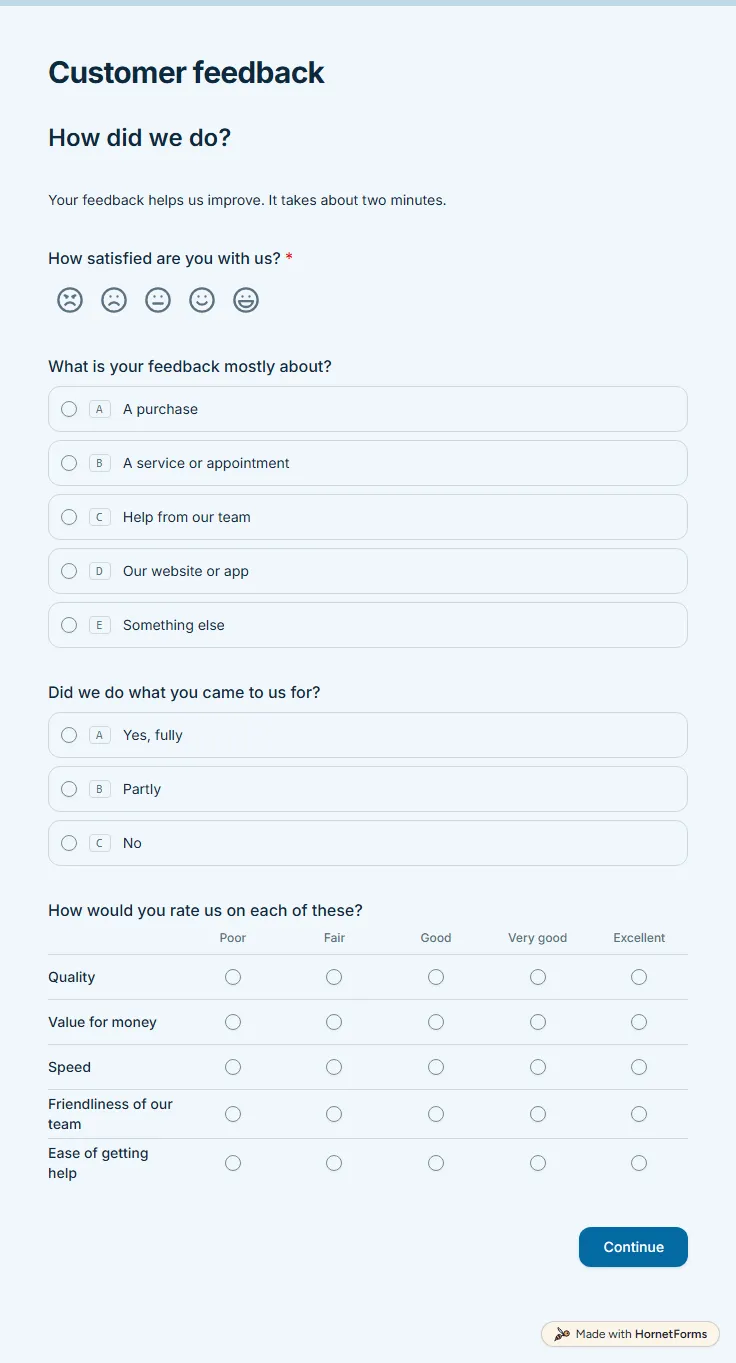
11 questions on 2 pages. Every question, in order:
Why we ask: So we know how you felt overall and which part of the experience to look at.
| No. | Question | Answer type | Required? |
|---|---|---|---|
| 1 | How satisfied are you with us?CSAT, RequiredScale of 1 to 5 | CSAT | Required |
| 2 | What went wrong?Long answer, OptionalWe're sorry we let you down. Tell us what happened so we can make it right. | Long answer | Optional |
| 3 | What is your feedback mostly about?Multiple choice, OptionalChoices: A purchase, A service or appointment, Help from our team, Our website or app, Something else | Multiple choice | Optional |
| 4 | Did we do what you came to us for?Multiple choice, OptionalChoices: Yes, fully, Partly, No | Multiple choice | Optional |
| 5 | How would you rate us on each of these?Matrix, OptionalChoices: Poor, Fair, Good, Very good, ExcellentRows: Quality, Value for money, Speed, Friendliness of our team, Ease of getting help | Matrix | Optional |
Why we ask: To see whether you would recommend us, what to keep doing and whether you want a reply.
| No. | Question | Answer type | Required? |
|---|---|---|---|
| 6 | How likely are you to recommend us to a friend or colleague?NPS, OptionalScale of 0 to 10 (Not likely to Very likely) | NPS | Optional |
| 7 | What did you like most?Long answer, Optional | Long answer | Optional |
| 8 | What one thing should we improve first?Long answer, Optional | Long answer | Optional |
| 9 | How long have you been a customer?Dropdown, OptionalChoices: This was my first time, Less than 6 months, 6 to 12 months, 1 to 3 years, More than 3 years | Dropdown | Optional |
| 10 | May we contact you about your answers?Multiple choice, OptionalChoices: Yes, No | Multiple choice | Optional |
| 11 | Email (if you'd like a reply)Email, Optional | Optional |
Thank you!
We read every response and appreciate you taking the time.
The same questions, ready to print or edit.
Every response lands in your HornetForms inbox. From there, send it wherever your team already works.
Start with one overall satisfaction question, then ask what the experience was about and rate the parts that matter, such as quality, value and speed. Add a recommend question, one open question on what to improve and an optional way to reply. This template follows that order.
The common method counts the people who chose four or five on a five-point scale, divides by everyone who answered and shows it as a percentage. For example, 42 satisfied answers out of 60 is a CSAT of 70%. HornetForms scores the CSAT preset for you, so you never do the sum by hand.
CSAT asks how satisfied someone is with a recent experience. NPS asks how likely they are to recommend you, from 0 to 10. People who answer nine or 10 count as promoters and zero to six as detractors; the score is the percentage of promoters minus the percentage of detractors. This template asks both, and both are presets on the scale questions.
Yes. Download a printable PDF in US Letter or A4, or a Word file you can edit. The paper version works at a counter or a front desk, and you can type the answers into the online form later so every score sits in one place.
As few as still answer your questions. This one has 11, but only the satisfaction question is required, and logic hides two of them from most people: the "what went wrong" box and the email box. A happy customer sees nine and can skip any of them.
A free website survey that asks why people visit, whether they found what they wanted and which parts of the site slow them down. Embed it your way.
11 questions on 2 pages
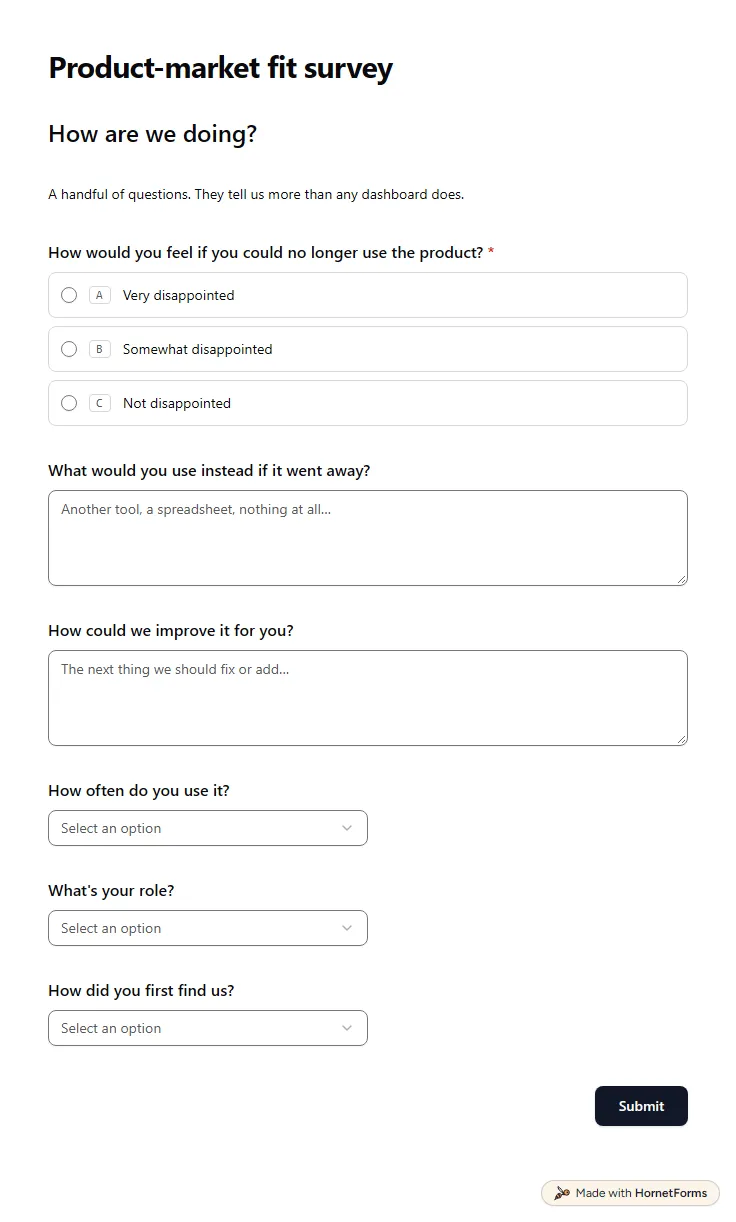
A free product market fit survey built on the Sean Ellis question, with follow-ups for must-have users and for people who would not miss you.
9 questions on one page
A free questionnaire template in Word and PDF, six introduction examples, and a CSV that turns the same 12 questions into an online survey.
A field guide to all 20+ HornetForms question types, grouped by job, with the settings that matter and the traps that quietly cost you responses.
60 customer satisfaction survey questions with answer scales, by goal and industry: cleaning, restaurants, real estate, construction, B2B. Free question bank.
70 feedback form questions for training, workshops, events, talks, courses, services and websites, with the rating scales to use and a free question bank.
What to ask on a customer complaint form, how to word it, where each complaint should go, and a free printable form plus a complaint log for Excel.
Sign up for free, pick a template and change anything you like: questions, logic and design. The Free plan stays free forever, with unlimited responses.