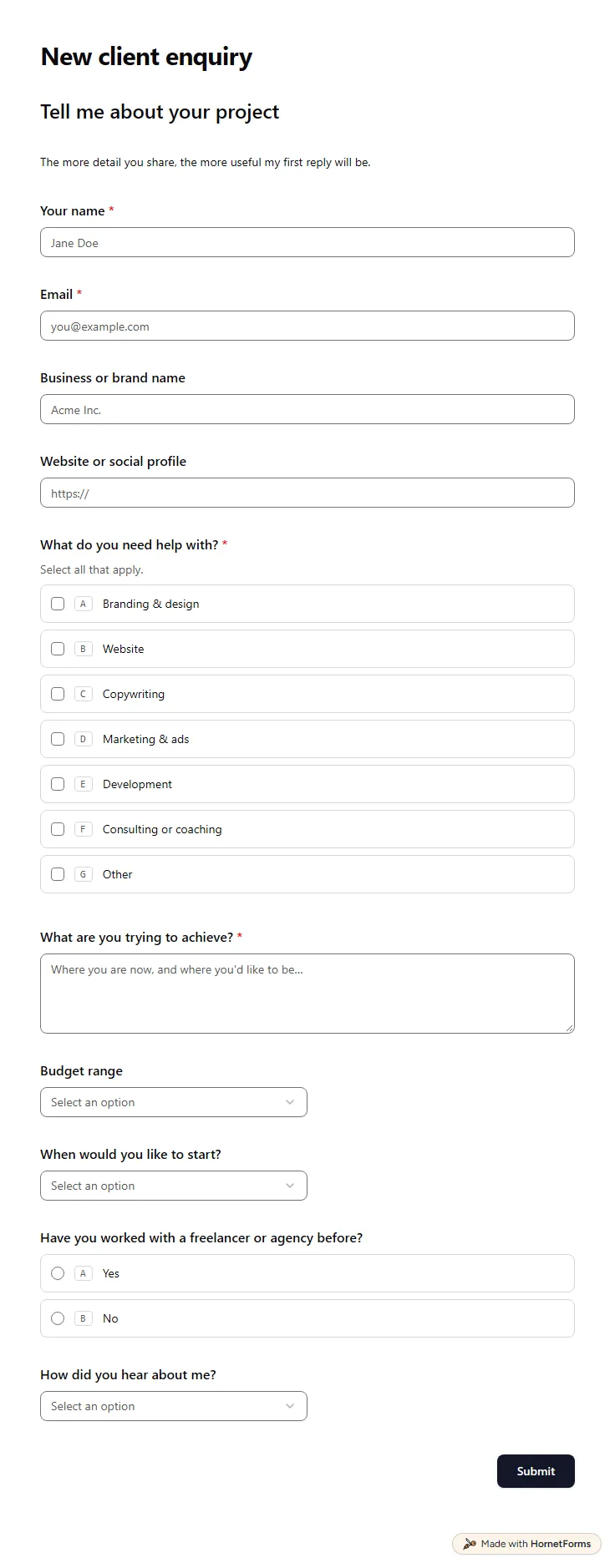
Client intake form template (free)
A free client intake form for freelancers and agencies. Ask about scope, budget, timeline and past experience before the first call.
11 questions on one page
Launch week: 50% off Pro and Business with code LAUNCH50, while spots last. See pricing
Most happy clients will gladly say something nice. They just won't write it from a blank email. A testimonial request form gives them a few easy prompts instead. This template opens with a one to five rating of how working together went, then asks what you worked on and what they'd tell someone thinking of hiring you. That last answer is usually your quote. Next come their name, job title and company, a website or LinkedIn link and an optional photo or logo. The final question asks how you may publish it: with their name and company, first name and company only, or with no name at all. If the rating is three or lower, an extra box asks what you could have done better, so you hear about problems before anything goes public.
Free plan, free forever. Sign up and the template opens in your workspace.
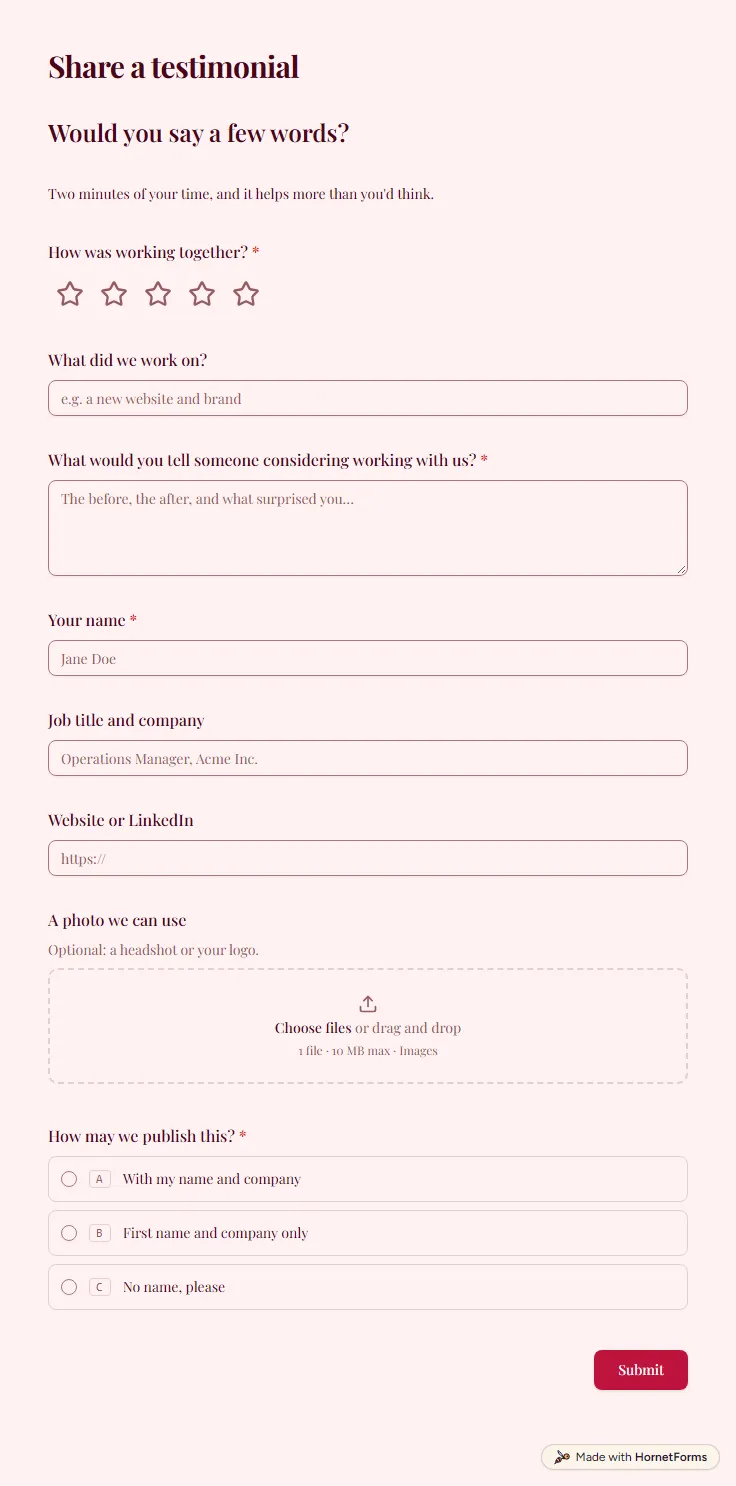
9 questions on one page. Every question, in order:
| No. | Question | Answer type | Required? |
|---|---|---|---|
| 1 | How was working together?Rating, RequiredScale of 1 to 5 | Rating | Required |
| 2 | What did we work on?Short answer, Optional | Short answer | Optional |
| 3 | What would you tell someone considering working with us?Long answer, Required | Long answer | Required |
| 4 | What could we have done better?Long answer, OptionalThis is for us, not for publishing. | Long answer | Optional |
| 5 | Your nameShort answer, Required | Short answer | Required |
| 6 | Job title and companyShort answer, Optional | Short answer | Optional |
| 7 | Website or LinkedInLink, Optional | Link | Optional |
| 8 | A photo we can useFile upload, OptionalOptional: a headshot or your logo. | File upload | Optional |
| 9 | How may we publish this?Multiple choice, RequiredChoices: With my name and company, First name and company only, No name, please | Multiple choice | Required |
Thank you, really.
We'll let you know where it ends up.
The same questions, ready to print or edit.
Every response lands in your HornetForms inbox. From there, send it wherever your team already works.
A specific result, a little of the before and after, and a real name with a job title or company. Generic praise like "great to work with" convinces nobody. That's why this form asks what you worked on and what they'd tell someone considering you, rather than "any comments?".
Not quite. A feedback form asks how you did so you can improve. A testimonial form asks for words you can publish, and for permission to publish them. This template does both: every client gives a rating and a quote, and only clients who rate you three or lower see the extra question about what to improve. Clients answer on their phone without creating an account.
Yes. This page has it as a PDF for US Letter or A4, and as a Word file you can edit. The printable has the same nine questions as the online form, which helps when you collect quotes in person at the end of a workshop or class.
It collects praise you can publish, plus written permission to publish it. Each response holds the quote, the person's details, an optional photo and their choice of how to be named, so you know what you may use on your website, in proposals or on social media.
Yes. One form link works for every client, and each answer arrives as its own response. Send it in a short personal note to each client who finished a project this month. You can filter responses by rating or by publishing choice before you pick quotes for your site.
A free client intake form for freelancers and agencies. Ask about scope, budget, timeline and past experience before the first call.
11 questions on one page
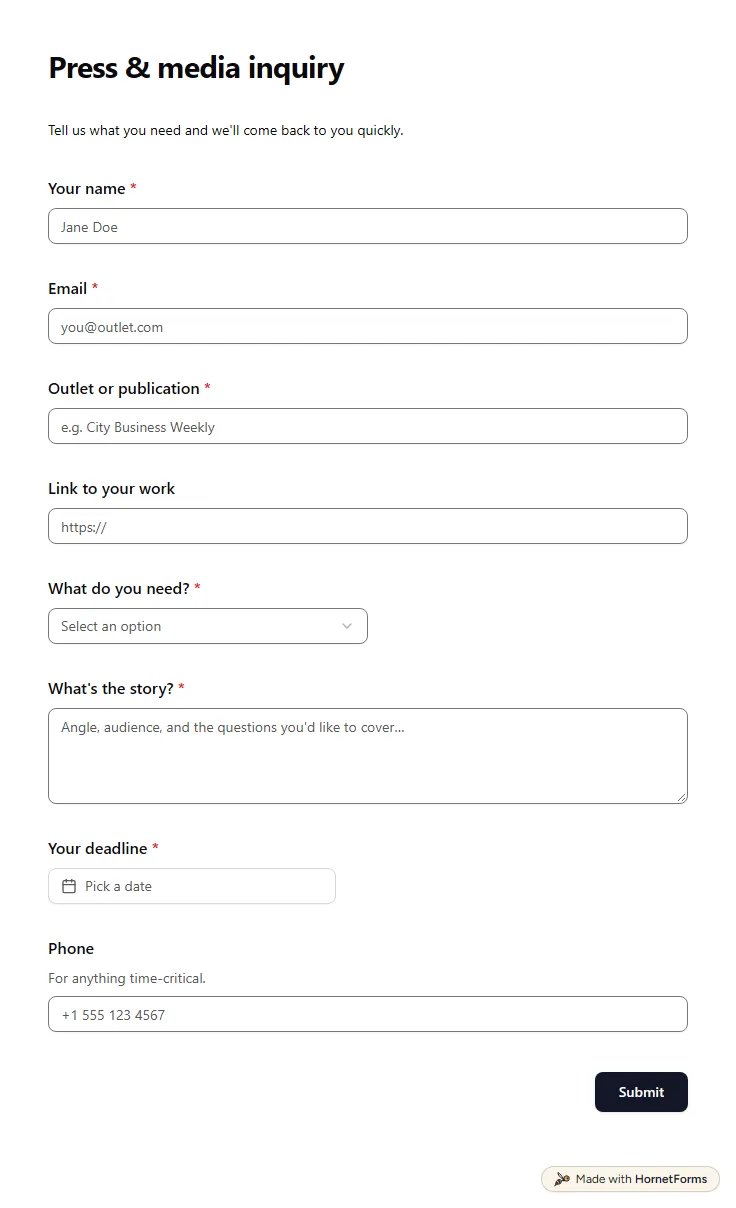
A free media request form for journalists, analysts and podcast hosts: outlet, type of request, the story angle and their deadline, on one page.
9 questions on one page
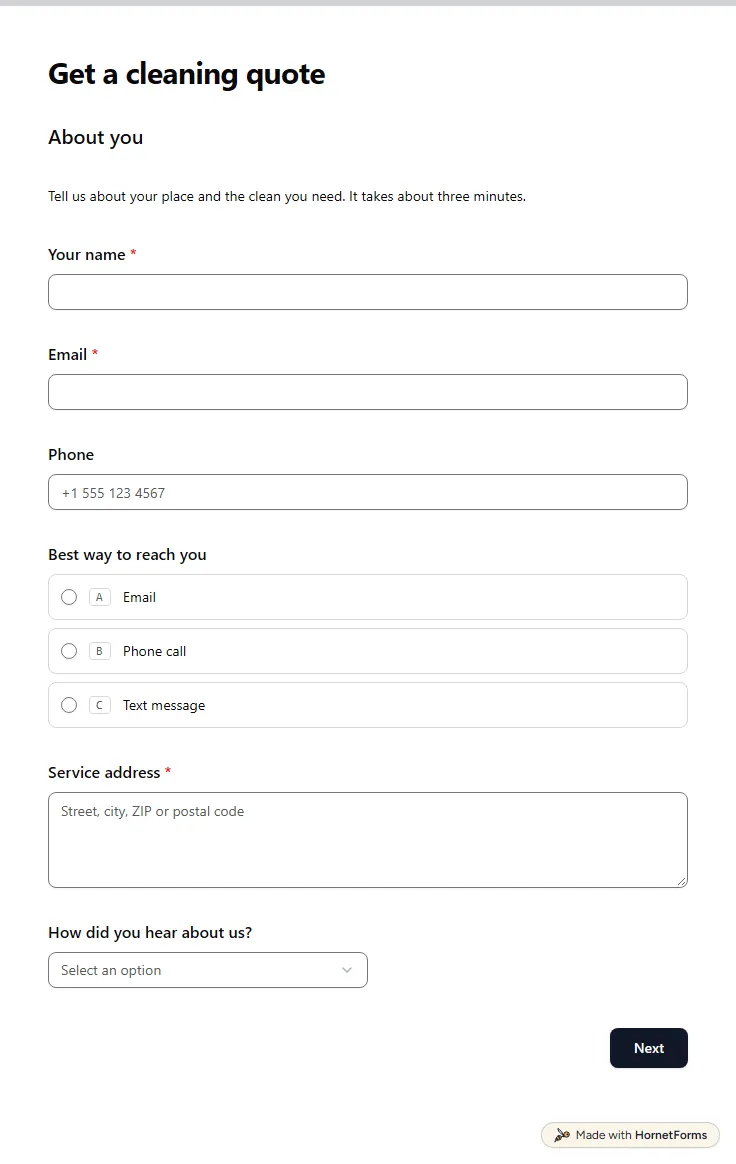
A free cleaning client intake form that asks about size, condition, pets and access, then shows a price range. Quote without a walkthrough.
25 questions on 4 pages
How to ask for a testimonial from a client: when to ask, five questions that get usable quotes, six messages to copy and how to handle permission.
A client onboarding questionnaire grouped by the decision each answer unlocks, with files and account access in one form. Free template and PDF.
Sign up for free, pick a template and change anything you like: questions, logic and design. The Free plan stays free forever, with unlimited responses.