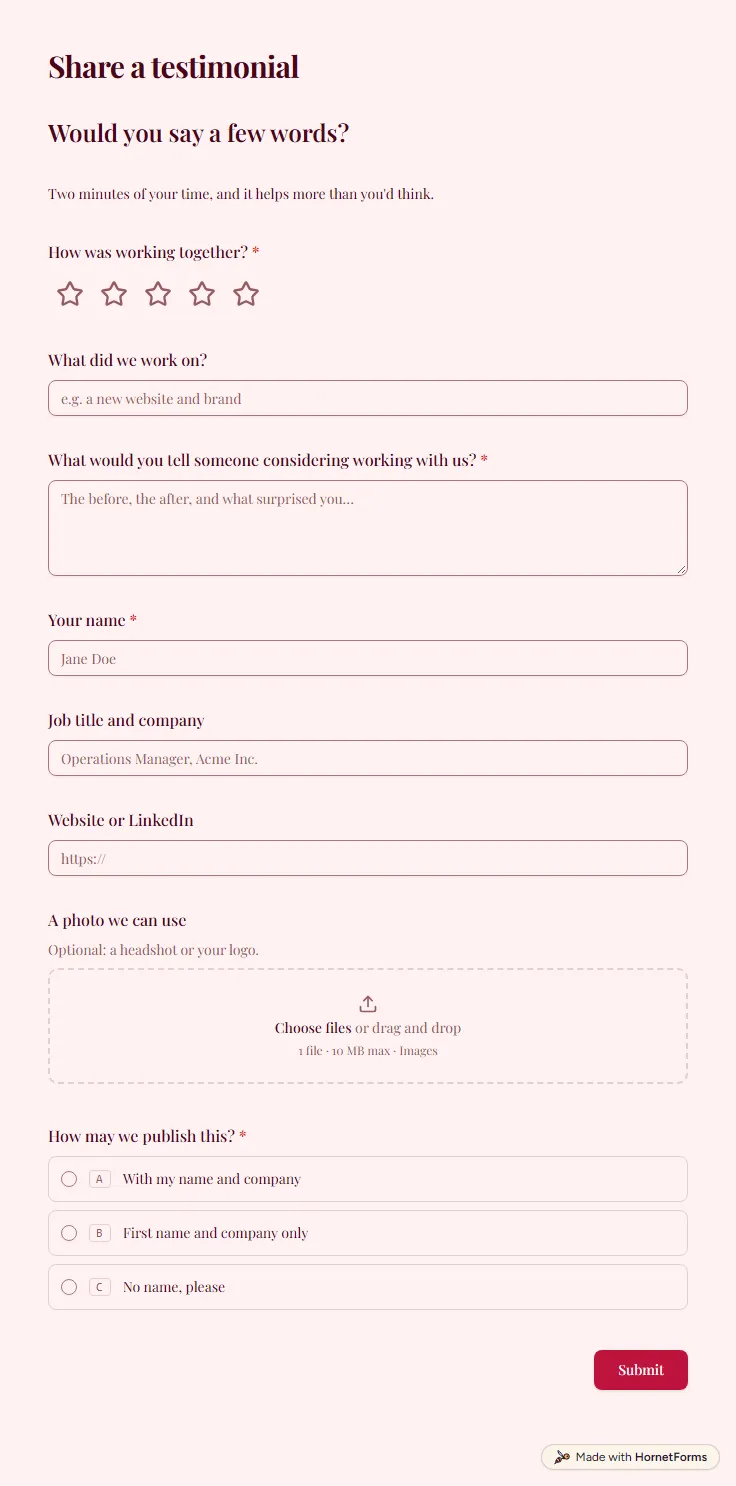
Testimonial request form template (free)
A free testimonial request form: a star rating, a quote in their words, name, job title, a photo and how they're happy for you to publish it.
9 questions on one page
Launch week: 50% off Pro and Business with code LAUNCH50, while spots last. See pricing
Journalists work to deadlines, and a request lost in a shared inbox can cost you the story. This media request form template gives reporters, analysts and podcast hosts one place to reach you. It asks for their name, email and outlet, a link to their work and what they need: an interview or quote, a product briefing, a press kit, a fact check or a podcast or panel guest. Pick the podcast option and a short question asks for the show name and audience size. Then they describe the story and pick their deadline from a date picker, with an optional phone number for anything urgent. Use this media request form template on a press page and every request arrives in the same shape, deadline included.
Free plan, free forever. Sign up and the template opens in your workspace.
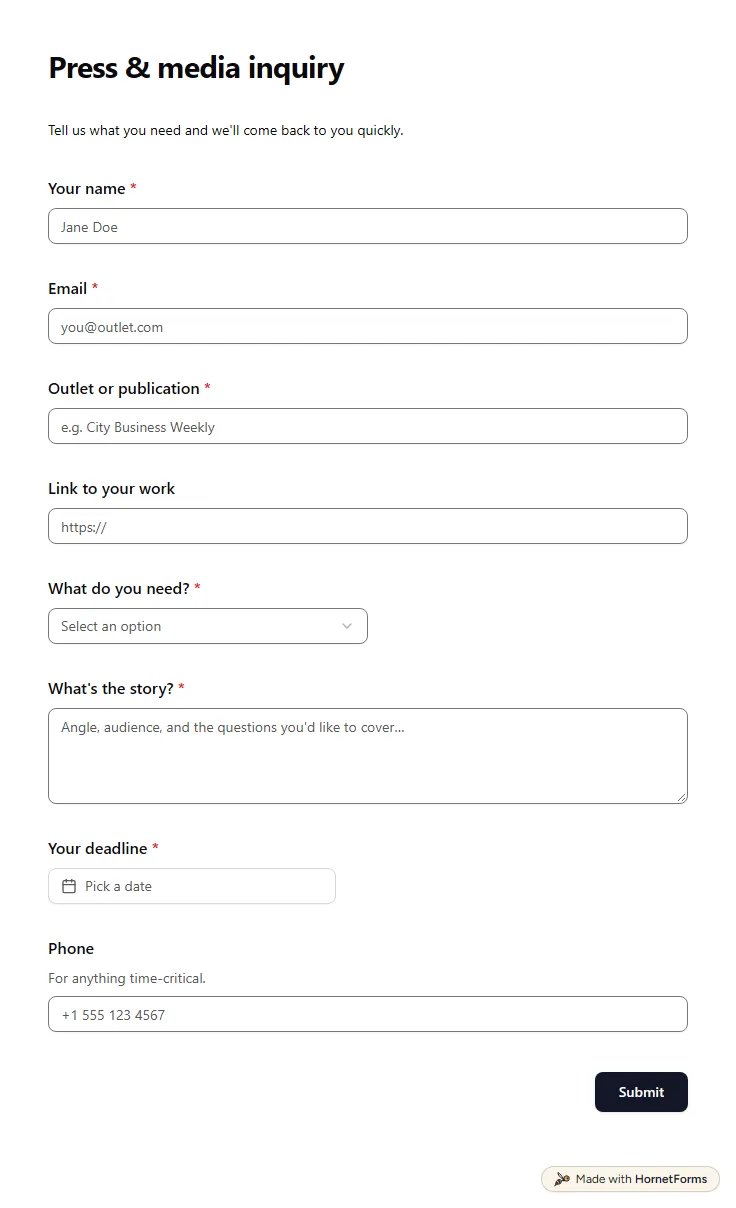
9 questions on one page. Every question, in order:
| No. | Question | Answer type | Required? |
|---|---|---|---|
| 1 | Your nameShort answer, Required | Short answer | Required |
| 2 | EmailEmail, Required | Required | |
| 3 | Outlet or publicationShort answer, Required | Short answer | Required |
| 4 | Link to your workLink, Optional | Link | Optional |
| 5 | What do you need?Dropdown, RequiredChoices: Interview or quote, Product briefing, Press kit and assets, Fact check, Podcast or panel guest, Something else | Dropdown | Required |
| 6 | Show name and audience sizeShort answer, Optional | Short answer | Optional |
| 7 | What's the story?Long answer, Required | Long answer | Required |
| 8 | Your deadlineDate, Required | Date | Required |
| 9 | PhonePhone number, OptionalFor anything time-critical. | Phone number | Optional |
Thanks for getting in touch
Our communications team will reply before your deadline wherever we can.
The same questions, ready to print or edit.
Every response lands in your HornetForms inbox. From there, send it wherever your team already works.
It's a form on your website that journalists, bloggers and podcast hosts use to ask for an interview, a quote, assets or facts. Unlike an email address, it asks for the outlet, the angle and the deadline up front, so you can decide quickly whether and how to respond. It also leaves you a tidy record of every request you received.
Both are correct. Inquiry is the usual American spelling and enquiry is common in British English. Pick the one your readers use for the form title and button. The questions work the same either way, and you can rename the form in the editor.
A press request is any ask from a reporter: an interview, a comment on a story, photos or logos, or a check of facts before publishing. This template covers all of these in one dropdown, plus podcast and panel invitations, which often come from the same people.
A contact form takes any message. This one asks the questions press needs answered first: outlet, request type, story and deadline. Keeping press apart from sales and support also means a reporter's request doesn't sit behind a pile of general questions.
Yes. It works on the Free plan, which is free forever, with unlimited responses within fair use. Sign up, open the template and edit it. If you want a paper copy for a press desk at an event, download it from this page as a PDF for US Letter or A4, or as a Word file.
A free testimonial request form: a star rating, a quote in their words, name, job title, a photo and how they're happy for you to publish it.
9 questions on one page
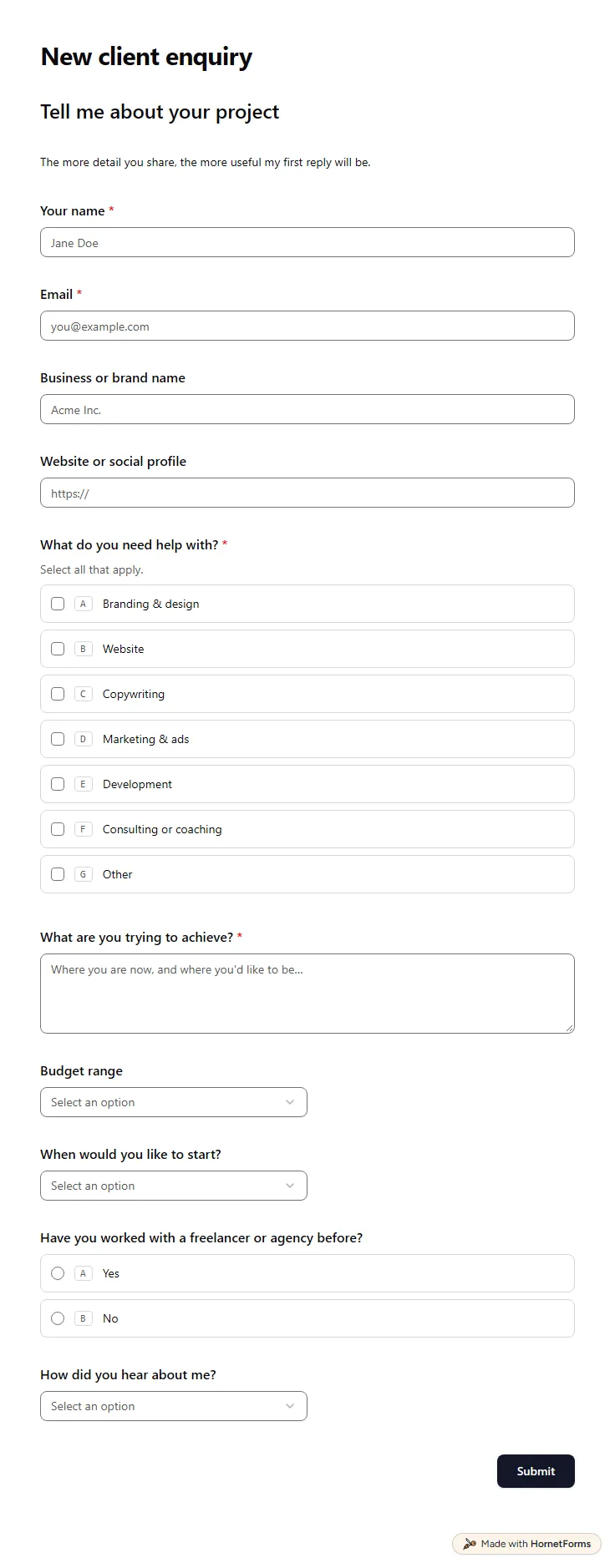
A free client intake form for freelancers and agencies. Ask about scope, budget, timeline and past experience before the first call.
11 questions on one page
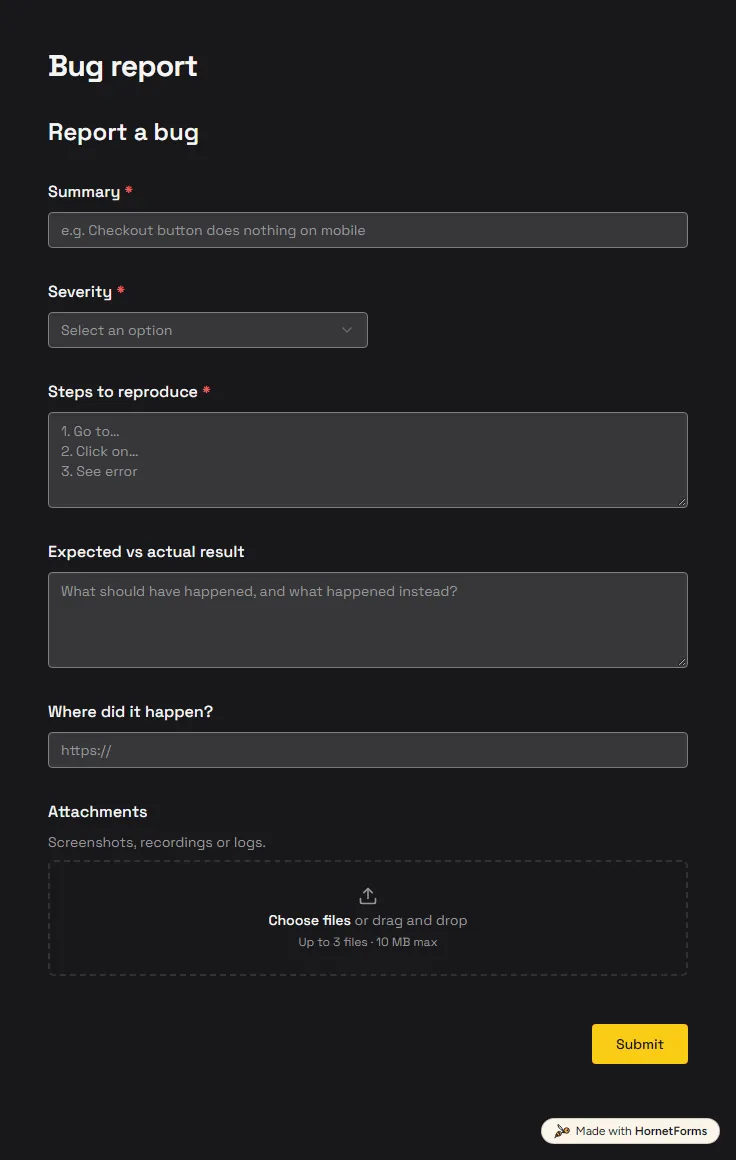
A free bug report form that asks for severity, steps and screenshots, and records the app version and browser from the link.
6 questions on one page
40 discovery call questions grouped by goal, swaps for coaches, VAs and agencies, questions to skip, and a free call script and question bank.
A tour of every HornetForms integration, Google Sheets to signed webhooks, with what each one really sends and how to connect it in a few minutes.
Sign up for free, pick a template and change anything you like: questions, logic and design. The Free plan stays free forever, with unlimited responses.