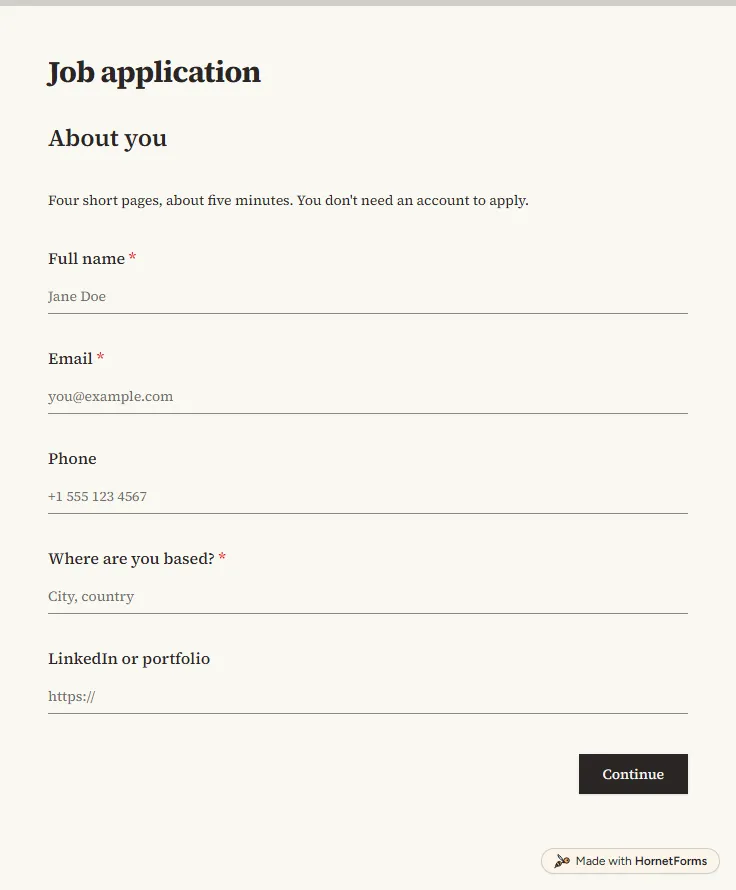
Job application form template with CV upload
A free job application form with CV upload, screening questions and a job board tracker. Candidates apply from any phone, with no account needed.
17 questions on 4 pages
Launch week: 50% off Pro and Business with code LAUNCH50, while spots last. See pricing
When a big project lands, that same week is the worst time to start looking for help. A freelancer application form lets you build a bench of people before you need them. This template asks where each person is based and in which timezone, for a portfolio link and for the work they cover, from brand and UI design to copy, motion and paid ads. It asks about availability, and part-timers get a follow-up about weekly hours. Then they say how they charge: an hourly or a day-rate answer opens the matching rate question. They add the tools they use, one or two work links, an optional CV and whether they can invoice you as a business. Sign up for free, then share the form from your "work with us" page.
Free plan, free forever. Sign up and the template opens in your workspace.
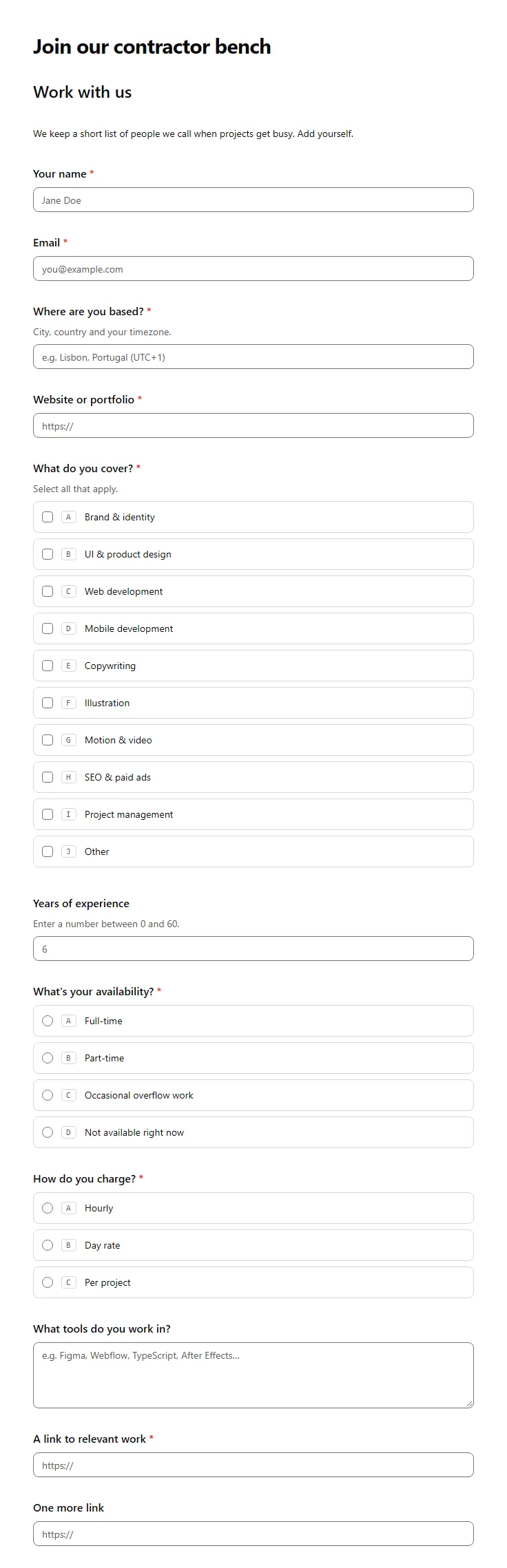
16 questions on one page. Every question, in order:
| No. | Question | Answer type | Required? |
|---|---|---|---|
| 1 | Your nameShort answer, Required | Short answer | Required |
| 2 | EmailEmail, Required | Required | |
| 3 | Where are you based?Short answer, RequiredCity, country and your timezone. | Short answer | Required |
| 4 | Website or portfolioLink, Required | Link | Required |
| 5 | What do you cover?Checkboxes, RequiredSelect all that apply.Choices: Brand & identity, UI & product design, Web development, Mobile development, Copywriting, Illustration, Motion & video, SEO & paid ads, Project management | Checkboxes | Required |
| 6 | Years of experienceNumber, Optional | Number | Optional |
| 7 | What's your availability?Multiple choice, RequiredChoices: Full-time, Part-time, Occasional overflow work, Not available right now | Multiple choice | Required |
| 8 | Roughly how many hours a week?Number, Optional | Number | Optional |
| 9 | How do you charge?Multiple choice, RequiredChoices: Hourly, Day rate, Per project | Multiple choice | Required |
| 10 | Your hourly rate (USD)Number, Optional | Number | Optional |
| 11 | Your day rate (USD)Number, Optional | Number | Optional |
| 12 | What tools do you work in?Long answer, Optional | Long answer | Optional |
| 13 | A link to relevant workLink, Required | Link | Required |
| 14 | One more linkLink, Optional | Link | Optional |
| 15 | CV or portfolioFile upload, OptionalOptional if your portfolio link covers it. | File upload | Optional |
| 16 | Can you invoice as a business?Multiple choice, RequiredChoices: Yes, No, but I can register, No, I'd need to be paid as an individual | Multiple choice | Required |
Thanks for putting your name in!
We'll keep your details on file and get in touch when a project needs your skills.
The same questions, ready to print or edit.
Every response lands in your HornetForms inbox. From there, send it wherever your team already works.
Ask for contact details, location and timezone, a portfolio, the skills they offer, years of experience, availability, how they charge and their rate, the tools they use, links to relevant work and how they expect to be paid. This template covers that in 16 questions, and the follow-ups appear only when they apply.
Yes. You can use this template on the Free plan at no cost. If "subcontractor" or "independent contractor" fits your world better, rename the title and labels in the editor. People apply through your link and never need an account.
Yes. This page has a PDF sized for US Letter, one sized for A4 and an editable Word file. Paper is handy at a meetup or a portfolio review; the online form picks the right rate question for each person on its own.
Let them pick. Some people quote by the hour, others by the day, and a forced choice gives you rates you can't trust. The template asks how each person charges first and then shows only the hourly or the day-rate question. Per-project freelancers can quote once they see a brief.
Start with people you have already worked with and ask them for names. Then share your application link in the communities, newsletters and job boards your field reads, and keep it on your own site. Because everyone answers the same questions, you can compare people side by side.
A free job application form with CV upload, screening questions and a job board tracker. Candidates apply from any phone, with no account needed.
17 questions on 4 pages
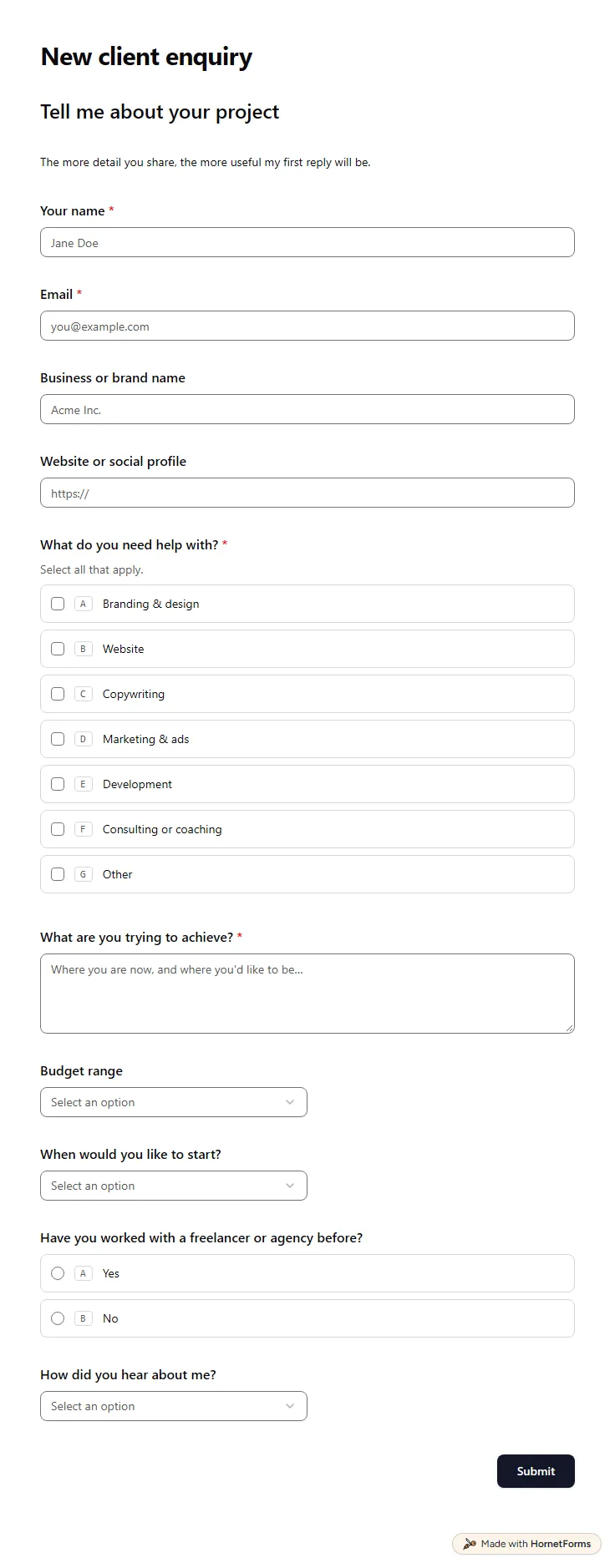
A free client intake form for freelancers and agencies. Ask about scope, budget, timeline and past experience before the first call.
11 questions on one page
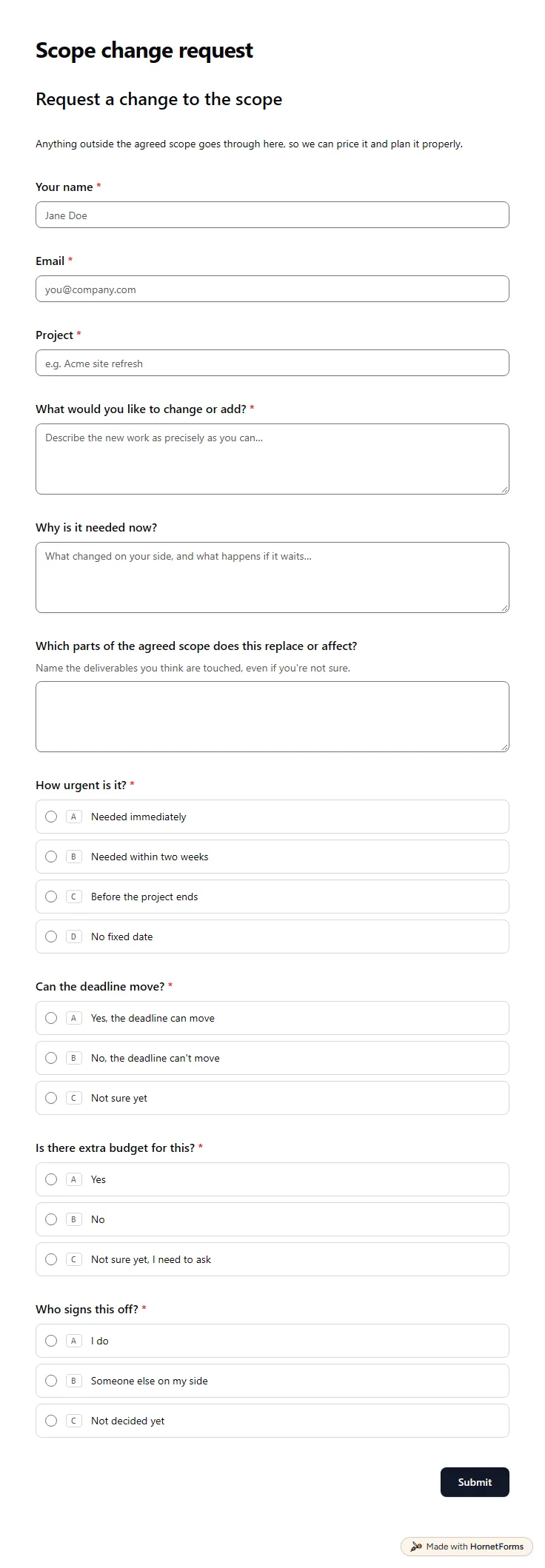
A free change request form template for agencies: what changes, why now, urgency, deadline, budget and who signs off on the client side.
13 questions on one page
Six proposal follow-up email templates with subject lines, a timing table for each one, and a free pipeline tracker that works out your follow-up dates.
Sign up for free, pick a template and change anything you like: questions, logic and design. The Free plan stays free forever, with unlimited responses.