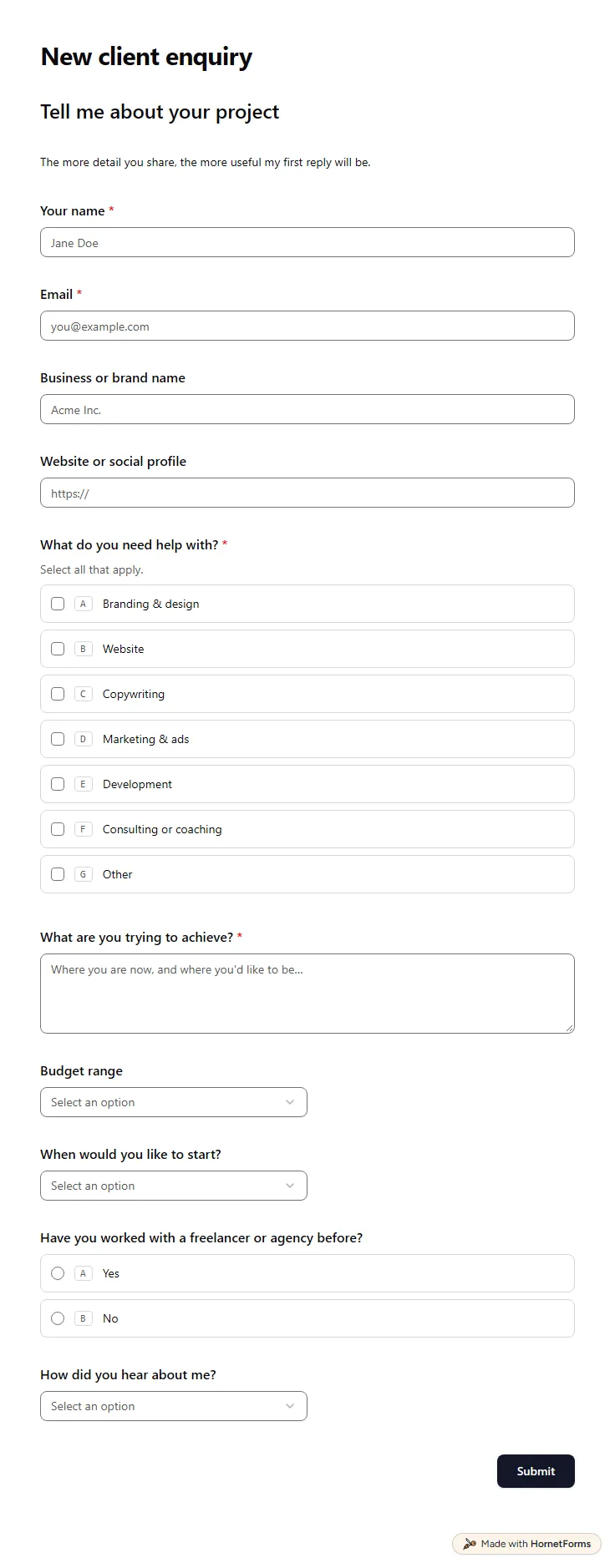
Client intake form template (free)
A free client intake form for freelancers and agencies. Ask about scope, budget, timeline and past experience before the first call.
11 questions on one page
Launch week: 50% off Pro and Business with code LAUNCH50, while spots last. See pricing
A client asks for "one small thing" on a call, and three weeks later nobody remembers what was agreed. This change request form template puts every request in writing before you touch it. The client describes the new work, why it matters now and which agreed deliverables it affects. Then they pick how urgent it is, whether the deadline can move and whether there is budget for it. If the date is fixed, a follow-up asks what could be dropped to make room. When a colleague holds the sign-off, two extra questions collect their name, role and email. Sign up for free, copy the template into your account and add its link to your kickoff email, so clients know where requests go.
Free plan, free forever. Sign up and the template opens in your workspace.
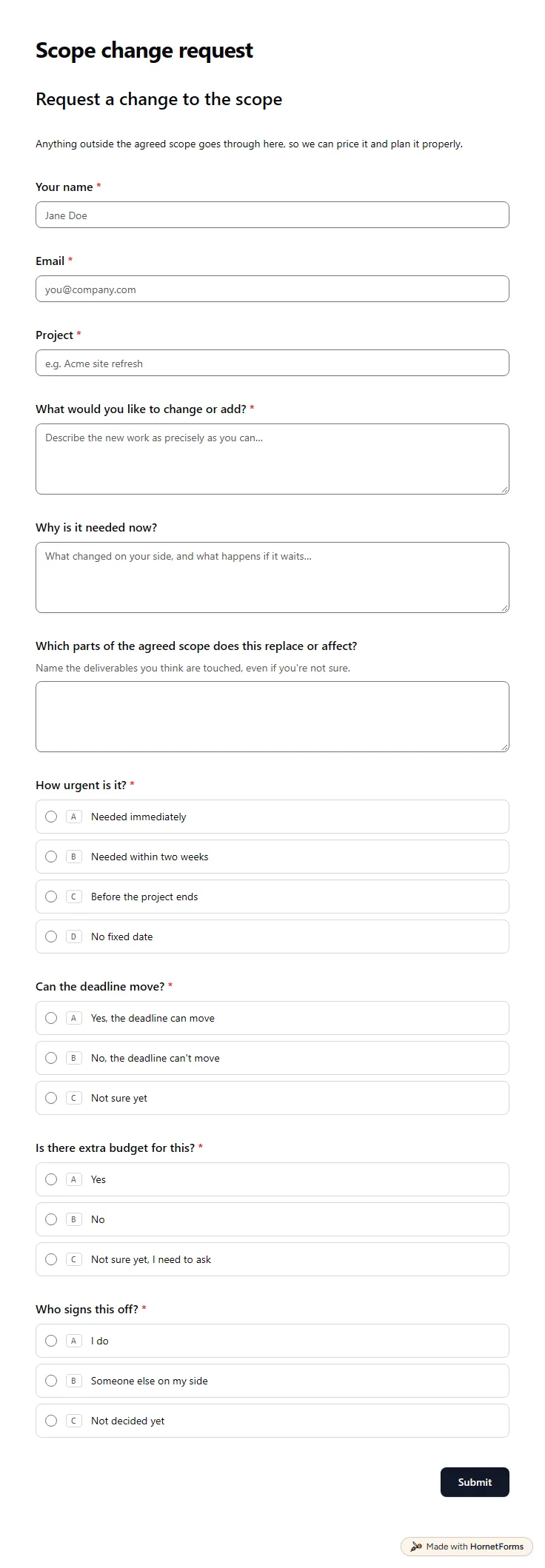
13 questions on one page. Every question, in order:
| No. | Question | Answer type | Required? |
|---|---|---|---|
| 1 | Your nameShort answer, Required | Short answer | Required |
| 2 | EmailEmail, Required | Required | |
| 3 | ProjectShort answer, Required | Short answer | Required |
| 4 | What would you like to change or add?Long answer, Required | Long answer | Required |
| 5 | Why is it needed now?Long answer, Optional | Long answer | Optional |
| 6 | Which parts of the agreed scope does this replace or affect?Long answer, OptionalName the deliverables you think are touched, even if you're not sure. | Long answer | Optional |
| 7 | How urgent is it?Multiple choice, RequiredChoices: Needed immediately, Needed within two weeks, Before the project ends, No fixed date | Multiple choice | Required |
| 8 | Can the deadline move?Multiple choice, RequiredChoices: Yes, the deadline can move, No, the deadline can't move, Not sure yet | Multiple choice | Required |
| 9 | What could be dropped to fit this in?Long answer, OptionalIf the date is fixed, something else has to give. What would you choose? | Long answer | Optional |
| 10 | Is there extra budget for this?Multiple choice, RequiredChoices: Yes, No, Not sure yet, I need to ask | Multiple choice | Required |
| 11 | Who signs this off?Multiple choice, RequiredChoices: I do, Someone else on my side, Not decided yet | Multiple choice | Required |
| 12 | Their name and roleShort answer, Optional | Short answer | Optional |
| 13 | Their emailEmail, Optional | Optional |
Request received
We'll come back with the cost and the effect on the timeline before starting anything.
The same questions, ready to print or edit.
Every response lands in your HornetForms inbox. From there, send it wherever your team already works.
It is a written record of a request to change a project's agreed scope after work has started. It captures what should change, why, how urgent it is and what it affects, so both sides can weigh the time and cost before anyone starts the new work.
At a minimum: who is asking, which project, what should change and why now, which deliverables it touches, how urgent it is, whether the deadline and budget can flex, and who on the client side signs off. This template asks all of that in 13 questions on one page.
Usually the person who signed the original agreement or who holds the budget on the client side. The template asks whether the person filling it in signs off or someone else does, and collects the other person's details: name, role and email. The yes or no then happens between you and them.
Yes. Download a printable PDF for US Letter or A4, or a Word file you can edit, from this page. The online version also shows the follow-up questions only when they apply, which a paper form can't do.
Here is a short example. A client asks to add a members-only area to the website within two weeks. The deadline can't move, so they offer to drop the blog page. They have no extra budget for now and name their operations lead as the person who signs off. One request tells you the new scope, the trade-off and who gets the revised quote.
A free client intake form for freelancers and agencies. Ask about scope, budget, timeline and past experience before the first call.
11 questions on one page
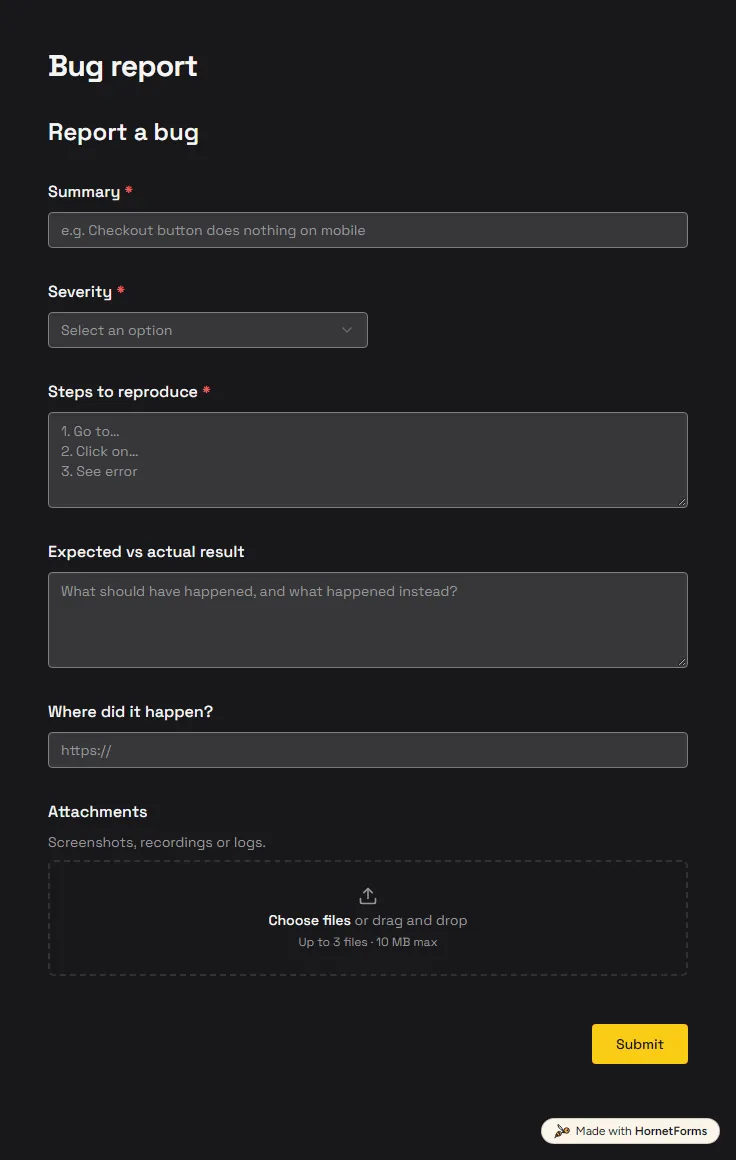
A free bug report form that asks for severity, steps and screenshots, and records the app version and browser from the link.
6 questions on one page
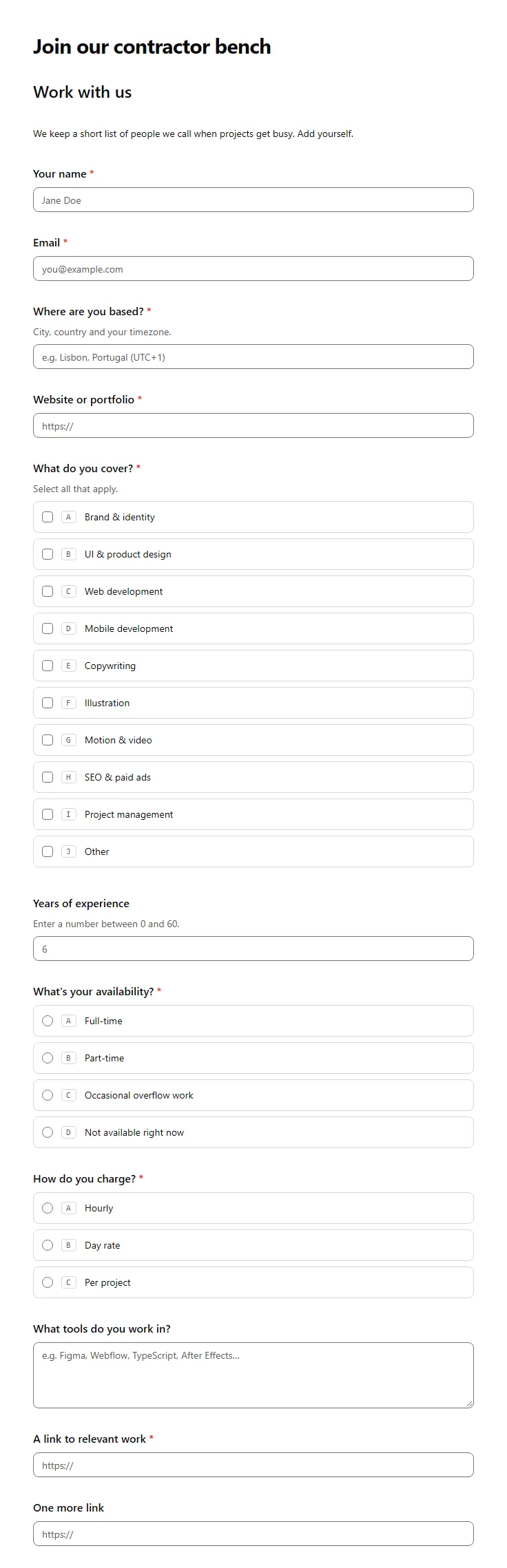
A free freelancer application form for agencies: skills, location, availability, hourly or day rate, tools, work samples and an optional CV.
16 questions on one page
A simple project change request process for agencies and freelancers: five steps, what to ask, how to price a change, and a free change log sheet.
Sign up for free, pick a template and change anything you like: questions, logic and design. The Free plan stays free forever, with unlimited responses.