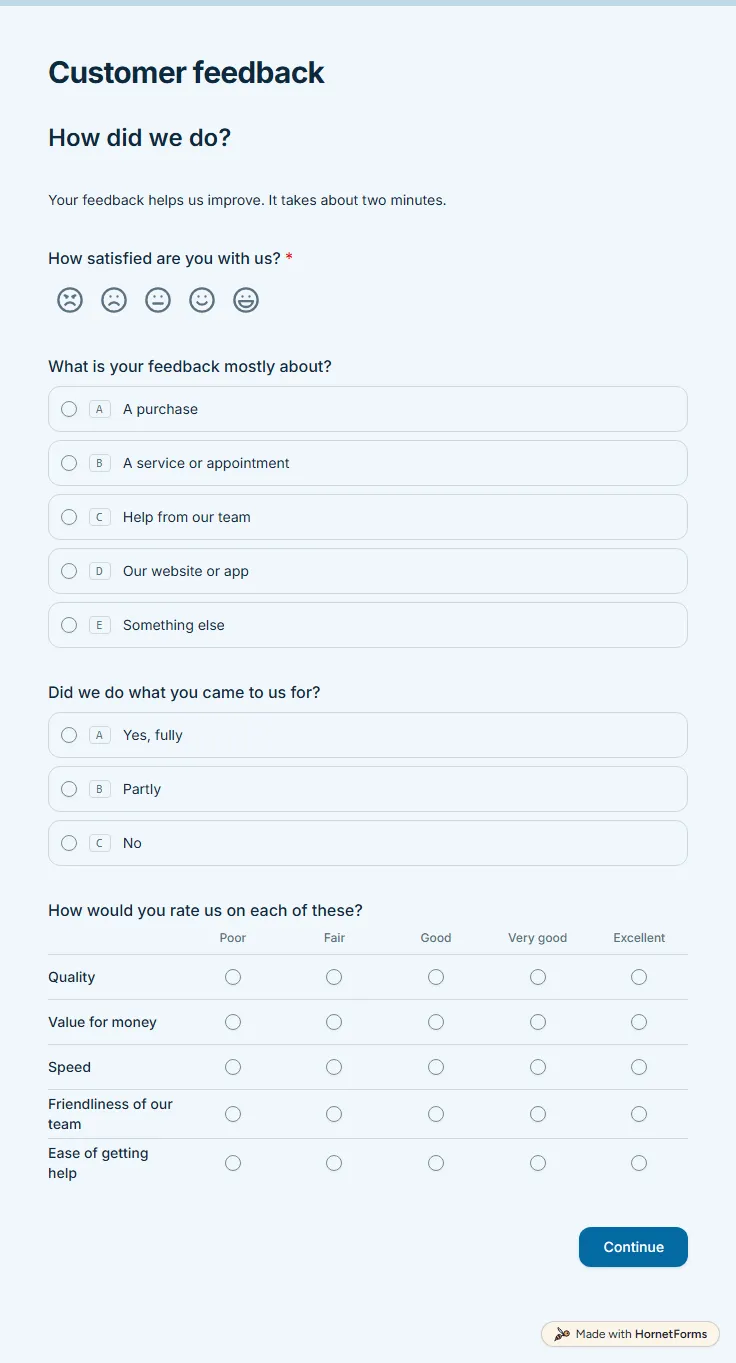
Customer satisfaction survey template (free)
A free customer satisfaction survey with a five-face CSAT question, a quality grid and a 0 to 10 recommend score. Low scores get a follow-up box.
11 questions on 2 pages
Launch week: 50% off Pro and Business with code LAUNCH50, while spots last. See pricing
A course evaluation form template gives every student the same questions, so you can compare one term with the next. This one starts with the course and instructor names and an overall rating out of five. Students then say how far they agree that the instructor explained concepts clearly, on a scale labelled Strongly disagree to Strongly agree. A grid covers clear goals, helpful materials, assignments that match the teaching, a manageable workload and getting help when needed, and one question asks about the pace. Page two asks how many hours a week went into the course outside class, what helped most and what to change. If a student would not recommend the course, or only maybe, a follow-up asks what would make it worth recommending. The form never asks for the student's name. Sign up for free and open the template before your last session.
Free plan, free forever. Sign up and the template opens in your workspace.
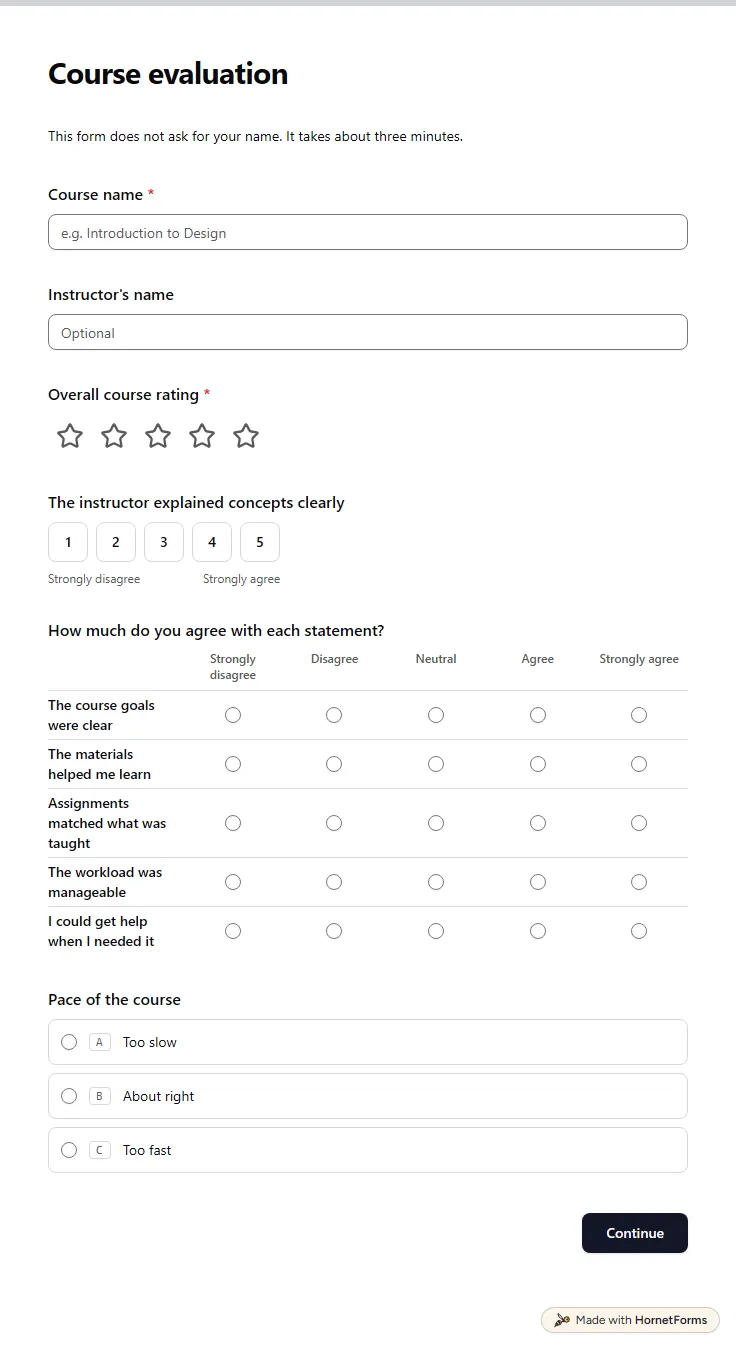
11 questions on 2 pages. Every question, in order:
Why we ask: So we can see which parts of the course worked and which need attention.
| No. | Question | Answer type | Required? |
|---|---|---|---|
| 1 | Course nameShort answer, Required | Short answer | Required |
| 2 | Instructor's nameShort answer, Optional | Short answer | Optional |
| 3 | Overall course ratingRating, RequiredScale of 1 to 5 | Rating | Required |
| 4 | The instructor explained concepts clearlyLinear scale, OptionalScale of 1 to 5 (Strongly disagree to Strongly agree) | Linear scale | Optional |
| 5 | How much do you agree with each statement?Matrix, OptionalChoices: Strongly disagree, Disagree, Neutral, Agree, Strongly agreeRows: The course goals were clear, The materials helped me learn, Assignments matched what was taught, The workload was manageable, I could get help when I needed it | Matrix | Optional |
| 6 | Pace of the courseMultiple choice, OptionalChoices: Too slow, About right, Too fast | Multiple choice | Optional |
Why we ask: To plan the next run of the course around what helps students most.
| No. | Question | Answer type | Required? |
|---|---|---|---|
| 7 | Hours a week spent on the course outside classDropdown, OptionalChoices: Under 2, 2 to 4, 5 to 7, 8 or more | Dropdown | Optional |
| 8 | What helped you learn the most?Long answer, Optional | Long answer | Optional |
| 9 | What would you change?Long answer, Optional | Long answer | Optional |
| 10 | Would you recommend this course to another student?Multiple choice, OptionalChoices: Yes, Maybe, No | Multiple choice | Optional |
| 11 | What would make it worth recommending?Long answer, Optional | Long answer | Optional |
Thanks for your feedback!
It helps us improve the course for future students.
The same questions, ready to print or edit.
Every response lands in your HornetForms inbox. From there, send it wherever your team already works.
An overall rating, a few agree or disagree statements on goals, materials, assignments, workload and support, a question on pace and two open questions: what helped and what to change. The open answers usually tell you how to act on the ratings.
Yes. Rename Course name to Training session, swap Instructor for Trainer and change "another student" to "a colleague" in the recommend question. Then drop the hours outside class question unless the training came with homework.
Yes. Download a printable PDF in US Letter or A4, or a Word file you can edit for your school or company. The printout has a "Completed by" line at the top, which you can delete in the Word file. Paper suits rooms without phones, and you can type the answers into the online form afterwards.
Keep the overall rating, the clarity scale and the open questions. Cut the grid to goals, materials and getting help, and remove the hours question. A single-day workshop needs about six questions, which takes a couple of minutes.
Look for patterns rather than single comments. Start with the grid rows where Disagree and Strongly disagree add up to the largest share, then read the "What would you change?" answers for those topics. Compare the same rows with last term before you change anything.
A free customer satisfaction survey with a five-face CSAT question, a quality grid and a 0 to 10 recommend score. Low scores get a follow-up box.
11 questions on 2 pages
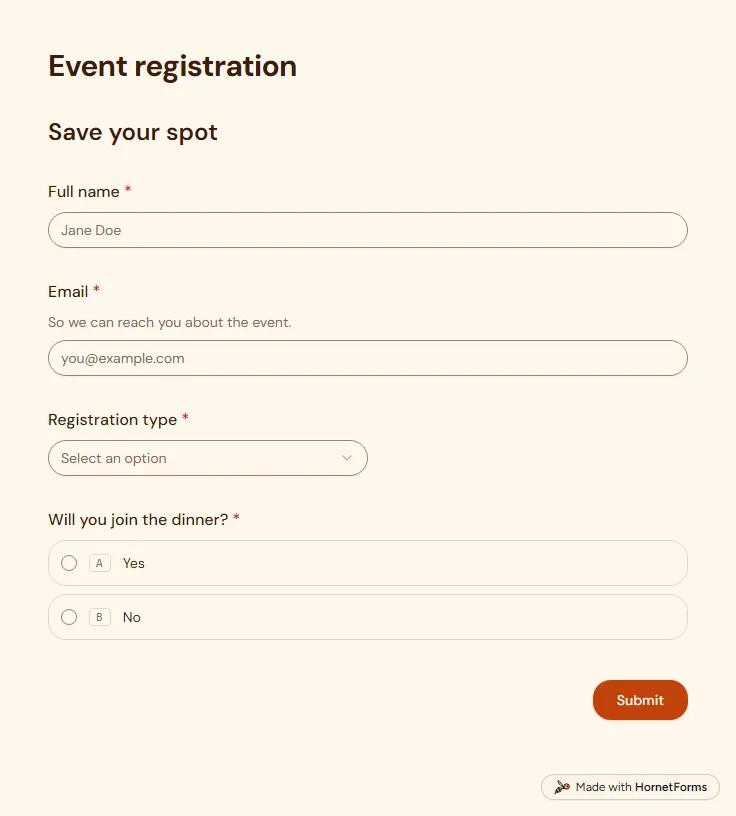
A free event registration form that collects names, emails, ticket type and dinner choices, with dietary needs asked only when they apply.
5 questions on one page
How to build a Likert scale survey: five or seven points, label sets to copy, and a free calculator for the mean, top-two box and spread of your answers.
A field guide to all 20+ HornetForms question types, grouped by job, with the settings that matter and the traps that quietly cost you responses.
70 feedback form questions for training, workshops, events, talks, courses, services and websites, with the rating scales to use and a free question bank.
60 parent survey questions by goal, for teachers, schools, summer camps, after-school programs, daycares and preschools, plus a free question bank.
Sign up for free, pick a template and change anything you like: questions, logic and design. The Free plan stays free forever, with unlimited responses.