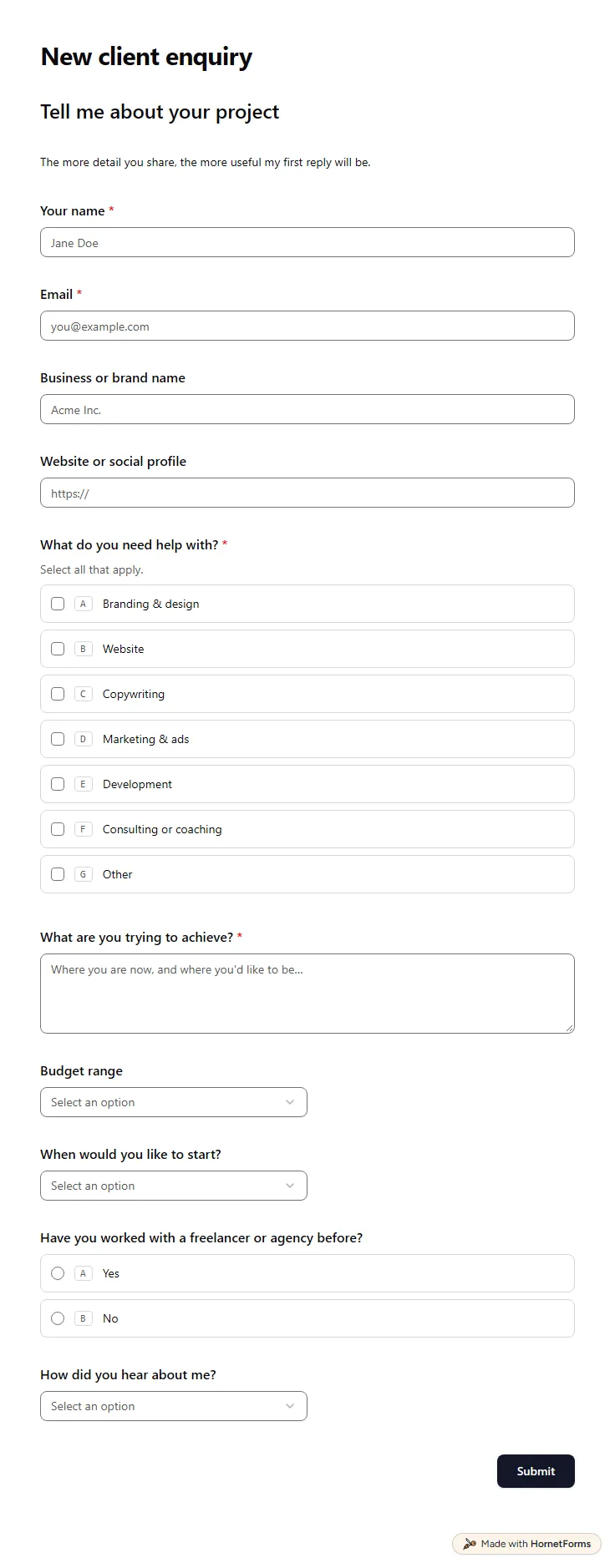
Client intake form template (free)
A free client intake form for freelancers and agencies. Ask about scope, budget, timeline and past experience before the first call.
11 questions on one page
Launch week: 50% off Pro and Business with code LAUNCH50, while spots last. See pricing
Requests for marketing work tend to arrive as "can you make something for the launch?" with no deadline and no files. This creative request form template asks for the details up front. The requester picks what they need, from a blog post or landing page to a video script or ad creative, and gives it a working title. Then they say what it should achieve, who it's for, where it will run and when they need it. A priority question separates nice-to-have work from a campaign that depends on it. Ad requests get one extra question about platform and sizes. Brand assets, screenshots and links arrive in the same response. Sign up for free, open the template and rename the choices to match what your team really makes.
Free plan, free forever. Sign up and the template opens in your workspace.
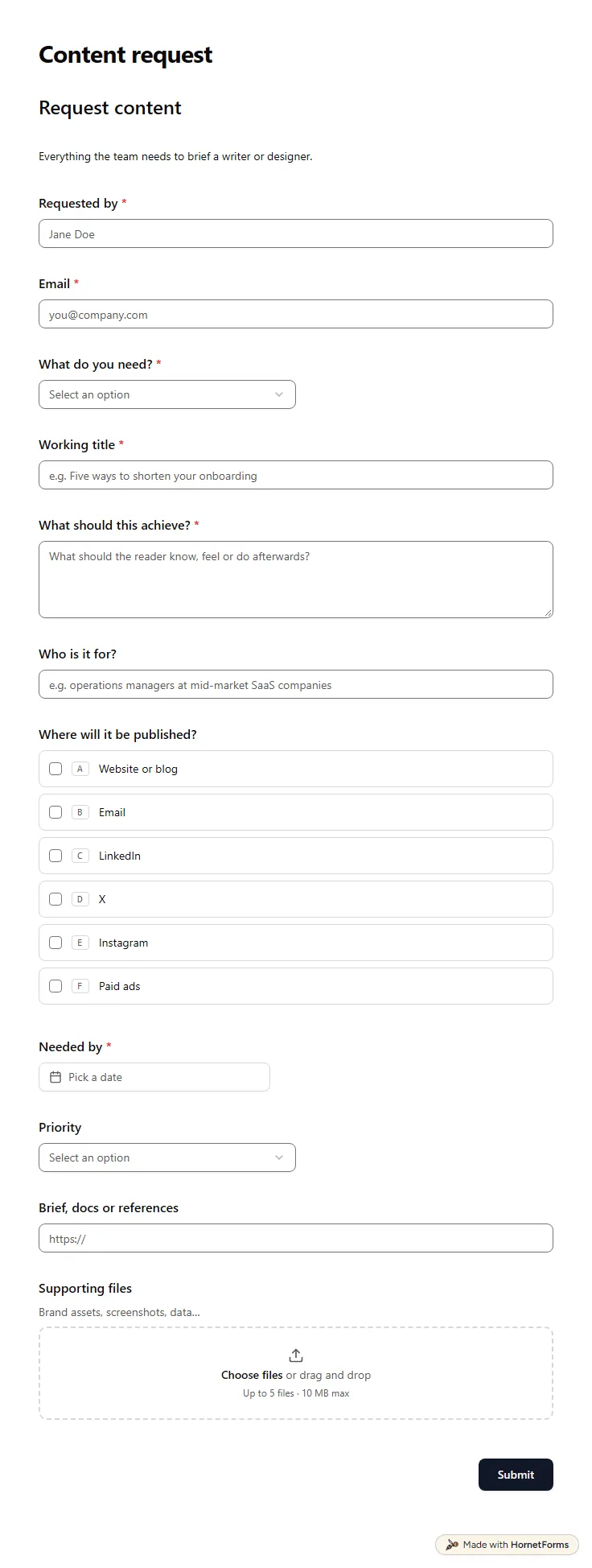
12 questions on one page. Every question, in order:
| No. | Question | Answer type | Required? |
|---|---|---|---|
| 1 | Requested byShort answer, Required | Short answer | Required |
| 2 | EmailEmail, Required | Required | |
| 3 | What do you need?Dropdown, RequiredChoices: Blog post, Landing page, Email, Social post, Case study, Video script, Ad creative | Dropdown | Required |
| 4 | Working titleShort answer, Required | Short answer | Required |
| 5 | Ad platform and sizesShort answer, Optional | Short answer | Optional |
| 6 | What should this achieve?Long answer, Required | Long answer | Required |
| 7 | Who is it for?Short answer, Optional | Short answer | Optional |
| 8 | Where will it be published?Checkboxes, OptionalChoices: Website or blog, Email, LinkedIn, X, Instagram, Paid ads | Checkboxes | Optional |
| 9 | Needed byDate, Required | Date | Required |
| 10 | PriorityDropdown, OptionalChoices: Nice to have, Normal, Urgent: a campaign depends on it | Dropdown | Optional |
| 11 | Brief, docs or referencesLink, Optional | Link | Optional |
| 12 | Supporting filesFile upload, OptionalBrand assets, screenshots, data… | File upload | Optional |
Request logged!
The marketing team will confirm a delivery date shortly.
The same questions, ready to print or edit.
Every response lands in your HornetForms inbox. From there, send it wherever your team already works.
A request form is what someone sends to ask for work: what they need, why and by when. A creative brief is what the team writes once it takes the job on, with the message, tone and must-haves. Many teams start the brief from the request, so a clear form saves time twice.
Yes. Rename the choices in "What do you need?" to design work, such as social graphics, print, slides or banners, and keep the upload for logos and examples. The ad question already asks for platform and sizes, which designers need before they open a file.
Yes. There is a printable PDF for US Letter and A4 and a Word file you can edit. Most teams use the online form day to day and keep the paper version for planning meetings or for people who like to sketch a request first.
At least the type of work, a working title, the goal, the audience, where it will run, the deadline and any files or links. This template asks for all of them. Add a budget or cost center question if your team charges work back to other departments.
Open the live preview to see this form the way a requester does. Pick Ad creative in the first dropdown and watch the platform and sizes question appear. The question list on this page shows every field, choice and rule in the template.
A free client intake form for freelancers and agencies. Ask about scope, budget, timeline and past experience before the first call.
11 questions on one page
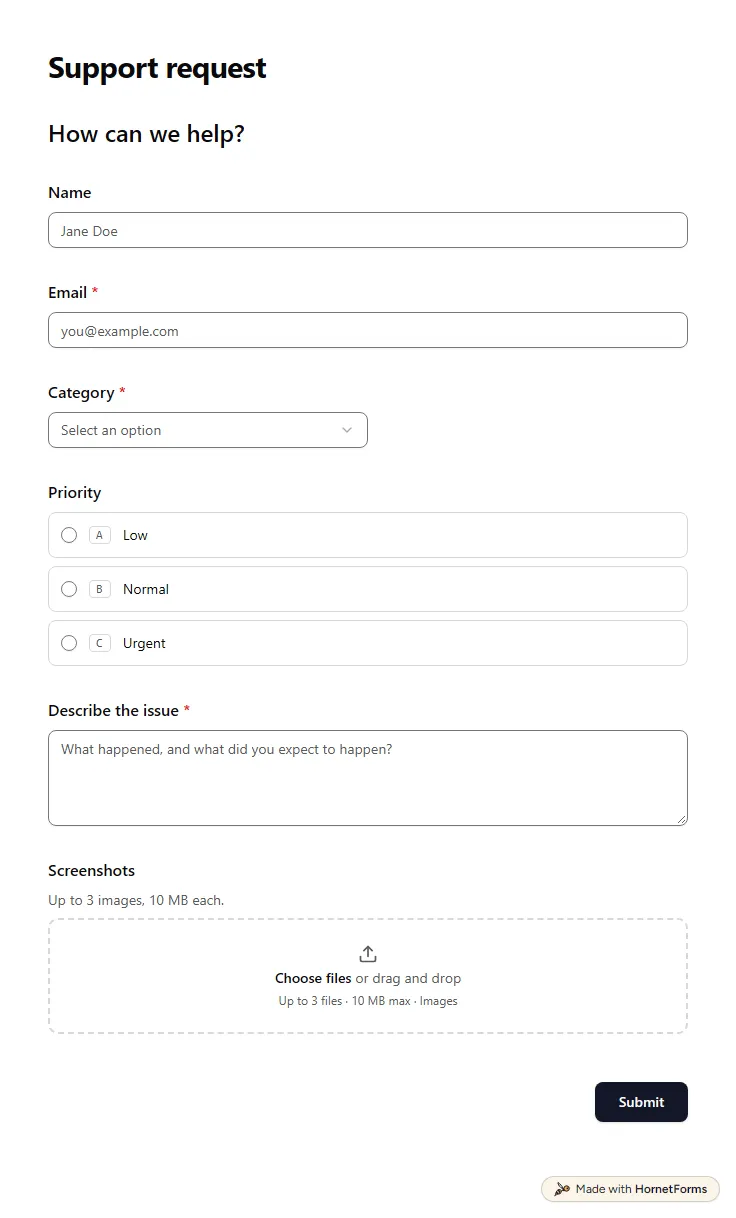
A free IT support request form: category, priority, a callback number for urgent issues, a description and up to three screenshots.
7 questions on one page
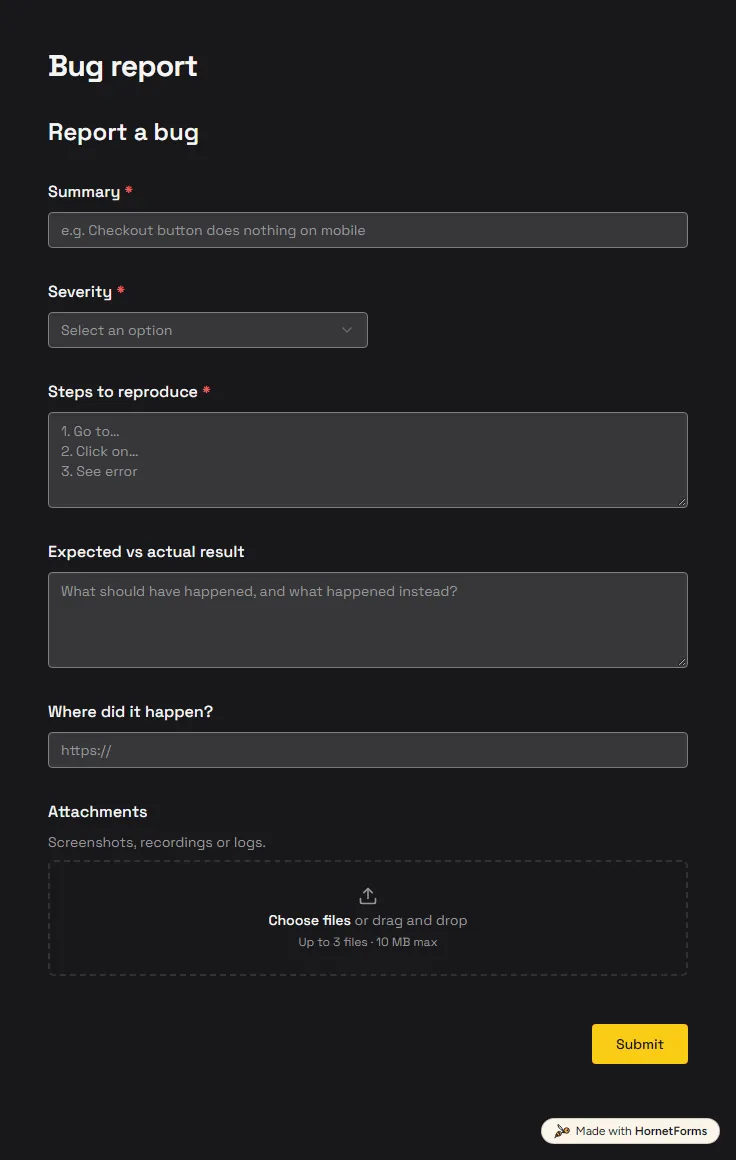
A free bug report form that asks for severity, steps and screenshots, and records the app version and browser from the link.
6 questions on one page
A free creative brief template with the 10 parts every brief needs, a filled-in example, tips for video, social and print, and Word and PDF downloads.
Sign up for free, pick a template and change anything you like: questions, logic and design. The Free plan stays free forever, with unlimited responses.